
Apply Paper Texture to images and videos online
Make custom paper for your designs, down to the fibers. A seamless pattern, generated instead of scanned, and you can animate it with Seed. Free, in the browser.
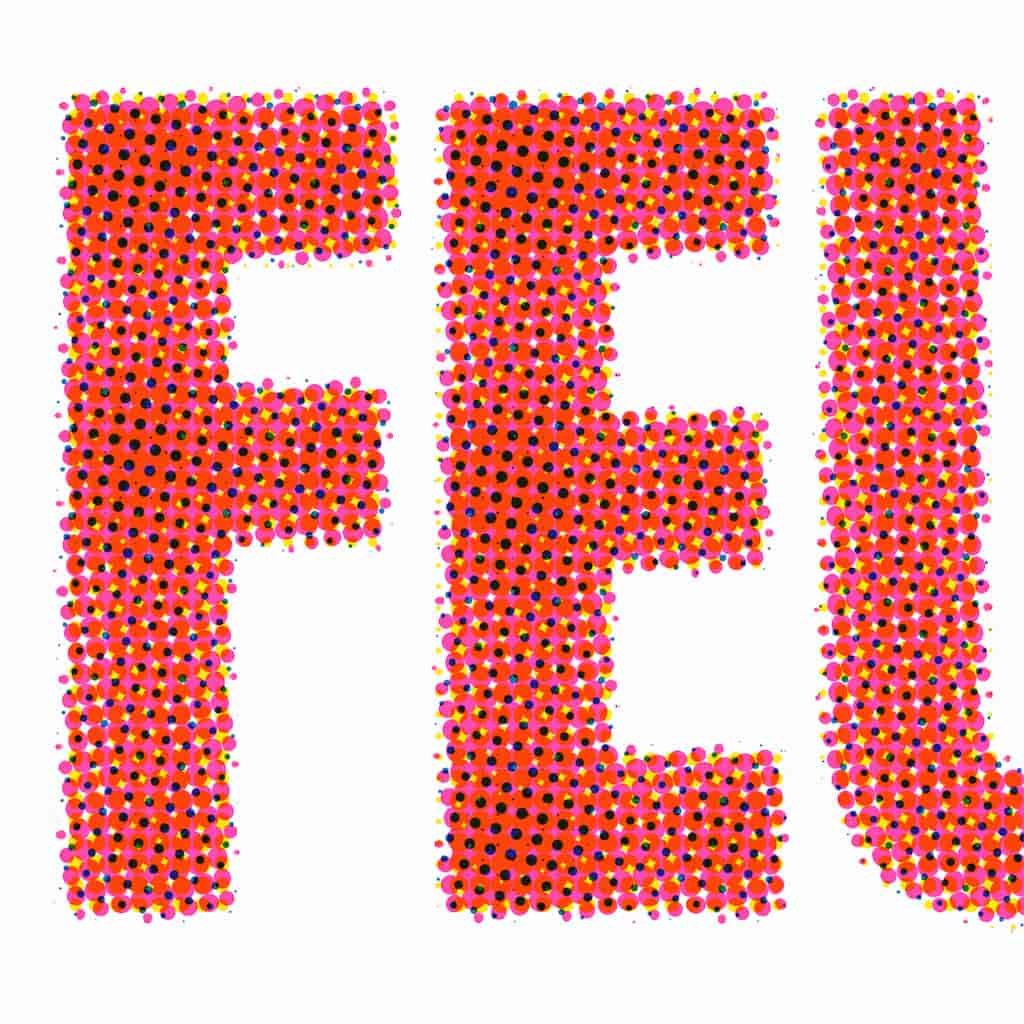 Before
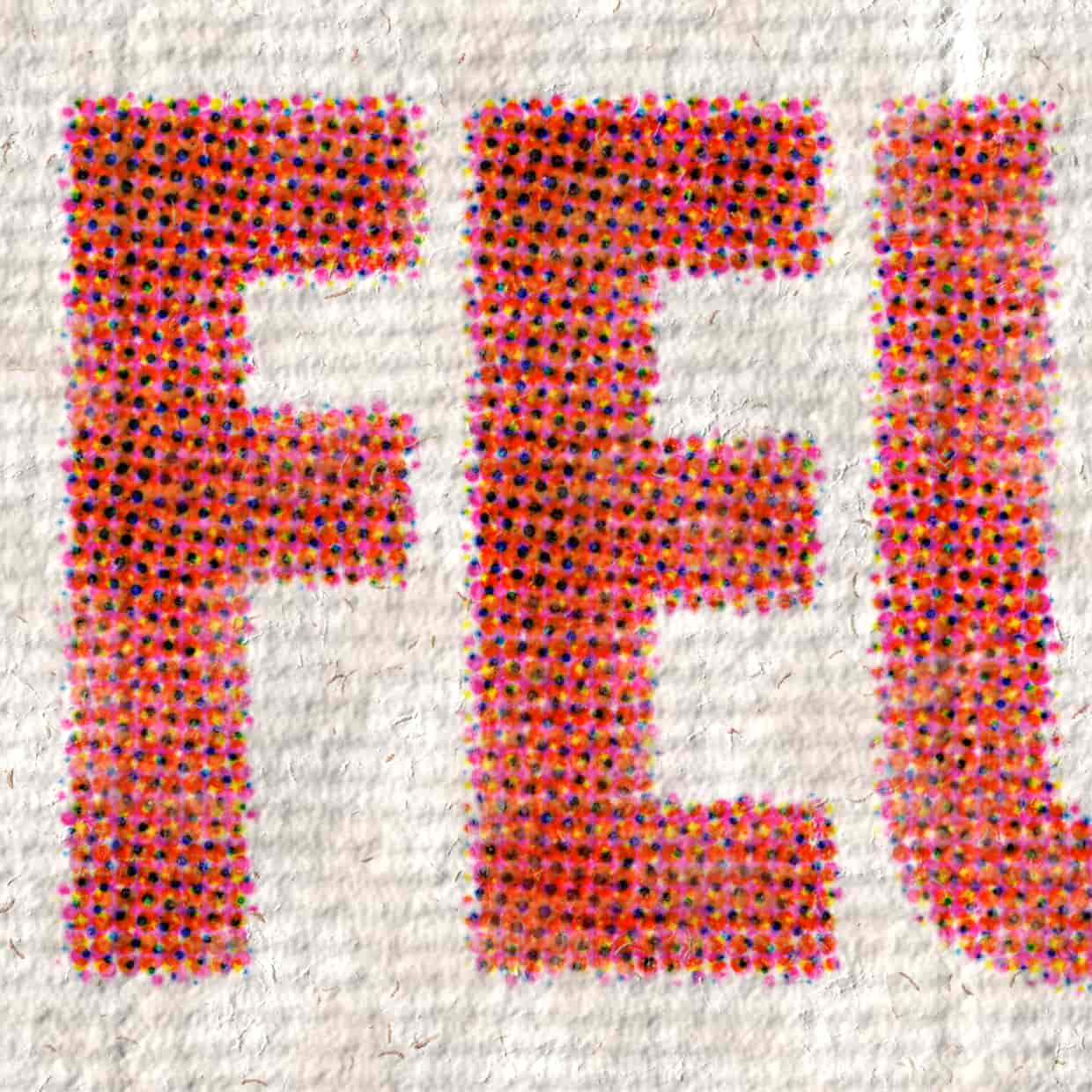 After
Ideas for using the effect
A paper made for the design
Set the fibers, the tooth, and the coating until the texture belongs to the piece. You are not picking from a folder of scans.
Fine detail up close
Short fibers, fiber contrast, and the way the ink sits on the surface stay sharp in a large export. The pattern is procedural, so there is no scan to run out of resolution.
Laid, linen, and drawing paper
Choose a wire mark, laid lines, linen, canvas, or a hammered surface. Felt mark adds the tooth of drawing paper.
A moving texture
Keyframe Seed and the sheet changes over time. The pattern stays seamless while it moves.
Made with this effect
More inspiration on Instagram @effect_app


Take Paper Texture into the tools you already use
Stills, motion or design files: sign in once and your effects and presets come with you.
In Photoshop
Apply it to a layer in Photoshop 2022 and later, on macOS or Windows. The plugin renders on your own GPU and hands the result back as pixels on a new layer.
get the Photoshop plugin →In After Effects
Put it on footage and type in After Effects 2022 and later. Every setting keyframes on your timeline, and a look you saved in the browser applies there as it is.
get the After Effects plugin →In Figma
Run it on images and frames without leaving the canvas. The Figma plugin is this same editor, pointed at whatever you have selected.
get the Figma plugin →On desktop
Install the macOS or Windows app when you want a window of its own, with your account and your presets already there.
download the desktop app →Frequently Asked Questions
What is the Paper Texture effect?
Paper Texture generates a sheet of paper and prints your picture on it. You shape the fibers, the surface, and the ink, so the texture fits the design. It is a seamless procedural pattern, which means you don't need a high-resolution scan.
How do I make a different sheet?
Paper color sets the color of the paper. Sheet size is the short side in millimetres, from a postcard to larger than A4, and Grain direction turns the fibers. Seed makes a new sheet from the same settings. Keyframe Seed and the pattern animates.
What can I change about the fibers?
Fiber length, Bundle width, Width range, and Thin share set the mix of thick and thin. Curl bends them. Short fibers add the fine grain between the long ones, and Fiber contrast makes each fiber lighter or darker. Density is how many fibers stack, and Spread runs from all along the grain to any direction.
What are Unevenness and Mottling?
Unevenness and Cloud size gather the fibers into patches. Mottling shows those patches as lighter and darker tone, which is what you still see from far away.
What do Fiber relief and Softness do?
Fiber relief sets how high the fibers stand. Softness is how far light travels inside the sheet, which rounds every fiber. Less softness keeps the fibers crisp. More softness makes them look softer and more absorbent.
What are colored fibers?
They are fibers of another color in the sheet. Amount is how many lie in a square centimetre. Length runs from specks to whole hairs. Color and Color variety set their hue.
Which patterns can I use?
Wire mark, Laid, Linen, Canvas, and Hammered, each with Pattern size and Pattern depth. Felt mark and Felt size add the tooth of drawing paper. Waves add the ripple a sheet gets as it dries.
What do Coating and Smoothing do?
Coating fills the hollows between the fibers, then covers them, and the ink stays on top. Smoothing presses flat whatever stands high. A little Smoothing looks like printer paper. More looks like a hot-pressed sheet, and the top of the range looks glazed.
How does the ink sit on the paper?
Ink sets how much of the picture is printed. At 0 the sheet is blank. Raise Ink texture and the ink sits on the tops of the fibers, missing the hollows. Lower it and the ink settles into the hollows. Feathering creeps along the fibers, Edge ripple shifts the print where it crosses a lump, and Print mottle makes the ink take unevenly.
How does the light work?
Light angle and Light height set where the light comes from. A low light rakes the sheet and shows the relief. Shading sets how strongly that relief shows. Sheen is the glare on the paper, and Ink sheen is the same glare on the printed ink.
Does Paper Texture work on videos?
Yes. It runs in real time on photos and video. The pattern is seamless at any size, and keyframing Seed animates it.
Can I combine Paper Texture with other effects?
Yes. It pairs with Halftone or Risograph for a printed piece, Ink Bleed for more spread, and Paper Cutout for a torn edge.
Is there a paper texture filter for Photoshop?
Yes. The Photoshop plugin applies Paper Texture to a layer in Photoshop 2024 and later, with the same controls as in the browser. You build the paper there, fiber by fiber, instead of placing a scan.