
Apply Star Glow to images and videos online
Add a starry glow with starburst highlights, cross-screen streaks, and adjustable light rays. Create stylized light streaks to photos and videos online to achieve a dreamy aesthetic.
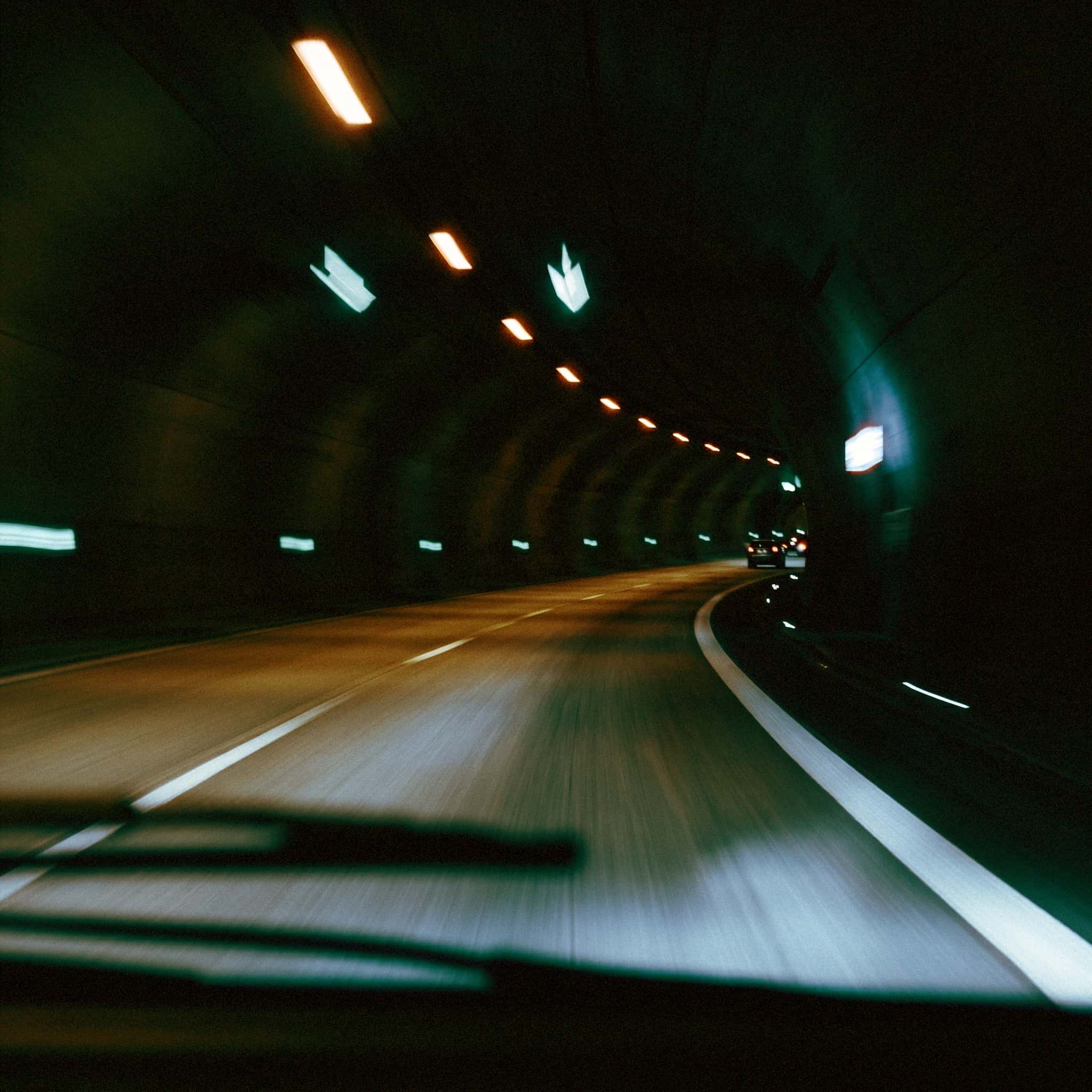 Before
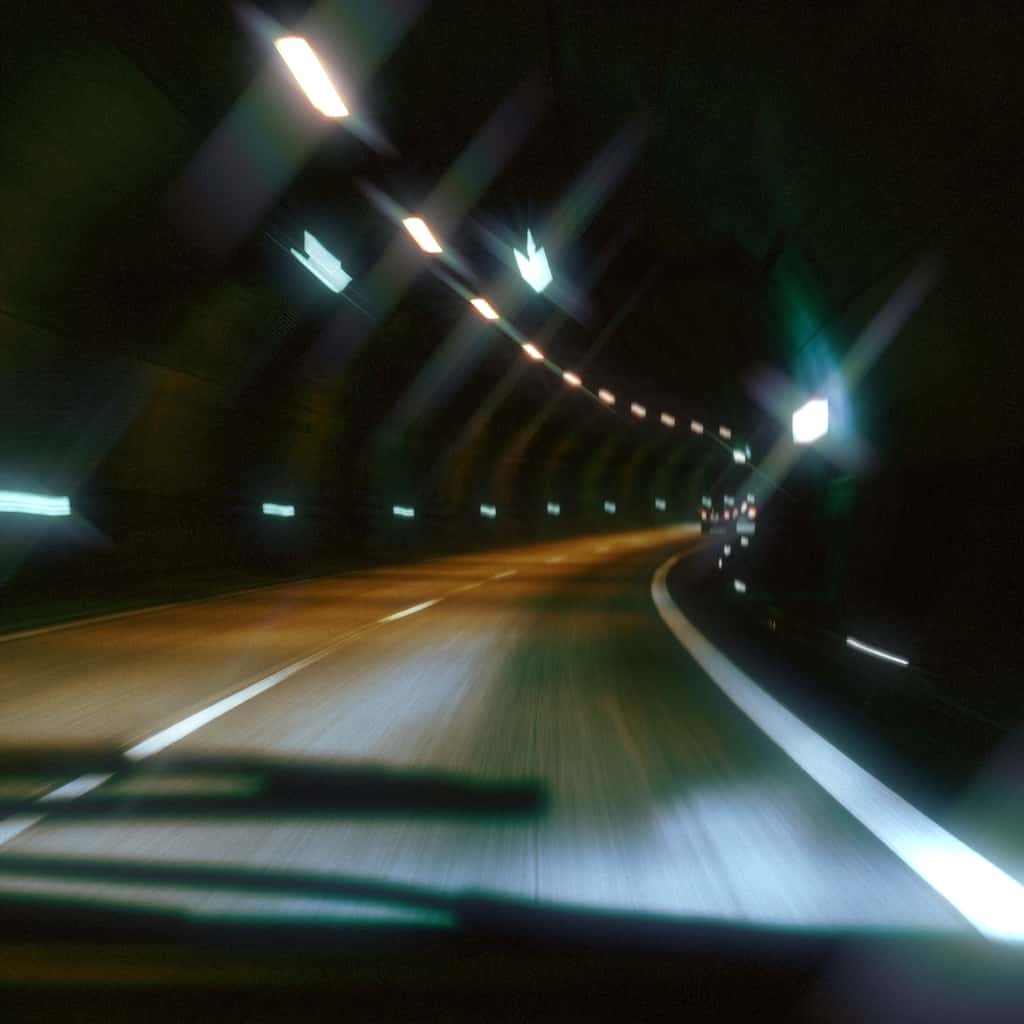 After
After
Ideas for using the effect
Star filter look for photography
Turn point lights, reflections, and specular highlights into crisp starburst streaks inspired by classic in-camera star filters.
Dreamy portraits
Add controlled sparkle-like streaks to portraits, sunsets, and backlit scenes.
Cinematic flare and anamorphic streaks
Create controlled light streaks for music videos, fashion edits, trailers, and stylized motion graphics with adjustable angle and streak length.
Social content that feels luminous
Give reels, product shots, nightlife clips, and glossy edits a polished starburst look that reads instantly on feed.
Made with this effect
More inspiration on Instagram @effect_app


Use Star Glow in Photoshop, Figma or on your desktop
One account, the same effect everywhere.
In Photoshop
Apply it to a layer in Photoshop 2022 and later, on macOS or Windows. The plugin renders on your own GPU and hands the result back as pixels on a new layer.
get the Photoshop plugin →In Figma
Run it on images and frames without leaving the canvas. The Figma plugin is this same editor, pointed at whatever you have selected.
get the Figma plugin →On desktop
Install the macOS or Windows app when you want a window of its own, with your account and your presets already there.
download the desktop app →Frequently Asked Questions
What is the Star Glow effect?
Star Glow is a highlight-based star filter effect that turns bright areas into stylized streaks and starburst patterns. It samples outward from bright highlights and builds multi-directional rays, giving you a digital cross screen look for modern photo and video edits.
Is this like a real star filter lens?
Yes. A physical star filter creates streaks from bright light sources using etched lines in glass. Star Glow gives you a similar starburst effect online, so you can add the look after shooting instead of needing a lens filter in camera.
What is a cross screen filter?
A cross screen filter is a type of star filter that creates intersecting streaks from bright points of light. This effect can simulate that look digitally with adjustable streak count, rotation, and falloff, from subtle sparkle to more stylized streak-heavy highlights.
Can I use Star Glow on videos?
Yes. Star Glow works in real time on both images and videos, so you can add animated light streaks to motion content directly in your browser.
Is Star Glow the same as bloom or lens flare?
No. Bloom spreads bright light into a soft halo, and lens flare usually adds optical artifacts like ghosts or flare shapes. Star Glow focuses on defined starburst and cross screen streaks generated from the image's brightest highlights.
Can it create anamorphic-style streaks?
Yes. By using fewer streak directions, longer streak length, and the rotation control, Star Glow can push toward a more directional streak look that feels closer to anamorphic-style highlights.
Why use a star filter effect online?
Because most editors do not offer a convincing starburst effect with real control over streak shape. Star Glow lets you create the look instantly online for both stills and video, with direct control over threshold, streak count, length, falloff, angle, and color tint.
How do I make a star filter effect in Photoshop?
The usual fake is a duplicated layer, Motion Blur, and a second copy crossed over it. The Photoshop plugin applies Star Glow to a layer with streak count, length, angle and tint as real controls.