
Apply Emboss to images and videos online
Transform your images and videos with a raised, three-dimensional emboss effect. Create 3D text, metallic engravings, and tactile relief surfaces instantly online. Also known as: relief effect, 3D emboss, raised surface effect
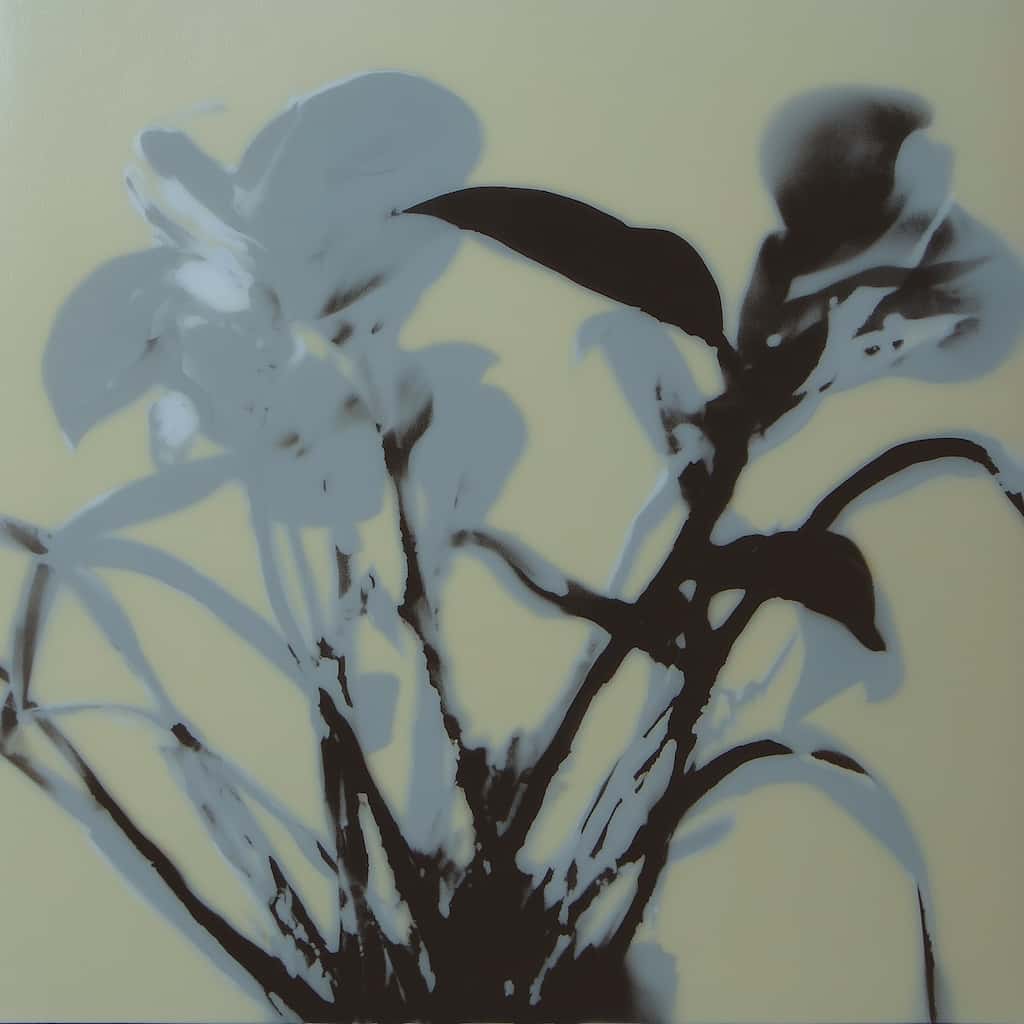 Before
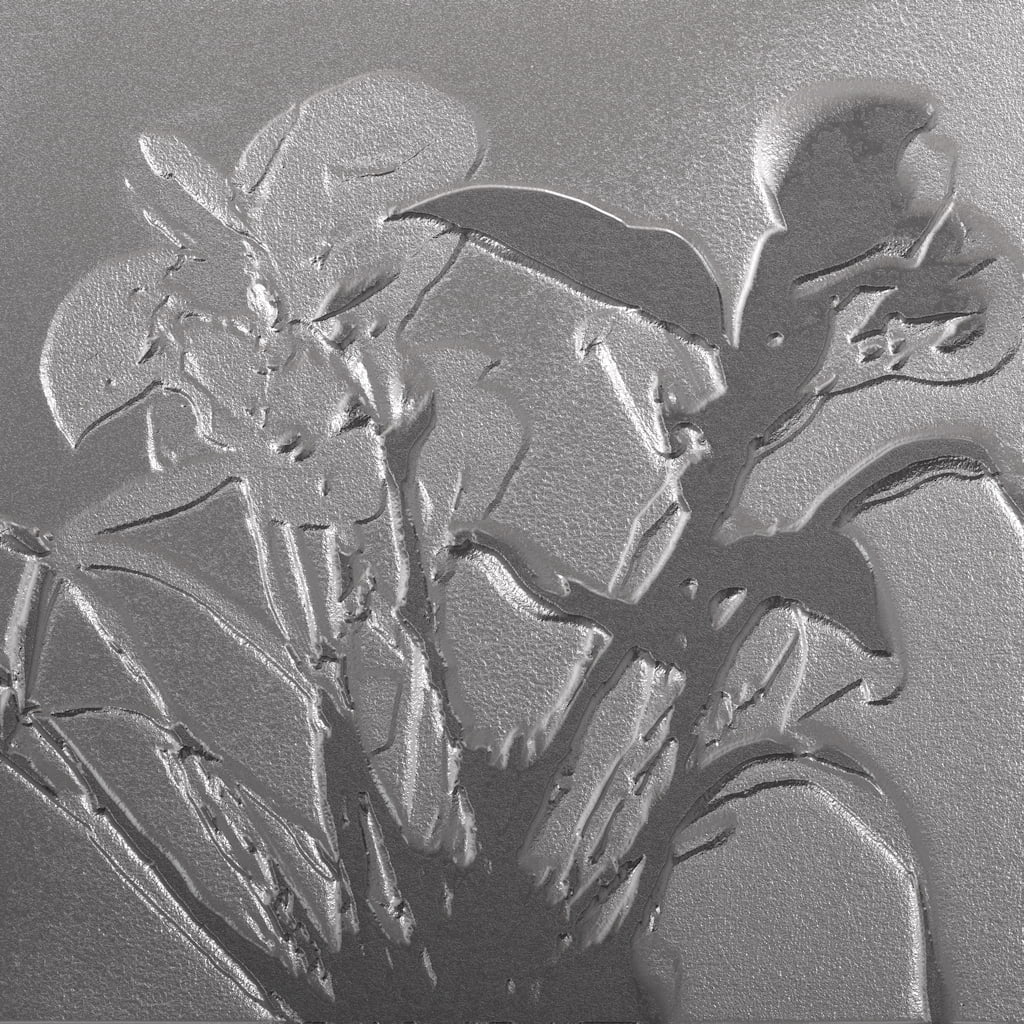 After
After
Ideas for using the effect
3D text & typography
Turn flat text into raised, embossed letters with realistic depth and shadows — perfect for logos, titles, and branding.
Metallic and stone textures
Create engraved, embossed, or metallic surfaces for posters, covers, and artwork — simulate carved stone, stamped metal, or pressed leather.
Photo-to-sculpture
Transform portraits and objects into carved relief images — like turning photos into stone engravings or metal plates.
Tactile product mockups
Simulate embossed packaging, business cards, and leather textures for presentations and design mockups.
Made with this effect
More inspiration on Instagram @effect_app


Use Emboss in Photoshop, Figma or on your desktop
One account, the same effect everywhere.
In Photoshop
Apply it to a layer in Photoshop 2022 and later, on macOS or Windows. The plugin renders on your own GPU and hands the result back as pixels on a new layer.
get the Photoshop plugin →In Figma
Run it on images and frames without leaving the canvas. The Figma plugin is this same editor, pointed at whatever you have selected.
get the Figma plugin →On desktop
Install the macOS or Windows app when you want a window of its own, with your account and your presets already there.
download the desktop app →Frequently Asked Questions
What is the emboss effect?
Emboss converts edges into highlights and shadows, creating a raised or engraved 3D-like surface on images or video frames. It simulates the appearance of pressed, carved, or stamped materials.
Can I create 3D text with emboss?
Yes. Emboss converts any image into a raised relief, making text appear three-dimensional with realistic lighting and shadows — perfect for logo design and titles.
Does emboss work on videos?
Yes. Emboss can be applied to both images and videos, making it great for motion graphics and animated textures.
Is this similar to Photoshop's emboss?
Yes. The effect works like Photoshop's emboss filter but runs in real time on both images and videos without installation. The Photoshop plugin brings this version back into Photoshop 2024 and later, with depth and light angle adjustable before it bakes.
What's the difference between emboss and bump map?
Emboss creates a raised surface appearance by highlighting edges. It's simpler and more graphic than full 3D bump mapping — it doesn't require depth data.
Can I combine emboss with other effects?
Yes. Emboss pairs well with contrast, threshold, noise, and color effects to refine or exaggerate the relief.