
Apply Bevel to images and videos online
Also known as: bevel and emboss, 3D text effect, chiseled edge effect
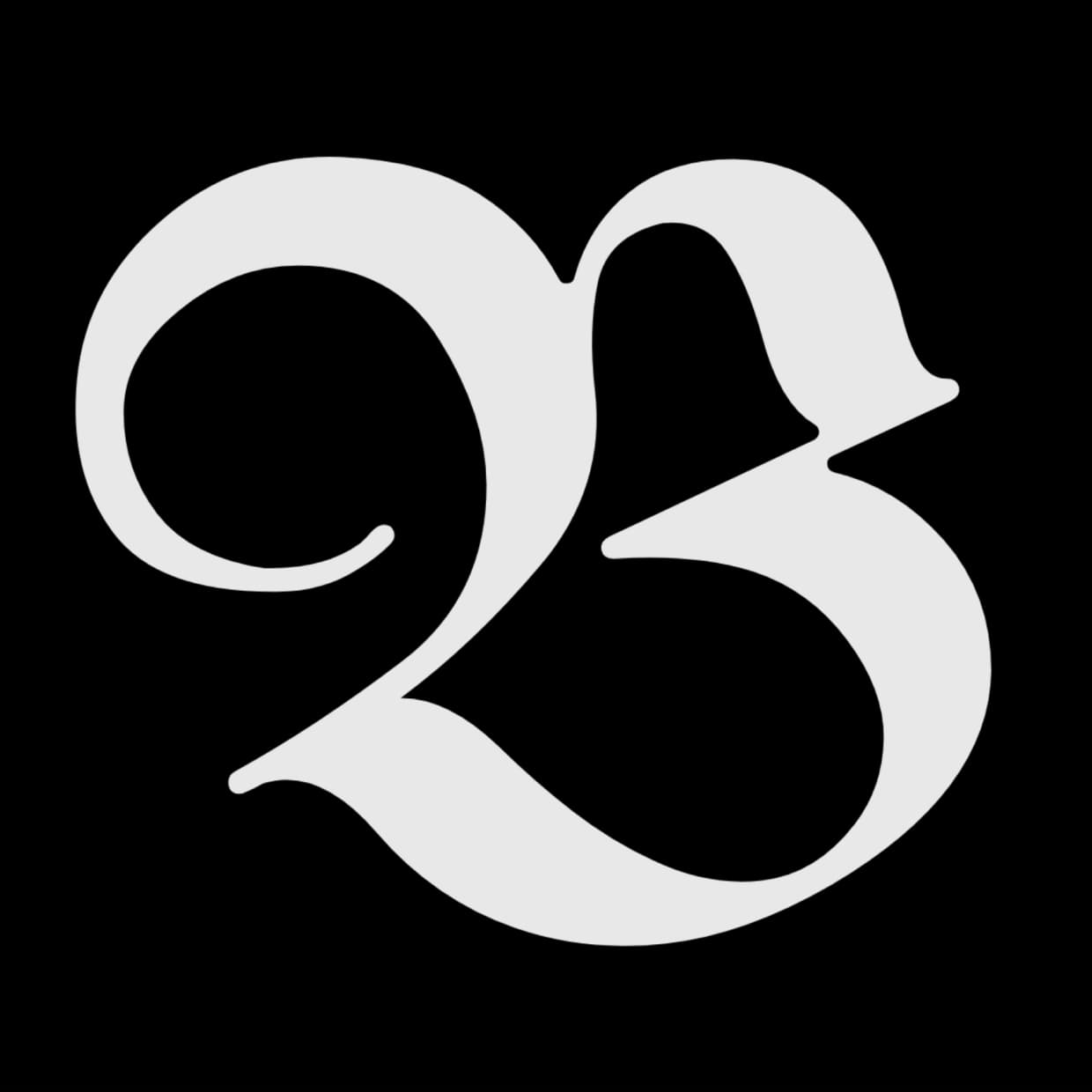 Before
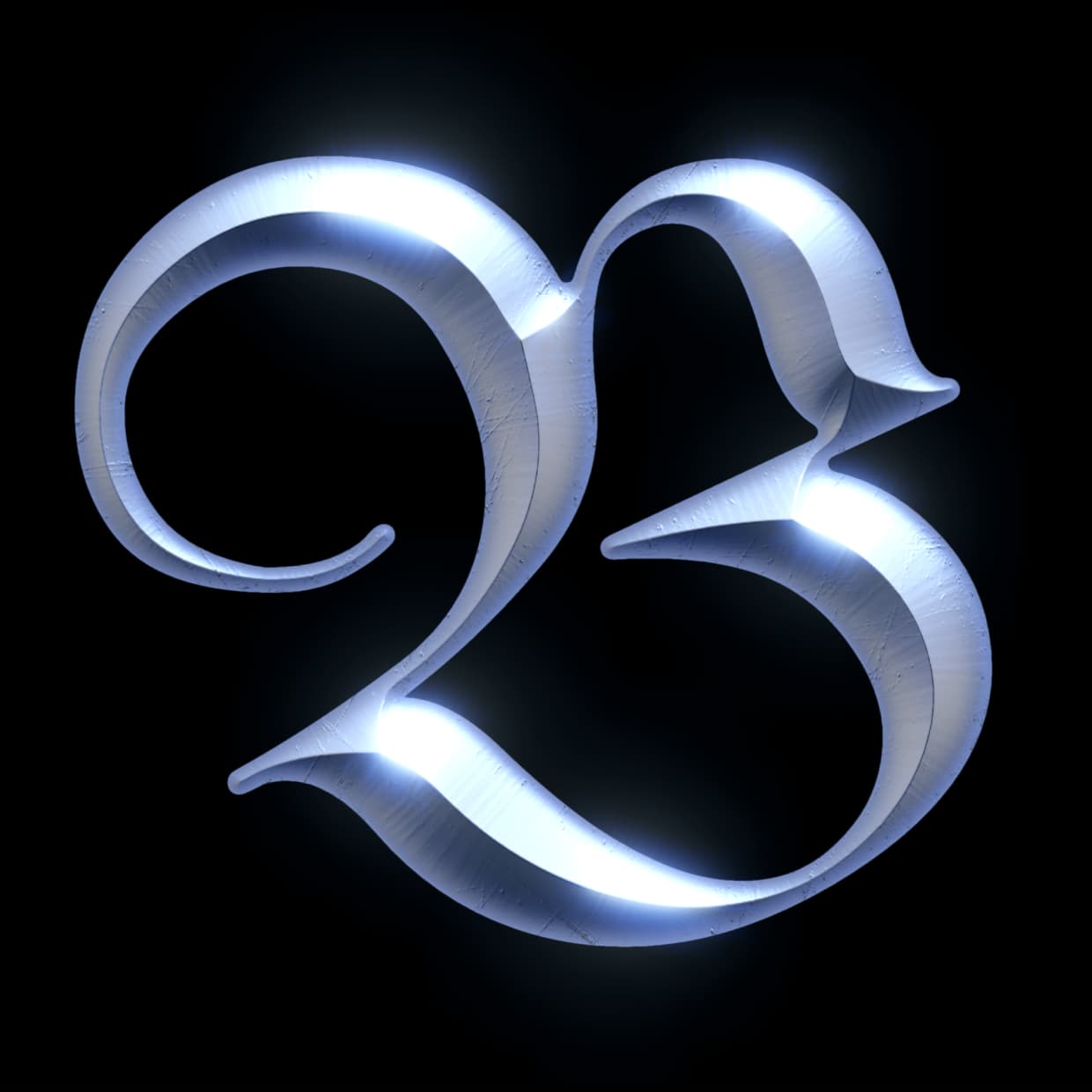 After
After
Ideas for using the effect
Chrome & metallic text
Turn flat typography into chrome, gold, or brushed-metal 3D letters — the classic beveled logo look for titles, thumbnails, and branding.
Engraved surfaces
Flip the direction to carve shapes into the surface instead of raising them — engraved stone, stamped leather, or embossed paper.
Photo relief with Emboss mode
Apply a Photoshop-style Bevel & Emboss over photos and video: the image keeps its colors and gains 2.5D depth from highlights and shadows.
Repeated profiles
Use Waves, Teeth, and Scales profiles for repeating ridges that extend with the bevel size.
Made with this effect
More inspiration on Instagram @effect_app


Use Bevel in Photoshop, Figma or on your desktop
One account, the same effect everywhere.
In Photoshop
Apply it to a layer in Photoshop 2022 and later, on macOS or Windows. The plugin renders on your own GPU and hands the result back as pixels on a new layer.
get the Photoshop plugin →In Figma
Run it on images and frames without leaving the canvas. The Figma plugin is this same editor, pointed at whatever you have selected.
get the Figma plugin →On desktop
Install the macOS or Windows app when you want a window of its own, with your account and your presets already there.
download the desktop app →Frequently Asked Questions
What is the bevel effect?
Bevel builds a signed distance field from your image's shapes and uses it to slope their edges in 3D, shaded with realistic materials. It recreates the "Bevel & Emboss" layer style from Photoshop but in real time, on images and videos.
How is this different from the emboss effect?
Emboss converts local edges into highlights and shadows. Bevel measures true distances from every edge, so it produces wide, smooth 3D slopes with selectable cross-section profiles and matcap materials, which much closer to real 3D.
Can I create 3D text with bevel?
Yes. Bright text on a dark background bevels automatically; for dark text on bright backgrounds, enable the invert mask switch. If the text sits on a transparent background, set "shape from" to Alpha instead. Adjust size, depth, and pick a material to get chrome, gold, or glass letters.
My logo has a transparent background. Which setting reads it?
Set "shape from" to Alpha. Luma reads brightness, so a dark subject on a transparent background looks the same inside and out and no amount of inverting will find an edge. Alpha reads the silhouette directly and ignores what the subject looks like, so textured and multi-colored artwork bevels along its outline instead of breaking up.
What do the profile presets do?
The profile sets the bevel's cross-section: Round, Linear (chisel), Cove, Ridge, Cone, and more. Waves, Teeth, and Scales repeat a fixed-size shape across the band. Increasing the size adds more repetitions instead of stretching one.
Does bevel work on videos?
Yes. The distance field is recomputed every frame, so animated text and moving shapes keep their 3D edges throughout the video.
Can I use it like Photoshop's Bevel & Emboss?
Yes. Set the blend mode to Emboss: the material acts as a light map that adds highlights and shadows over your original image, keeping its colors, the same behavior as Photoshop's layer style. The Photoshop plugin applies it to a layer in Photoshop 2024 and later, so rasterize your text or shape first and the bevel lands as baked pixels.