
Apply Paper Cutout to images and videos online
Cut images and videos into torn paper pieces. Create mixed-media collage, grungy surfaces, rough cuts, missing scraps, and handmade paper edges in real time.
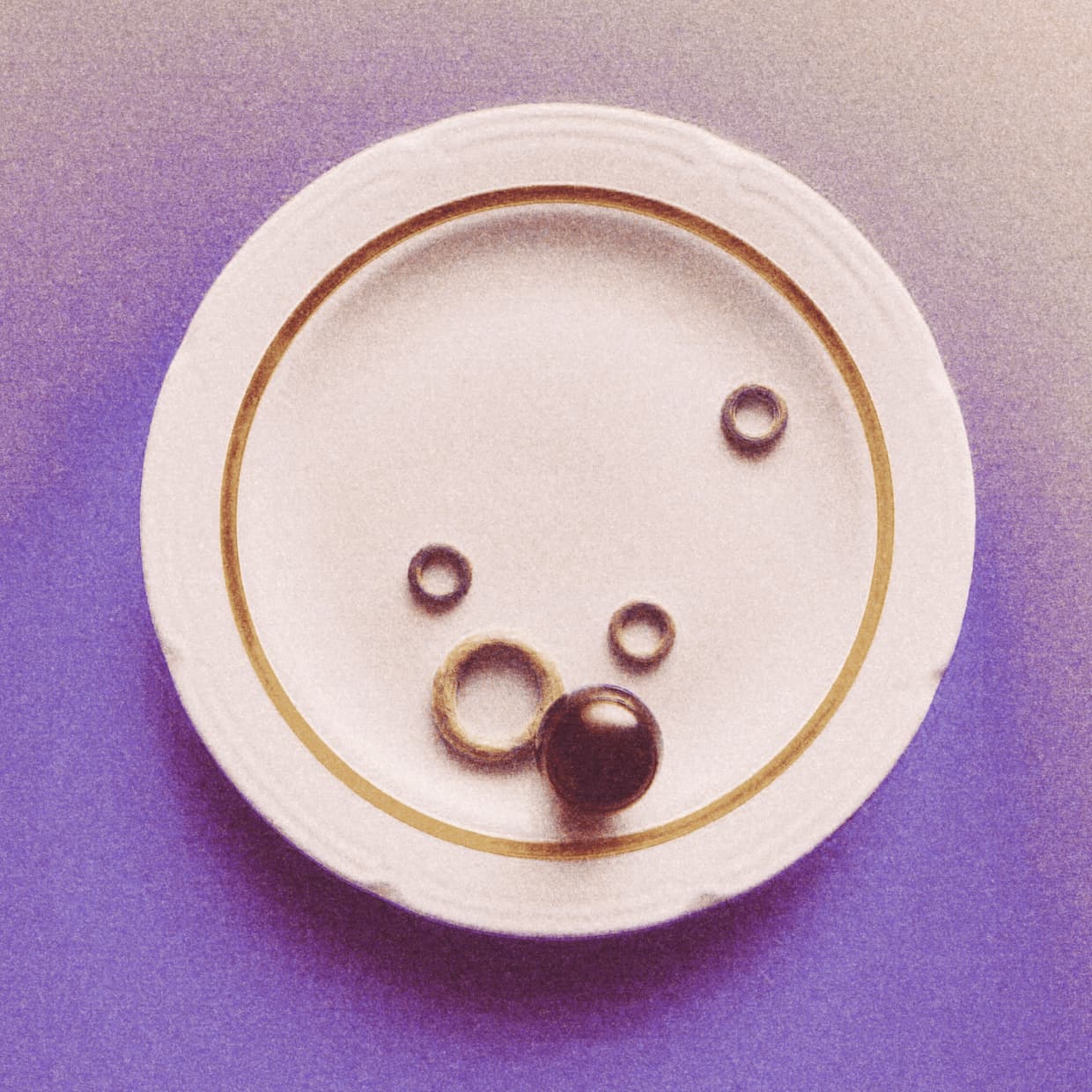 Before
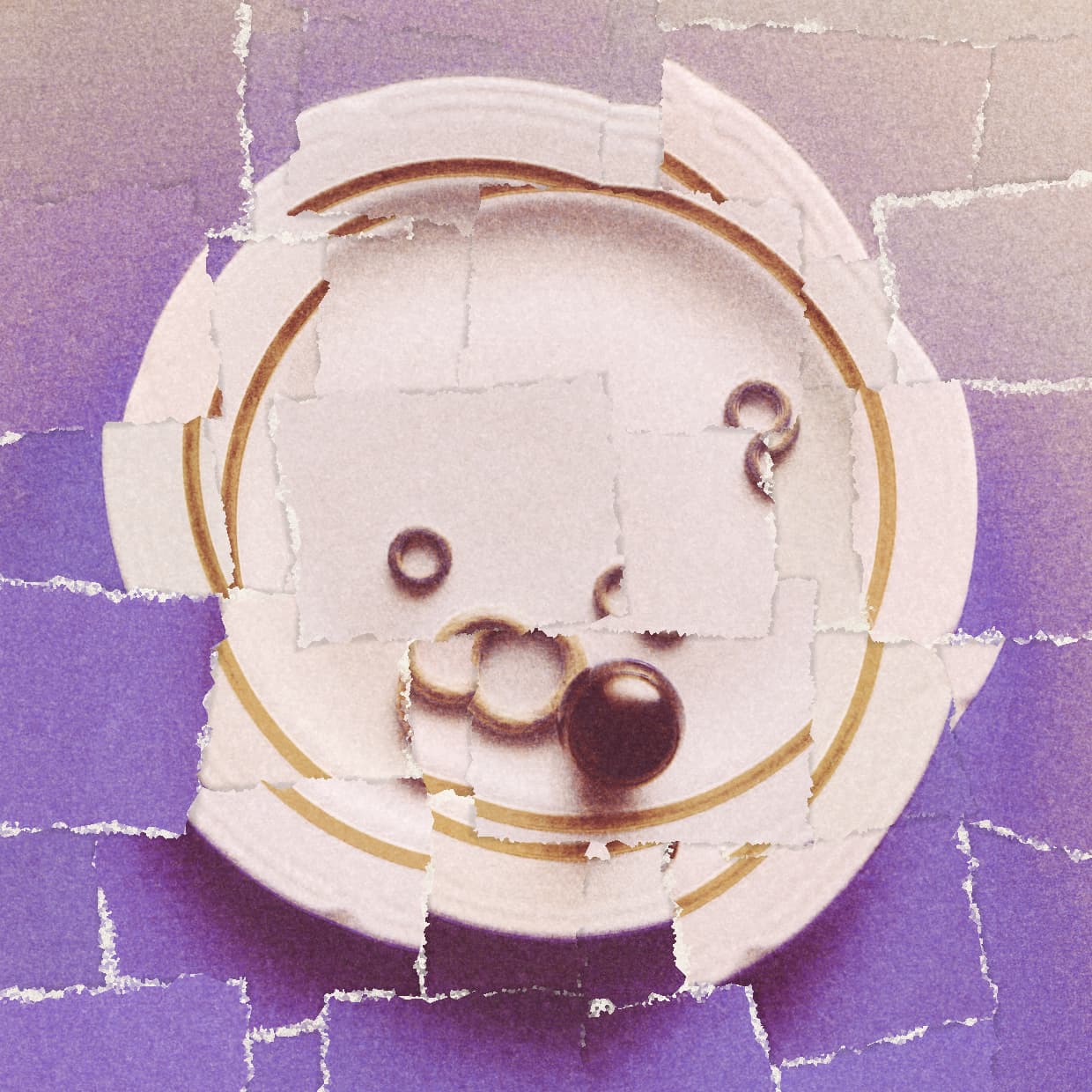 After
After
Ideas for using the effect
Mixed-media collage
Break a clean image into paper pieces for zines, posters, album art, and handmade editorial layouts.
Torn paper edges
Use rough cuts, white paper cores, uneven edges, and shadows to simulate ripped paper scraps.
Grungy surfaces
Build worn, distressed textures with varied color, grain, missing pieces, and layered paper chunks.
Animated paper cuts
Apply the cutout effect to video for moving collage, stop-motion style edits, and analog motion graphics.
Made with this effect
More inspiration on Instagram @effect_app


Use Paper Cutout in Photoshop, Figma or on your desktop
One account, the same effect everywhere.
In Photoshop
Apply it to a layer in Photoshop 2022 and later, on macOS or Windows. The plugin renders on your own GPU and hands the result back as pixels on a new layer.
get the Photoshop plugin →In Figma
Run it on images and frames without leaving the canvas. The Figma plugin is this same editor, pointed at whatever you have selected.
get the Figma plugin →On desktop
Install the macOS or Windows app when you want a window of its own, with your account and your presets already there.
download the desktop app →Frequently Asked Questions
What is the Paper Cutout effect?
Paper Cutout slices an image or video into layered paper pieces with torn edges, shadows, color variation, and optional missing scraps.
What is a paper cutout effect?
A paper cutout effect is a visual effect that makes an image or video look as if it has been cut, torn, or assembled from pieces of paper. It is commonly used in collage, mixed-media design, zines, posters, and grungy editorial artwork to add handmade texture, visible cuts, rough edges, and layered paper surfaces.
Can I make rough torn paper edges?
Yes. Use Tear Size, Chunk Size, Roughness, White Edge, and Unevenness to control how ragged and handmade the cuts feel.
Can pieces be missing?
Yes. The Missing Pieces control removes scraps from the grid, which is useful for ripped posters, collage gaps, and distressed layouts.
Does Paper Cutout work on videos?
Yes. Paper Cutout can be applied to videos in real time for animated collage and mixed-media motion looks.
What styles does it work best for?
Zines, posters, mixed media, grungy surfaces, torn paper collage, handmade edits, and experimental cutout visuals.
Can I customize the background?
Yes. Keep the original image behind the cut pieces or switch to a flat background color.
Is there a torn paper effect for Photoshop?
The Filter Gallery's Torn Edges flattens your image to two colors, and hand-cut collage means masking every scrap. The Photoshop plugin cuts a layer into torn pieces in Photoshop 2024 and later, with rough edges, gaps and missing scraps generated for you.