
Apply Grid Split to images and videos online
Split a photo or video into tiles, then shift, stretch, and rotate the image inside each one. Build a regular grid or an uneven mosaic, animate the variation, and outline tiles with borders that stay consistent where they meet.
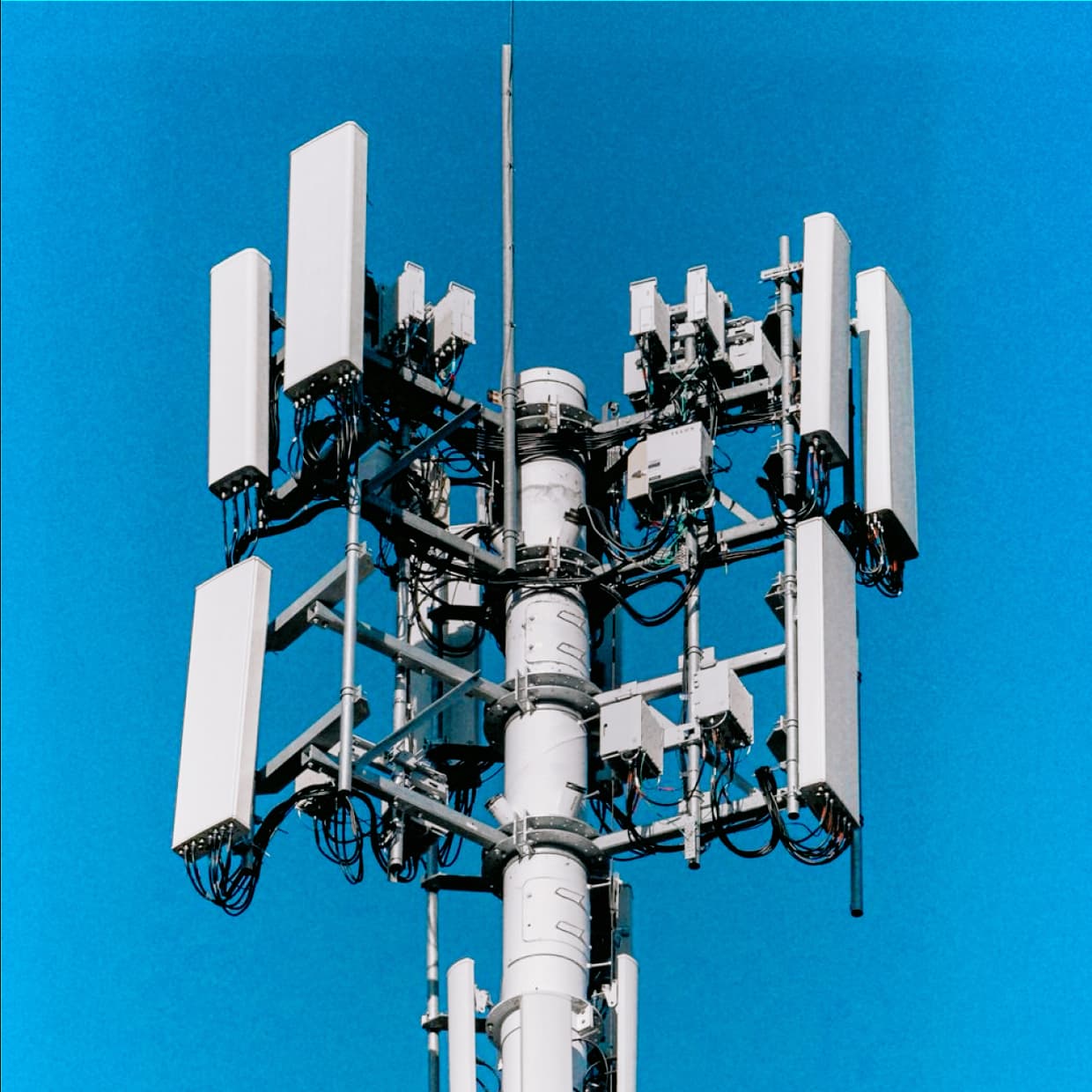 Before
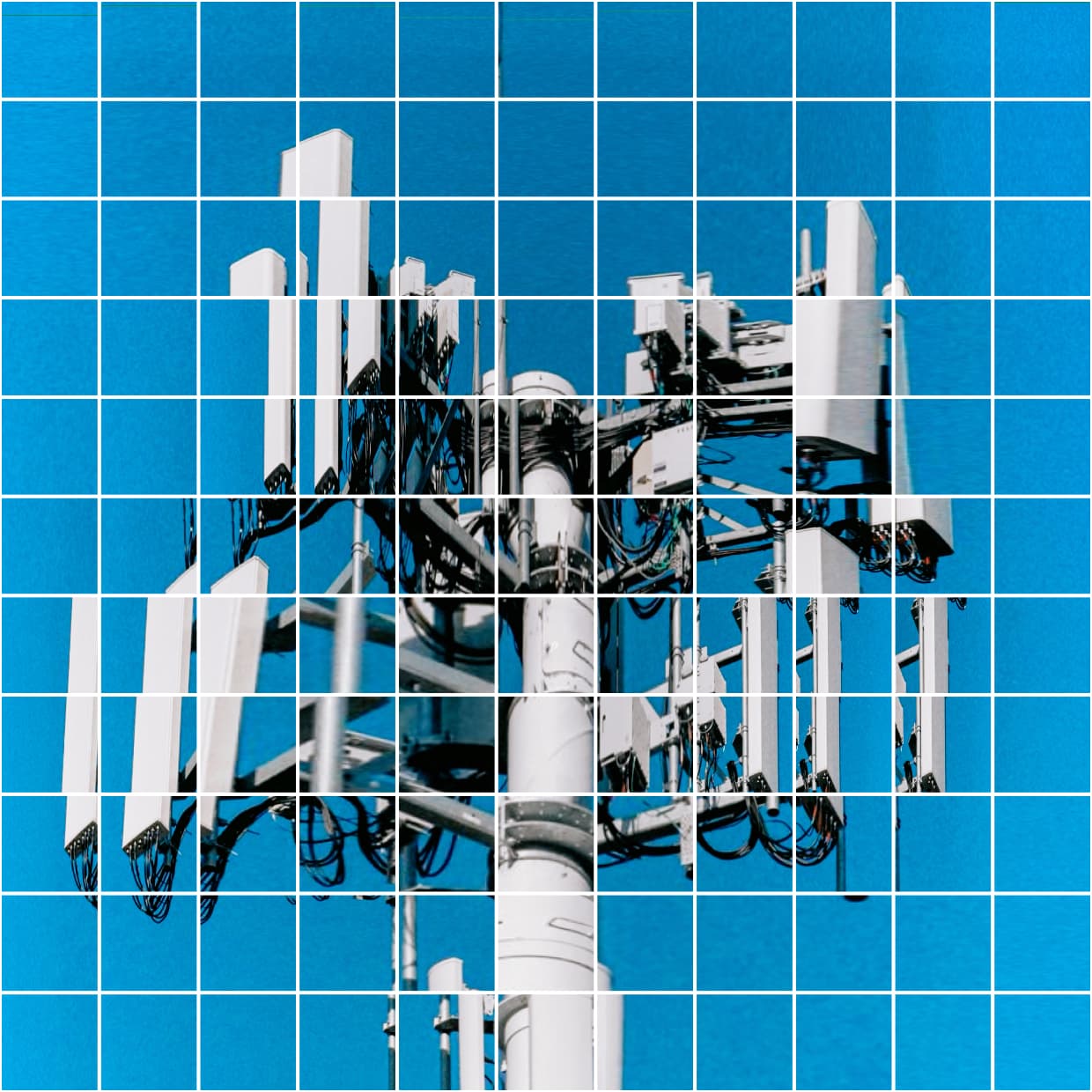 After
After
Ideas for using the effect
Fragmented portraits
Offset details across tile boundaries to break a portrait into a graphic collage. Adjust Tile variation to make each tile behave differently or keep the transformations uniform.
Geometric poster layouts
Mix small tiles with larger merged regions. Use lightness, saturation, or edges to guide the layout, then add colored outlines and center markers.
Animated mosaics
Blend animated noise into tile transforms and irregularity to move image fragments and grid boundaries over time. Each noise group has its own size and speed controls.
Selective fragmentation
Hide selected tiles against a background color, or use Background cutoff to restore the original image in selected regions. Combine untouched areas with shifted and stretched fragments.
Made with this effect
More inspiration on Instagram @effect_app


Use Grid Split in Photoshop, Figma or on your desktop
One account, the same effect everywhere.
In Photoshop
Apply it to a layer in Photoshop 2022 and later, on macOS or Windows. The plugin renders on your own GPU and hands the result back as pixels on a new layer.
get the Photoshop plugin →In Figma
Run it on images and frames without leaving the canvas. The Figma plugin is this same editor, pointed at whatever you have selected.
get the Figma plugin →On desktop
Install the macOS or Windows app when you want a window of its own, with your account and your presets already there.
download the desktop app →Frequently Asked Questions
What is the Grid Split effect?
Grid Split divides an image or video into rectangular tiles and transforms the image inside each tile. You can change the grid density, create uneven tile sizes, merge regions, and add outlines or center markers.
How do I make a tiled photo effect?
Load a photo and add Grid Split. Set Grid density and Grid aspect, then adjust UV shift, UV stretch, and Tile rotation. Raise Tile variation for different transformations across the grid. Set Grid strokes and Tile center marker to zero if you only want the image fragments.
Can I create rows or columns instead of a full grid?
Yes. Grid aspect moves from rows at -1 through a balanced grid at 0 to columns at 1. Grid density controls the number of tiles along the shorter canvas side.
Can the tiles have different sizes?
Yes. Irregularity changes tile widths and heights independently. Adaptive layout merges eligible regions using lightness, saturation, or edges. Merge cutoff controls which regions qualify, and Merge depth limits how many base cells a merged tile can contain.
What is the difference between Lattice and Frames?
Lattice draws outlines on the shared tile boundaries. Frames insets each tile by Tile gap to leave space between frames. Both use centered strokes: half the border sits inside its boundary and half outside. At zero gap, the two modes match.
Do neighboring tiles make the borders thicker?
No. Shared outlines combine without adding thickness. A tile's stroke also extends across a neighboring hidden or revealed tile, even when that neighbor's own guides are disabled. At the outer canvas edge, the part of the stroke outside the image is clipped.
Can I leave part of the original image untouched?
Yes. Background cutoff restores the untransformed image in selected tiles, using color, lightness, saturation, or edges. It takes priority over tile hiding. Guides on revealed tiles controls those tiles' own outlines and markers; adjacent outlines can still extend across their edges.
What does Background blend mode blend with?
Image tiles and the background color in hidden tiles blend with the original image underneath, including any preceding effects.
Can I animate a still photo?
Yes. Irregularity, tile variation, hiding, and background selection have separate animated noise controls. Noise blends with the selected image source, Noise size controls the scale of the pattern, and Noise speed controls how fast it evolves. Set speed to zero to freeze a noise field.
Does Grid Split work on video?
Yes. Grid Split can process video as well as still images. Image-driven controls respond to the current frame, and animated noise follows the timeline.
How is Grid Split different from pixelation?
Pixelation simplifies an image into blocks of color. Grid Split keeps image detail inside each tile and changes where and how that detail is sampled. For a blocky pixelation look, try Cubify. For a continuous warp, try Elastic Grid.