
Apply Modulation to images and videos online
Apply analog-style modulation waves to images and videos. Create rhythmic distortions, oscillating motion, and abstract textures by controlling frequency, amplitude, and phase.
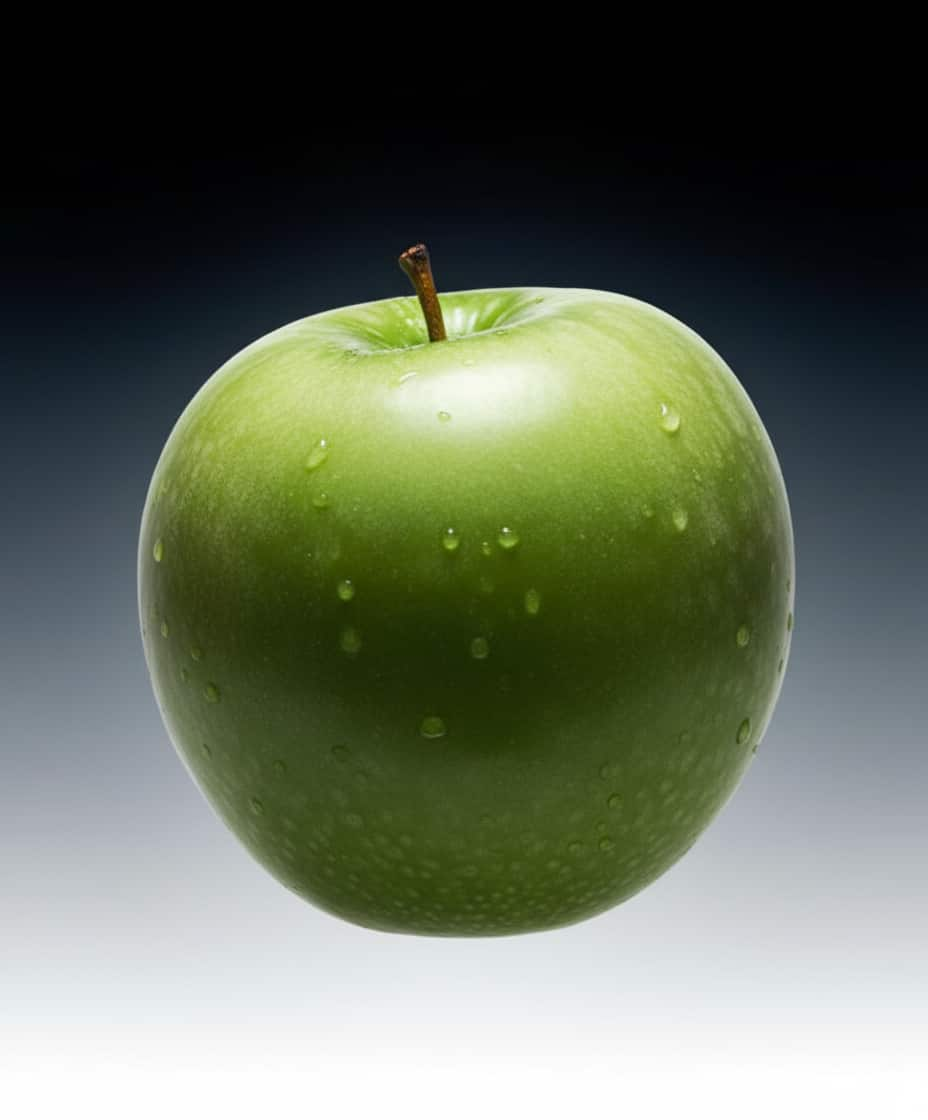 Before
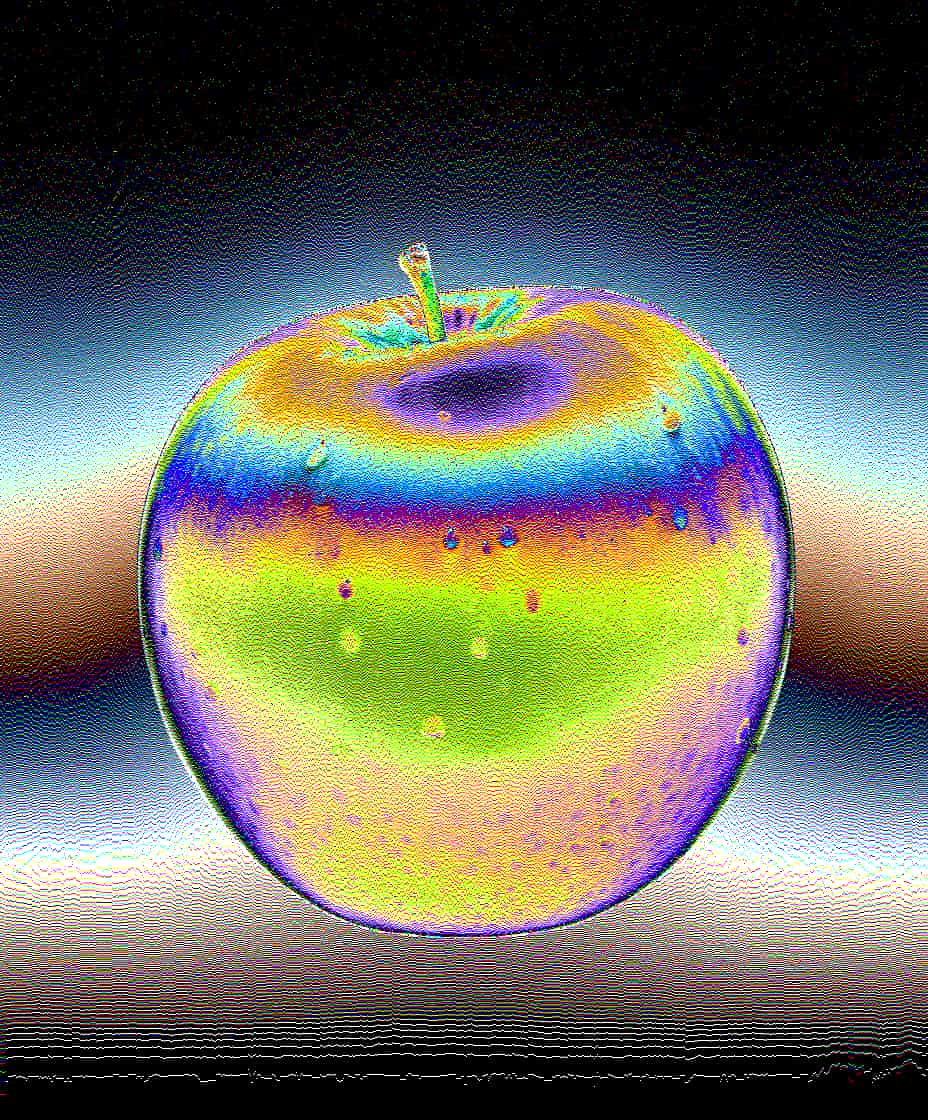 After
After
Ideas for using the effect
Analog signal distortion
Simulate unstable analog signals with smooth or aggressive wave modulation.
Abstract motion graphics
Turn static images into living, breathing visuals with oscillating patterns.
Glitch and experimental looks
Push modulation into extreme values to create broken, chaotic, or glitchy effects.
Texture animation
Use subtle modulation to add organic movement to backgrounds and surfaces.
Made with this effect
More inspiration on Instagram @effect_app


Use Modulation in Photoshop, Figma or on your desktop
One account, the same effect everywhere.
In Photoshop
Apply it to a layer in Photoshop 2022 and later, on macOS or Windows. The plugin renders on your own GPU and hands the result back as pixels on a new layer.
get the Photoshop plugin →In Figma
Run it on images and frames without leaving the canvas. The Figma plugin is this same editor, pointed at whatever you have selected.
get the Figma plugin →On desktop
Install the macOS or Windows app when you want a window of its own, with your account and your presets already there.
download the desktop app →Frequently Asked Questions
What is the modulation effect?
Modulation distorts an image or video using oscillating wave patterns, similar to analog signal modulation.
What do frequency, amplitude, and phase control?
Frequency controls how often the wave repeats, amplitude controls distortion strength, and phase shifts the wave over time or space.
Can modulation be subtle?
Yes. Low values create gentle motion and texture, while high values produce extreme distortion.
Is modulation useful for video?
Absolutely. Modulation works in real time on videos and is ideal for motion graphics and experimental edits.
Can I combine modulation with other effects?
Yes. Modulation pairs well with color effects, glitch, noise, and blend modes for complex visuals.
Is there an analog wave distortion for Photoshop?
Photoshop's Wave filter is a static dialog you fill in and hope. The Photoshop plugin puts frequency, amplitude and phase on a Photoshop layer as live controls in 2024 and later.