
Up to 16,384 px
Effects are processed at your document's scale, so a poster holds at 100% zoom and in print.

Your whole Effect.app library, inside Photoshop.
Modelled on how ink, paper and signal actually behave.
Effects are processed at your document's scale, so a poster holds at 100% zoom and in print.
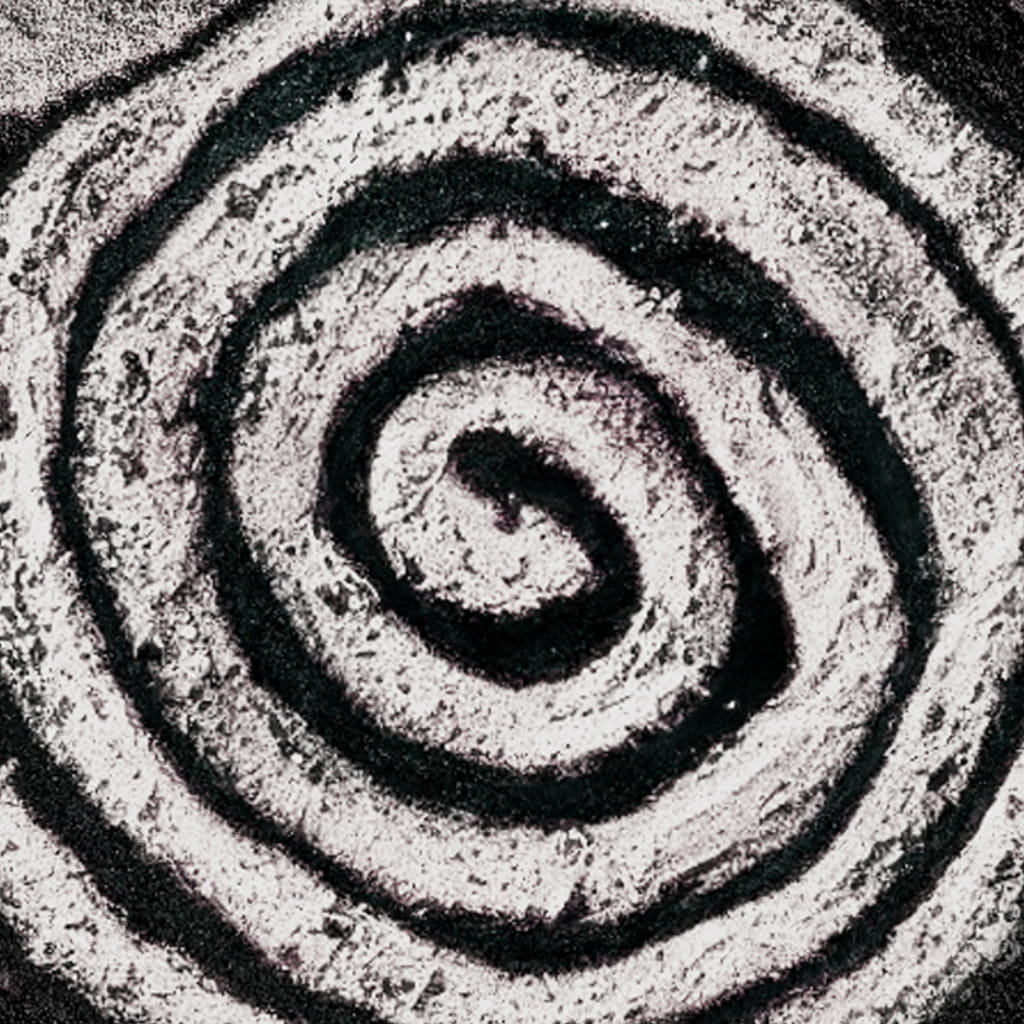
CMYK that blends the way ink actually overlaps. Twelve controls over angle, frequency, ink and paper, for full control.
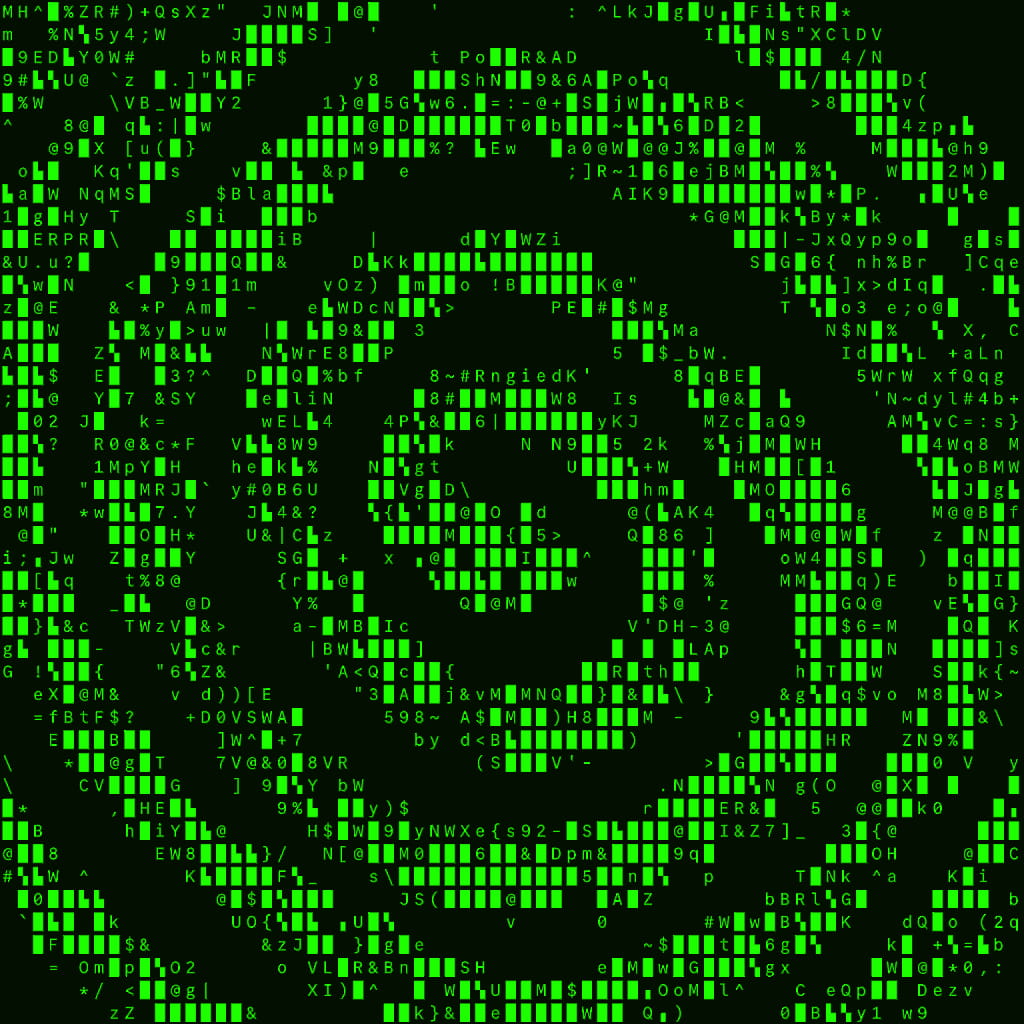
23 patterns and editable palettes, redrawing in real time as you drag. Fast even on high-resolution files.
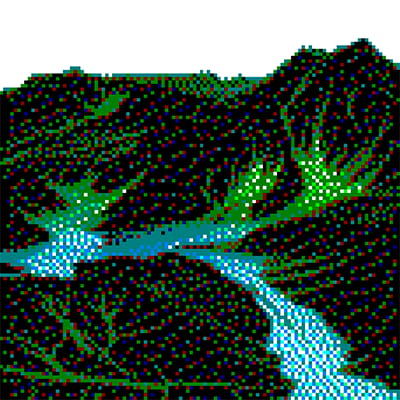
35 measured Riso GT72 spot inks, scanned grain plates, and channels that drift out of registration.

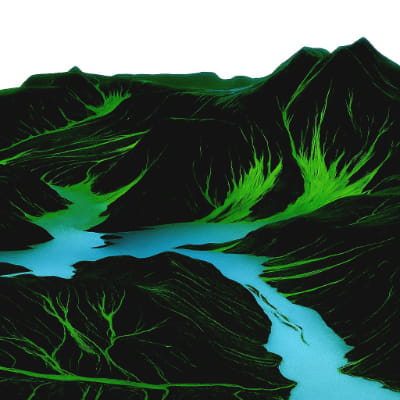
Frequency, amplitude and phase as live controls. Analog wave distortion on any layer.

Hundreds of looks, ready to drop on a layer.


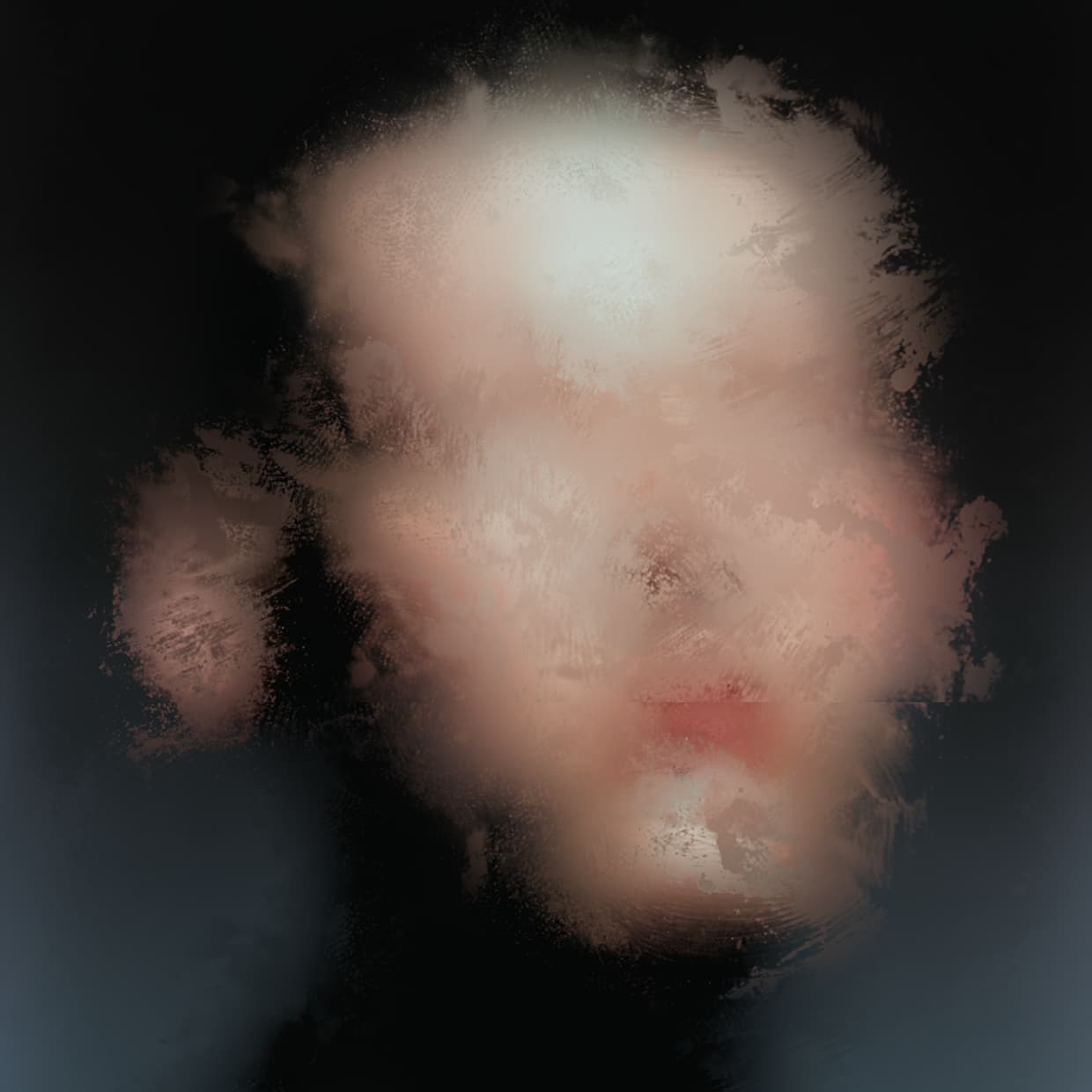
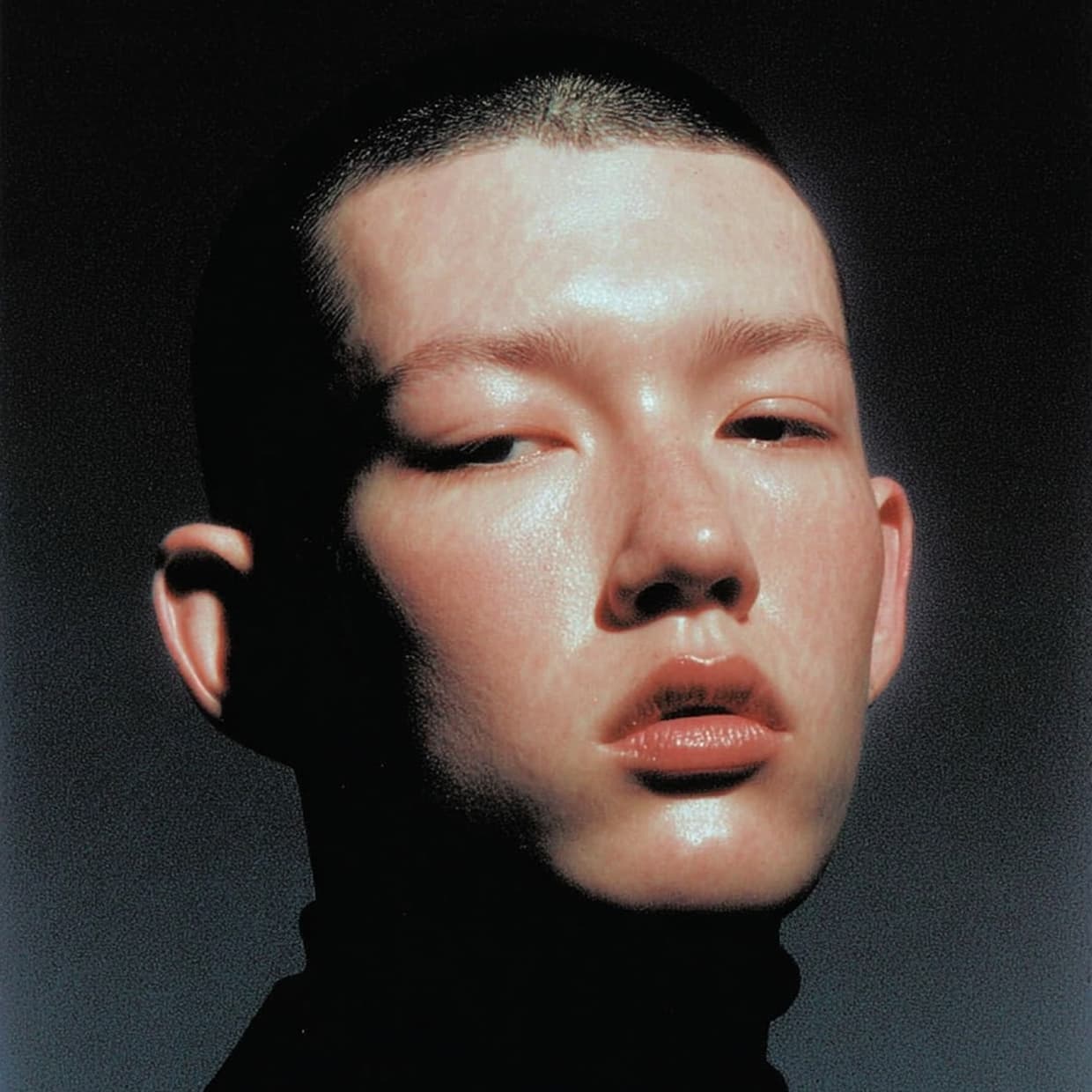








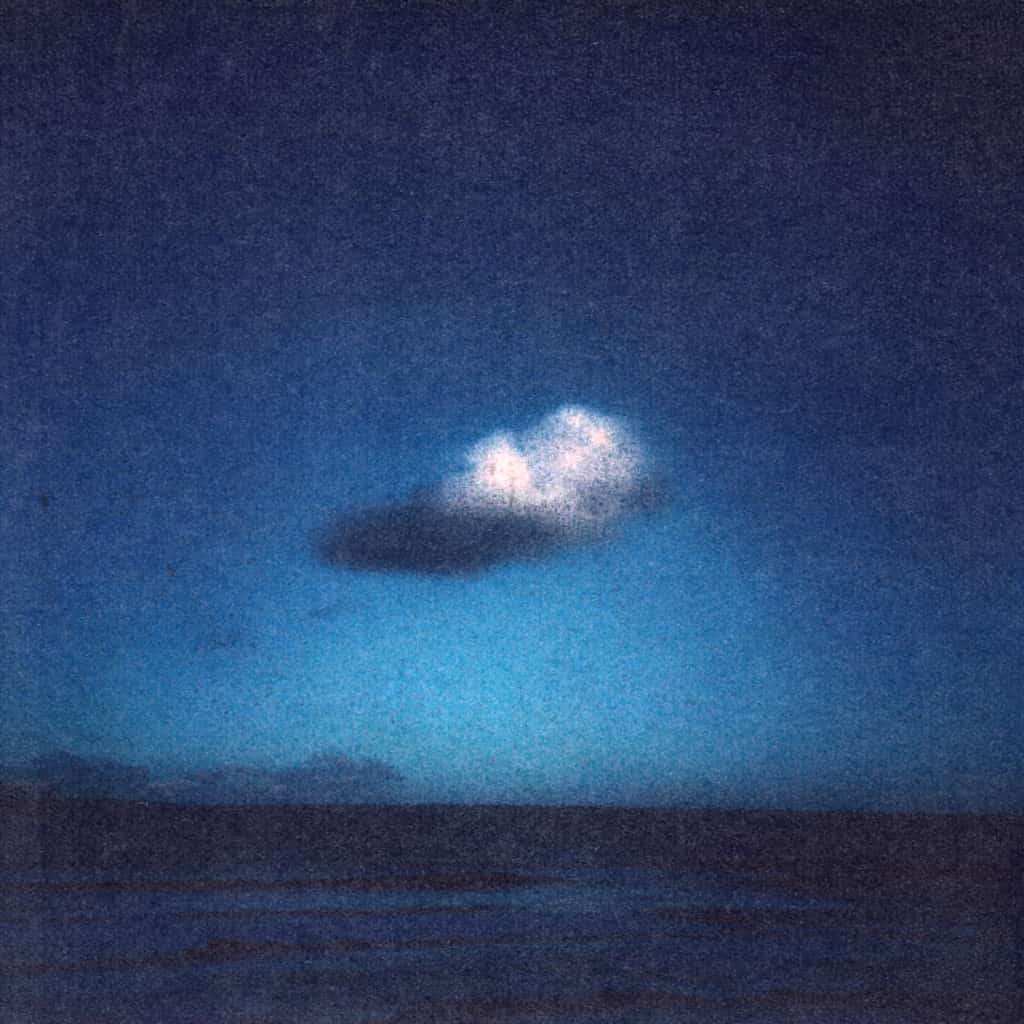








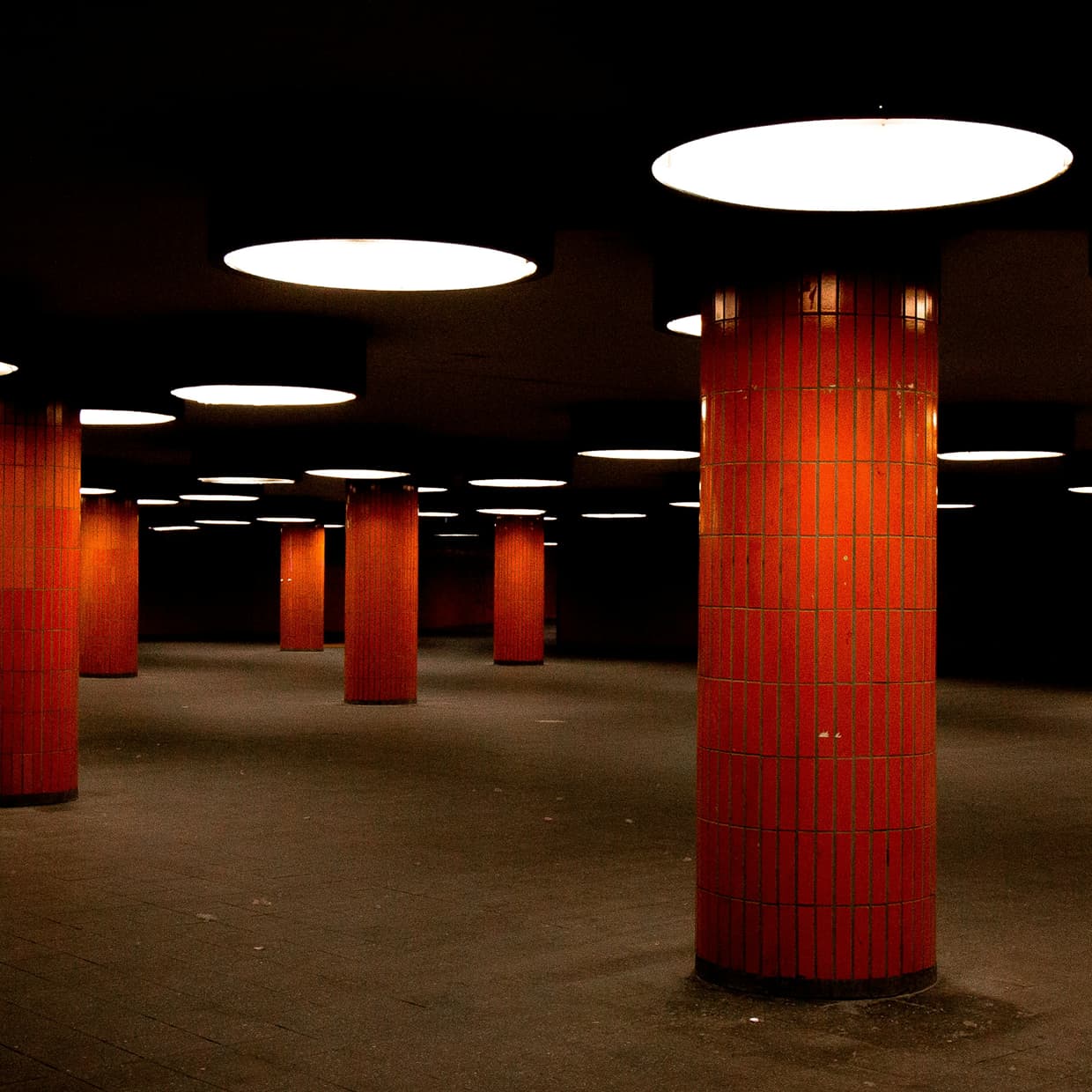


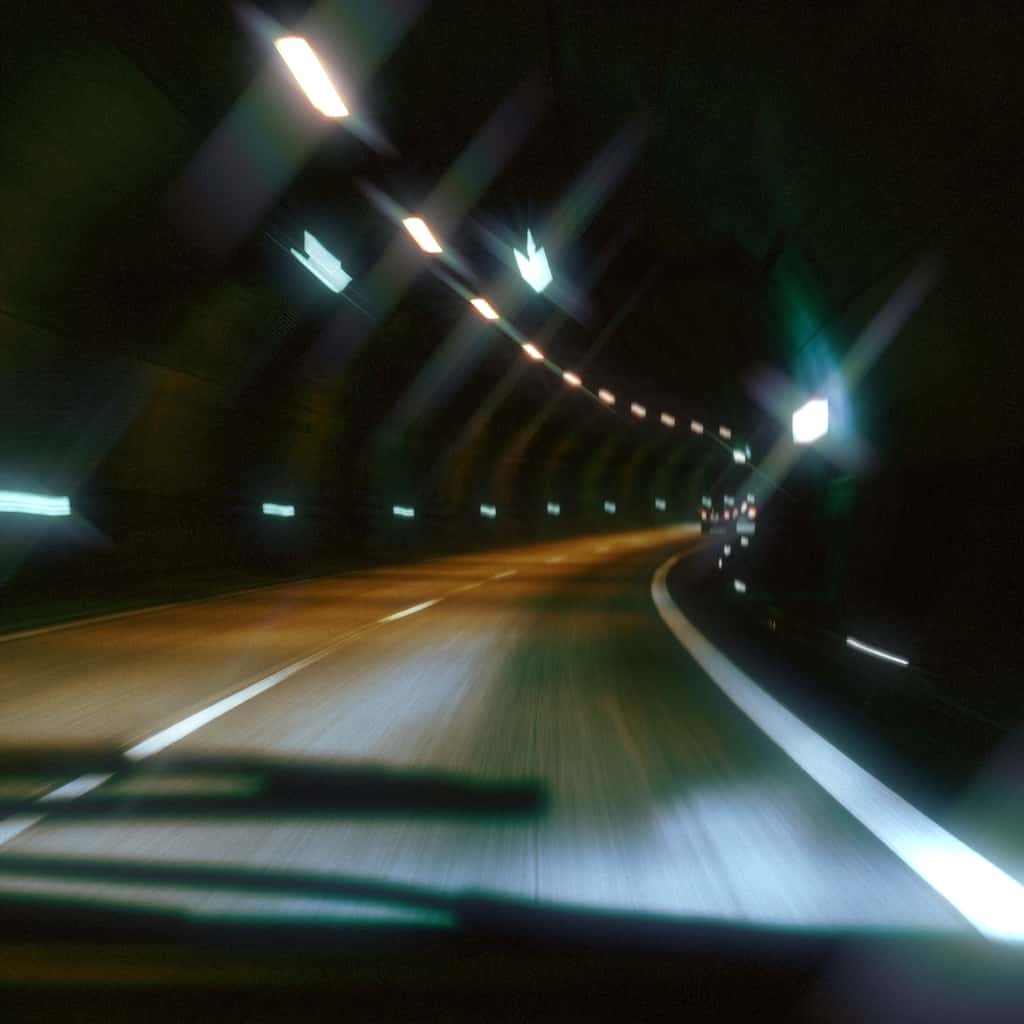
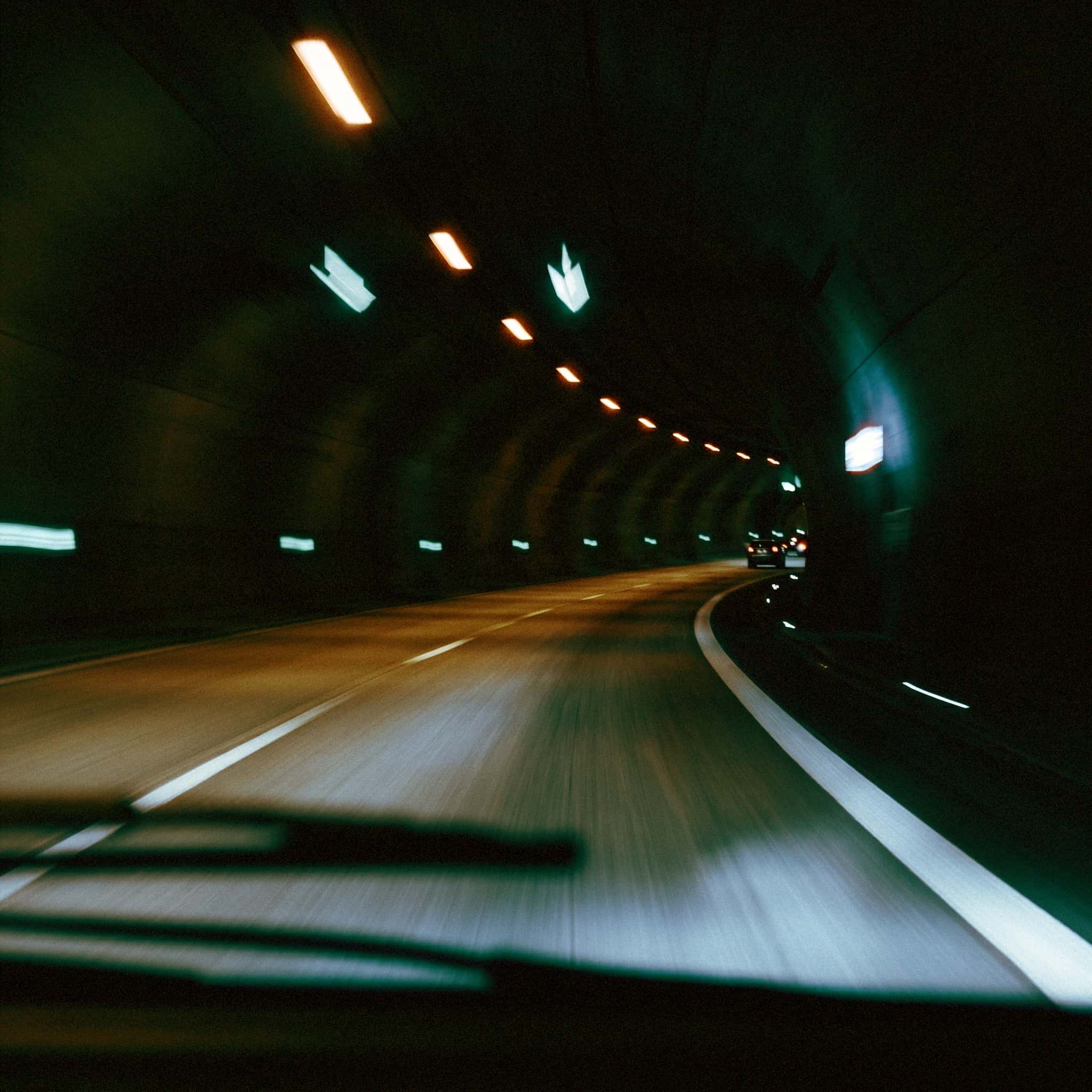








One account across browser, Figma and Photoshop.
Your library opens with every preset you've saved. Nothing to export, nothing to import, no files to keep track of.

Make a preset in the browser, on your phone or in Figma. It syncs to Photoshop, and edits made here sync back.

Hundreds of art-directed looks, adjustable in Photoshop. Change anything you find and save it as your own.

Built for creators, not trained on them.
Effects render locally on your GPU. Client files, unreleased work and NDA-bound projects never leave your computer.
Effects are deterministic real-time filters. The same settings on the same image give the same result every time. Nothing you open trains a model.
Nothing is added to your metadata. What you apply is ordinary pixels in your PSD, with no label to explain to a client.
Download, run, open Photoshop. No Creative Cloud steps, no file copying.
Grab the Mac or Windows build. One file, nothing else to unpack.
The installer puts Effect.app where Photoshop expects it. That's the whole install.
Restart Photoshop if it was open, then open Effect.app from the Filter menu. Sign in and you're set.
Save the settings as a preset first. The preset stays editable and can be reapplied to any file. The applied Photoshop layer is baked pixels, so you can mask it, change its blend mode or opacity, delete it and apply again.
No. Effects render locally and your files stay on your machine, making the plugin suitable for confidential and NDA-bound work.
The effects are deterministic real-time pipelines, not generative AI. Nothing you open is used to train a model, and no AI tag is added to your work.
Yes. Your Effect.app account carries your plan and presets across the browser, desktop app, Figma and Photoshop.
Adobe Photoshop 2022 and later on macOS and Windows.
This first release supports image layers in RGB, 8-bit documents. Rasterize text, shapes, Smart Objects and groups before applying. Effects apply to the whole layer and return baked pixels on a new layer. Video layers and animated timelines export as a single still frame.
Rendering is local, but Effect.app needs a connection to sign in, load effects and keep presets in sync.
For Photoshop 2022 and later