
Apply Gradient map to images and videos online
Replace the tones of your image with a fully customizable color gradient. Map shadows, midtones, and highlights to any colors for duotones, tints, and stylized grading.
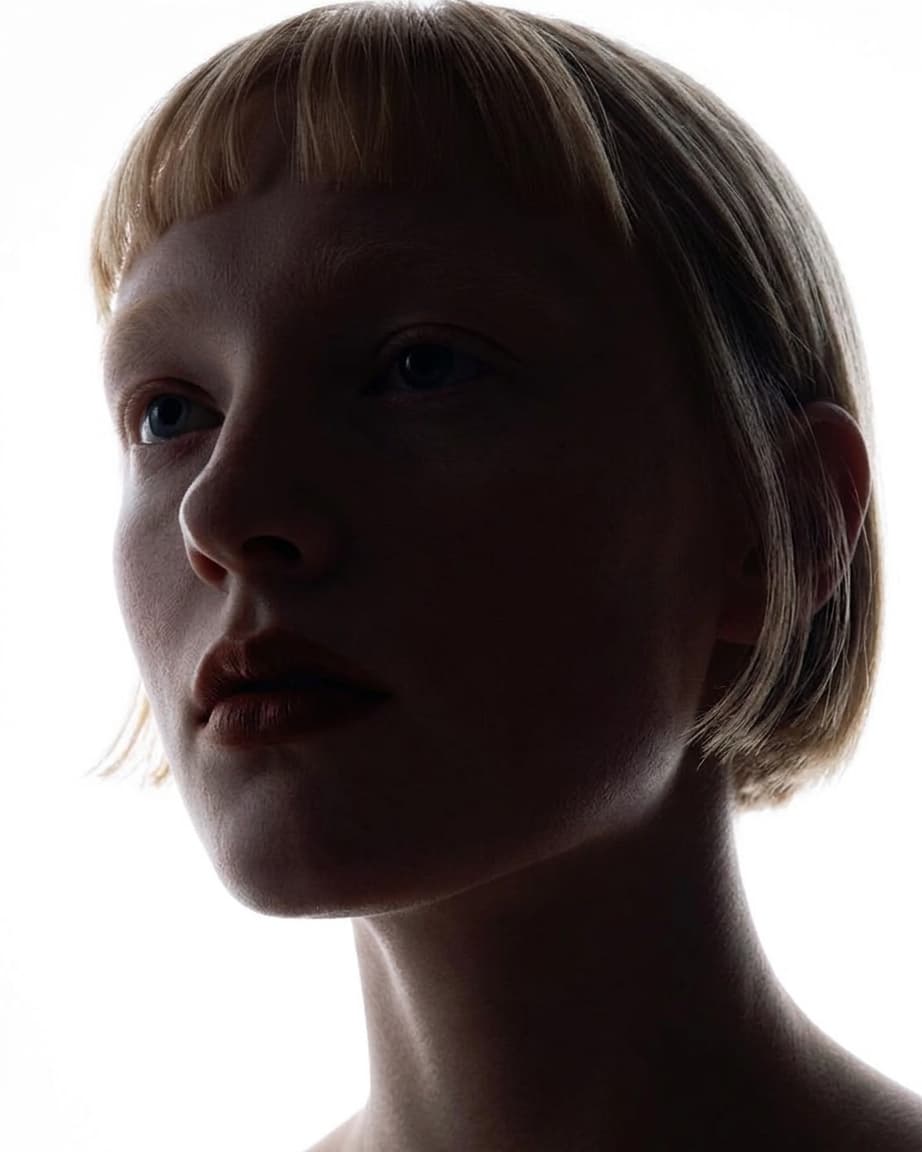 Before
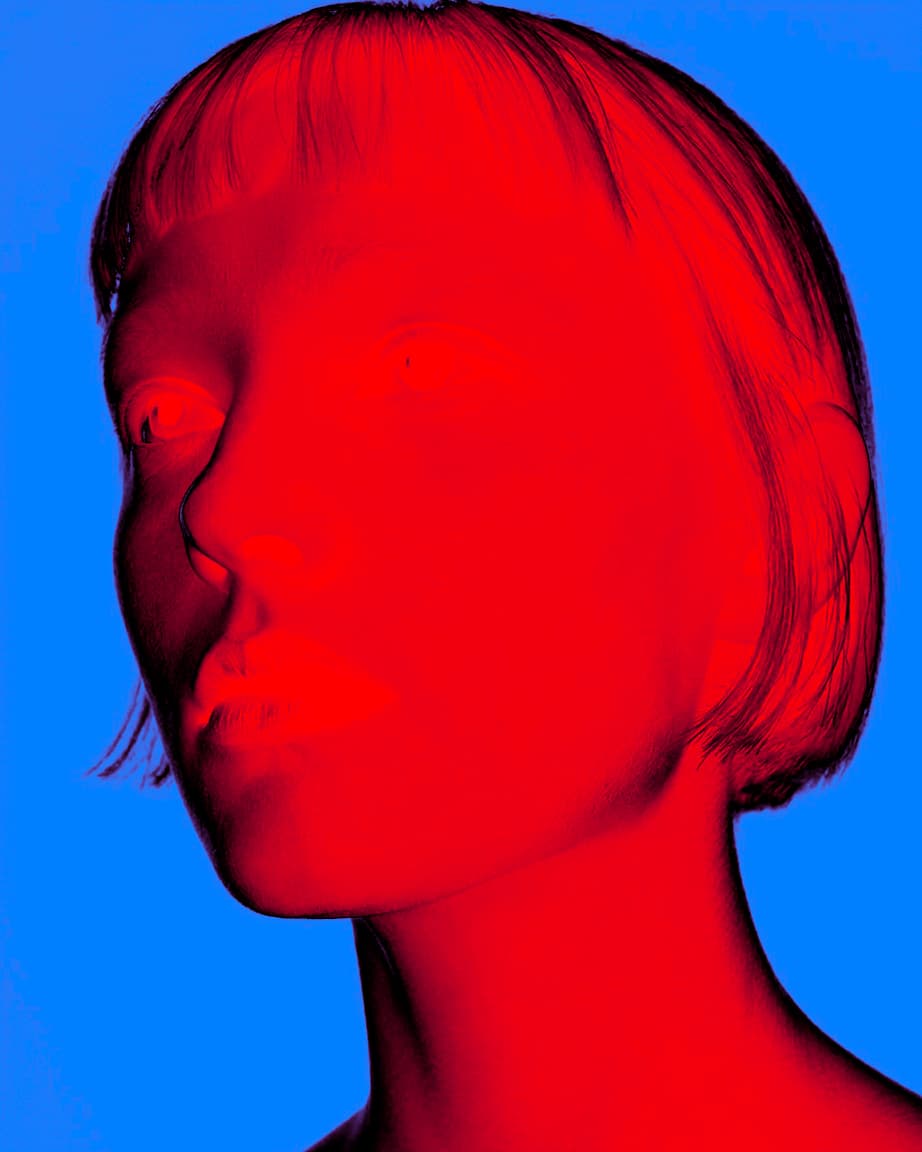 After
After
Ideas for using the effect
Duotone
Assign two contrasting colors to shadows and highlights for a bold, graphic look.
Film toning
Recreate darkroom-style color toning — warm highlights, cool shadows, or vice versa.
Psychedelic colorization
Use a multi-stop gradient to paint images with vibrant, unexpected hues.
Monochromatic tint
Map all tones to shades of a single color for a cohesive, stylized palette.
Made with this effect
More inspiration on Instagram @effect_app


Use Gradient map in Photoshop, Figma or on your desktop
One account, the same effect everywhere.
In Photoshop
Apply it to a layer in Photoshop 2022 and later, on macOS or Windows. The plugin renders on your own GPU and hands the result back as pixels on a new layer.
get the Photoshop plugin →In Figma
Run it on images and frames without leaving the canvas. The Figma plugin is this same editor, pointed at whatever you have selected.
get the Figma plugin →On desktop
Install the macOS or Windows app when you want a window of its own, with your account and your presets already there.
download the desktop app →Frequently Asked Questions
What does Gradient map do?
It converts image brightness into colors — dark areas sample the left of the gradient, bright areas sample the right.
How is Gradient map different from a color tint?
A tint applies one color uniformly. Gradient map lets you assign different colors to each tonal range independently.
Can I add more than two colors?
Yes. You can add as many gradient stops as you like at any position across the tonal range.
Does Gradient map work on videos?
Yes. The effect processes in real time on both images and videos.
Can I combine Gradient map with other effects?
Absolutely. For simpler two-color mapping, see Duotone. Gradient map also pairs well with film grain, Curves, blur, and vignette for polished creative results.
Is this different from Photoshop's Gradient map?
Photoshop maps a gradient to luminance too, as an adjustment layer. This one exists so the same ramp is part of a preset that also runs on video and in Figma; the Photoshop plugin applies it to a Photoshop layer in 2024 and later.