
Apply Scatter to images and videos online
Scatter dots, shapes, or your own PNGs across any photo or video. Pick a color to target, size the sprites by brightness, add drop shadows. All in a browser tab. Also known as: stipple, dot art, shape mosaic, confetti effect, particle scatter
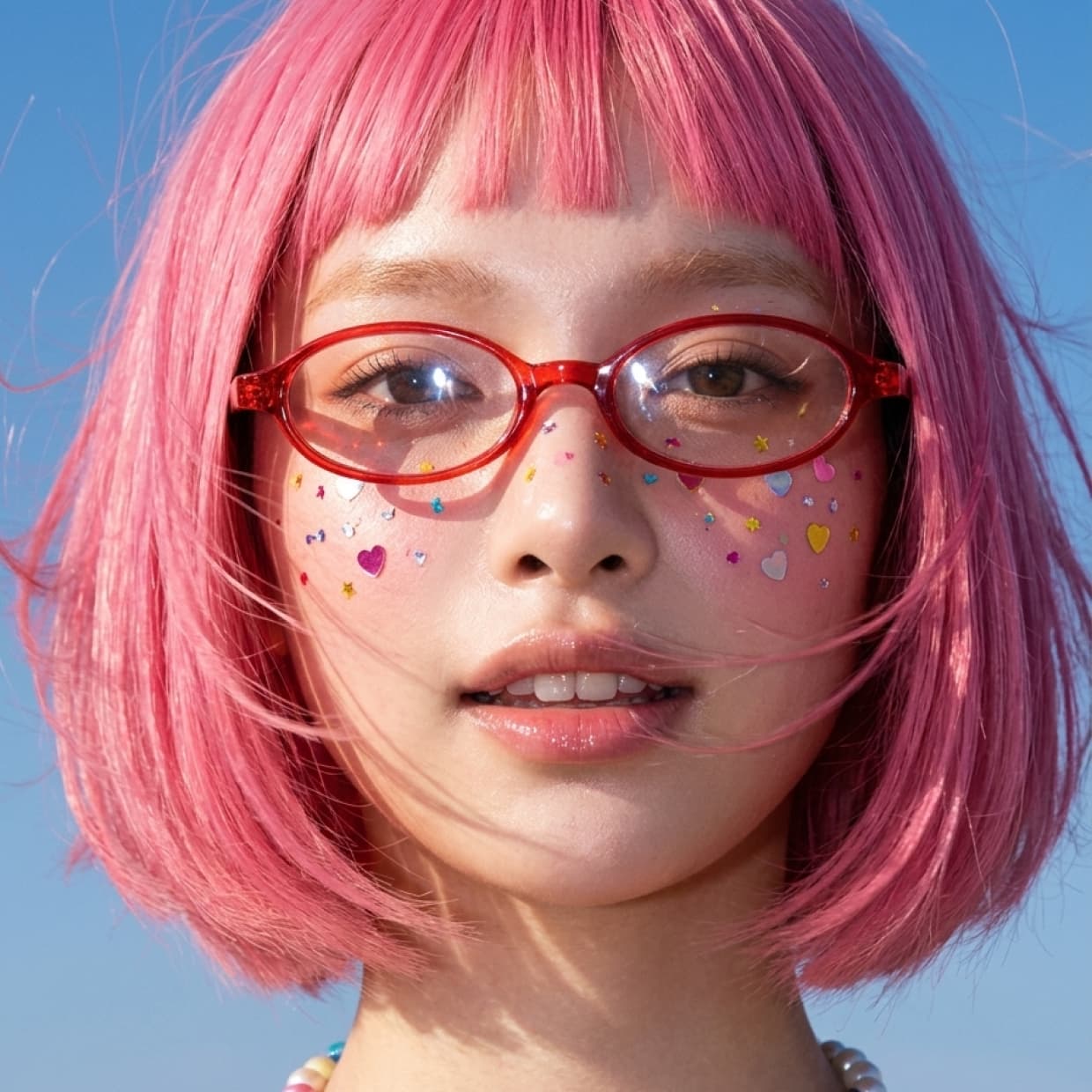 Before
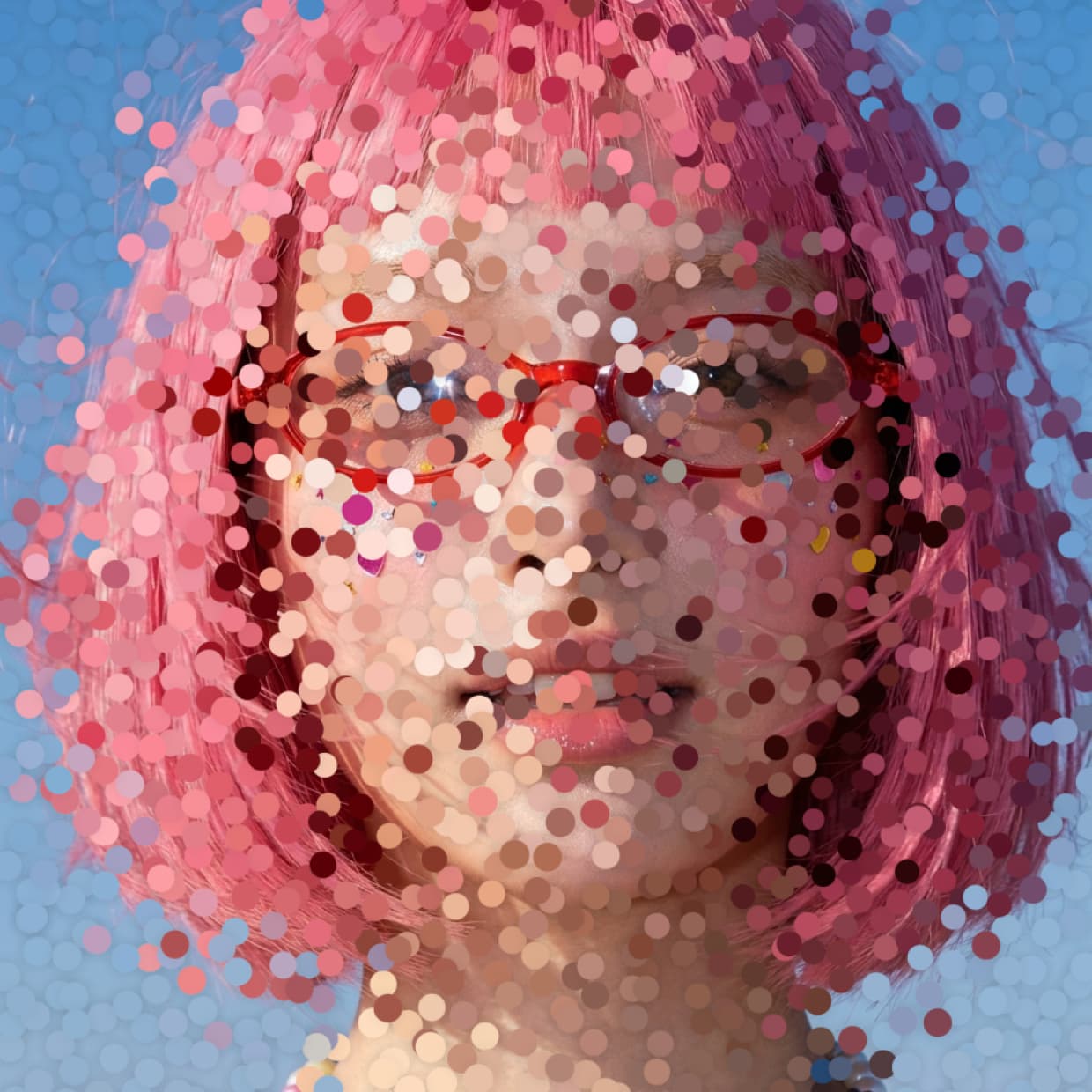 After
After
Ideas for using the effect
Icon and sticker fills
Cover selected colors with your own PNGs. Folder icons, stickers, logos. Good for product shots and social posts.
Shape mosaics
Rebuild a photo from circles, quads, stars, or crescents. Size follows brightness, so highlights and shadows stay readable.
Color-keyed accents
Pick a key color and threshold so only matching hues fill first. Isolate a sky, skin tones, or a flat background.
Layered depth with shadows
Drop shadows per sprite or per layer give a raised sticker look. Works on posters, thumbnails, and motion graphics.
Made with this effect
More inspiration on Instagram @effect_app


Use Scatter in Photoshop, Figma or on your desktop
One account, the same effect everywhere.
In Photoshop
Apply it to a layer in Photoshop 2022 and later, on macOS or Windows. The plugin renders on your own GPU and hands the result back as pixels on a new layer.
get the Photoshop plugin →In Figma
Run it on images and frames without leaving the canvas. The Figma plugin is this same editor, pointed at whatever you have selected.
get the Figma plugin →On desktop
Install the macOS or Windows app when you want a window of its own, with your account and your presets already there.
download the desktop app →Frequently Asked Questions
What is the scatter effect?
Scatter rebuilds your image out of small shapes: dots, stars, or your own PNGs, placed across a grid. You choose a color to target, and the areas closest to it fill first. Shape size follows brightness, so highlights and shadows stay readable.
Is it free?
Yes. Scatter is free to use on images and video in the browser. Paid plans add higher export resolution and batch processing.
Which shapes can I use?
Circle, quad, star, and crescent are built in. Mix picks a random one per sprite. Custom takes a PNG with alpha, so you can scatter your own icons or stickers.
How does the color key work?
You pick a color, and only areas matching it get shapes. Matching is on hue and lightness; saturation is ignored. Threshold controls how loose the match is. Turn it all the way up and the whole image fills.
What's the difference between pointillism and halftone?
Pointillism scatters shapes at random positions, usually the same size or sized by brightness. Halftone uses a regular grid where dot size varies to reproduce tone, like newspaper printing. Scatter does the first one. For the second, use Halftone.
Can I tint sprites or keep the original colors?
Yes. Single uses one fill color, Original samples from the source, Texture takes color from your custom sprite. Blend modes are Original, Multiply, Screen, Overlay, Soft light, and Hidden.
Does scatter work on videos?
Yes. It runs in real time on images and video, so footage keeps its sprite layout frame by frame.
Can I combine Scatter with other effects?
Yes. Scatter pairs well with Paper Cutout for collage layouts, Halftone or Dither for print and retro looks, ASCII for another discrete rebuild style, and Risograph for spot-ink texture on top.
What other controls are there?
Density and grid angle set the layout. Spread adds position jitter, Seed reshuffles the randomness. An optional circular mask softens sprites toward the edge. Drop shadows have opacity, color, angle, distance, blur, and per-sprite or per-layer drawing.
Is there a scatter effect for Photoshop?
Photoshop scatters brush stamps, not the content of your image. The Photoshop plugin rebuilds a layer out of dots, shapes or custom sprites in Photoshop 2024 and later, with density, size and drop shadows intact.