Download Effect for Desktop
Render professional image and video effects with native desktop speed.
FAQ
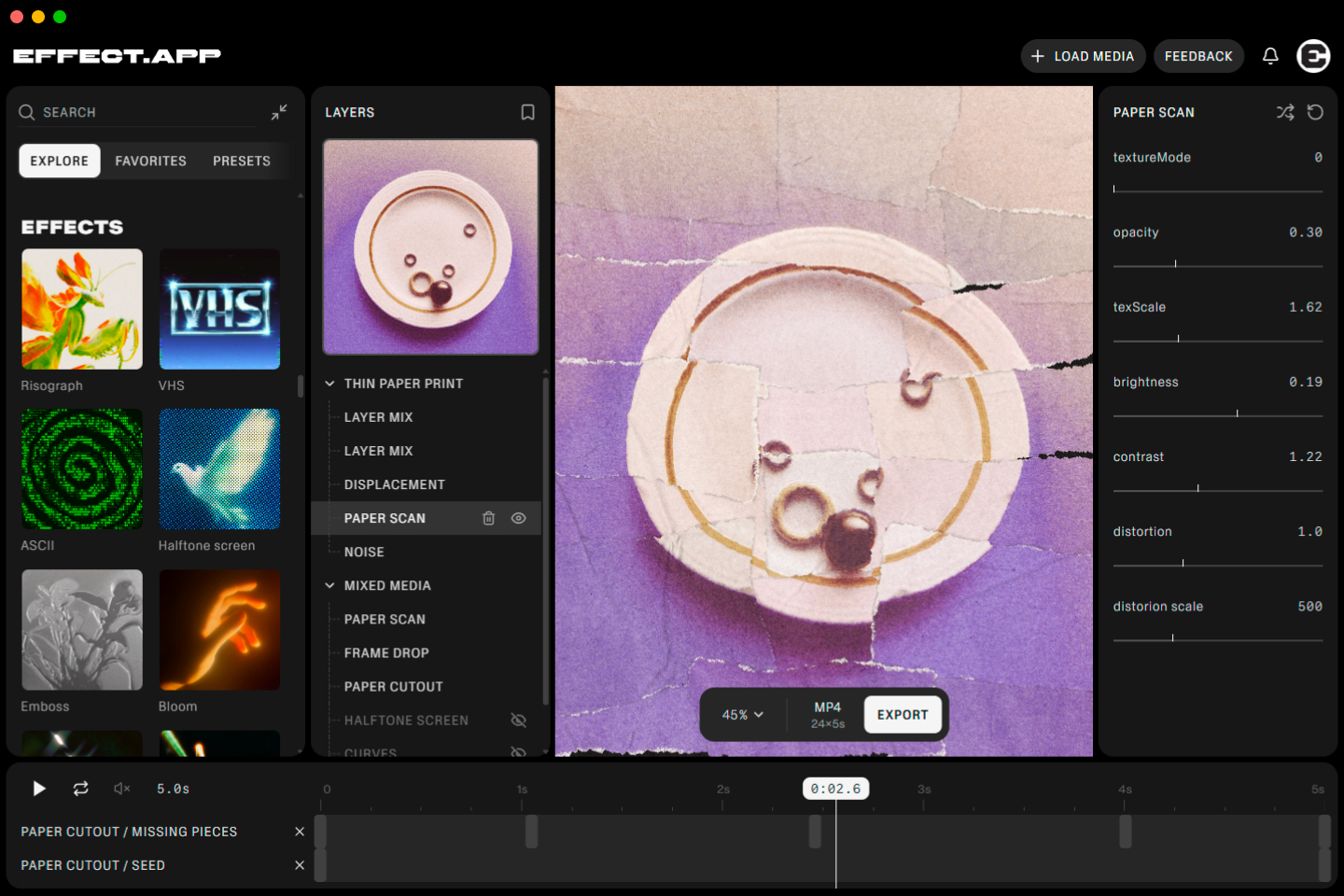
What is the Effect.app desktop app?
A native app for macOS and Windows that runs the same effects, presets, and export pipeline as the browser version, with faster local rendering and no browser tab to keep open.
Is the desktop app free to download?
The installer is free, but the desktop app itself requires a Pro or Animate plan. The free plan is not supported in the desktop app.
Do I need an account to use it?
Yes. Sign in with your effect.app account on a Pro or Animate plan to unlock rendering and export in the desktop app.
Does the desktop app work offline?
No, it needs an internet connection to launch and load effects. If you're offline, the app shows a clear offline screen instead of failing silently.
Can I open images and videos directly from Finder or File Explorer?
Yes. Use File > Open, drag a file onto the app, or right-click a file and choose "Open with Effect.app" — image and video files are registered as file associations on install.
Can I open a file straight from the command line?
Yes. On Windows and Linux, pass a file path as an argument, e.g. effect photo.jpg, and it launches loaded with that file. On macOS, use open -a Effect photo.jpg.
How do app updates work?
The app checks for updates automatically and downloads them in the background. You'll get a prompt to restart when an update is ready; if you dismiss it, the update installs the next time you launch the app.
Is my content uploaded anywhere?
No. Images and videos are processed locally on your machine, the same as the browser version — your files never leave your device.
What are the system requirements?
64-bit macOS or Windows. Use the build selector above to pick the right installer.