
Apply JPEG Glitch to images and videos online
Apply a real JPEG glitch with DCT compression, damaged quantization tables, and bitstream desync. Recreate blocking, ringing, color shifts, and authentic JPEG corruption on the file you load. Also known as: JPEG artifact effect, corrupt JPEG effect, compression glitch
 Before
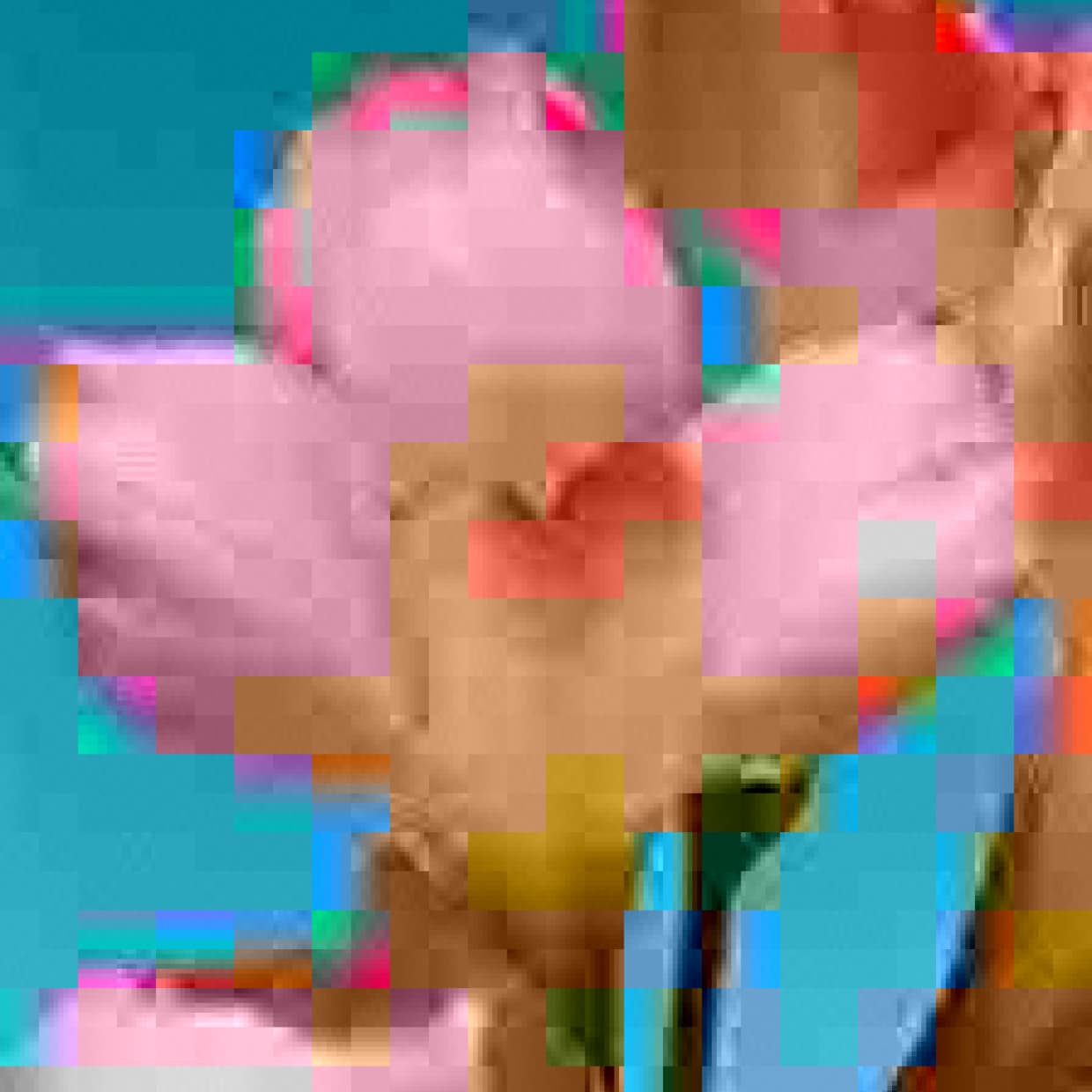 After
After
Ideas for using the effect
Heavy JPEG compression
Crush quality until 8×8 blocks, banding, and chroma smear take over portraits, stills, and video frames.
File corruption mid-decode
Damage the scan so blocks slide, colors jump, and detail collapses. The look of a JPEG that lost the thread mid-decode.
Broken quantization tables
Overwrite table bytes to ring frequencies, flatten bands, or split luma from chroma the way a damaged DQT actually does.
Cyberpunk and glitch art
Use authentic compression errors for album covers, posters, music videos, and experimental digital-decay visuals.
Made with this effect
More inspiration on Instagram @effect_app


Use JPEG Glitch in Photoshop, Figma or on your desktop
One account, the same effect everywhere.
In Photoshop
Apply it to a layer in Photoshop 2022 and later, on macOS or Windows. The plugin renders on your own GPU and hands the result back as pixels on a new layer.
get the Photoshop plugin →In Figma
Run it on images and frames without leaving the canvas. The Figma plugin is this same editor, pointed at whatever you have selected.
get the Figma plugin →On desktop
Install the macOS or Windows app when you want a window of its own, with your account and your presets already there.
download the desktop app →Frequently Asked Questions
What is the JPEG Glitch effect?
JPEG Glitch runs a real JPEG encode/decode in the shader: 8×8 DCT blocks, YCbCr 4:2:0 chroma, and quantization tables. You can then damage those tables and the bitstream to get blocking, ringing, color casts, and scan desync. The artifacts of a corrupted JPEG file, not an overlay.
Is this the same as the Glitch effect?
What does Compression do?
Compression is the JPEG quality, inverted: higher values mean heavier quantization, larger 8×8 blocks of flat color, and stronger chroma bleed. Low values stay close to the original image.
What does Corruption do?
Corruption damages the entropy-coded scan. Later blocks pick up a wrong DC predictor (color and brightness jumps) and can slide to a different MCU, which is why a broken JPEG often shears sideways and steps down a row.
What is Decoder mismatch?
In a real damaged file the encoder quantized against a clean table and the decoder dequantizes against a broken one, so damaged frequency bands come back too loud or disappear. Decoder mismatch is that gap. It does nothing until you also damage the quantization table.
Can I use JPEG Glitch on videos?
Yes. JPEG Glitch works in real time on both images and videos. Block size and scan damage stay locked to the source, so the look is the same in preview and export.