
Apply Texture Displacement to images and videos online
Warp images and videos with a custom displacement texture. Use grayscale maps to push pixels, shape organic distortions, and dial in smooth results with map curve and blur controls.
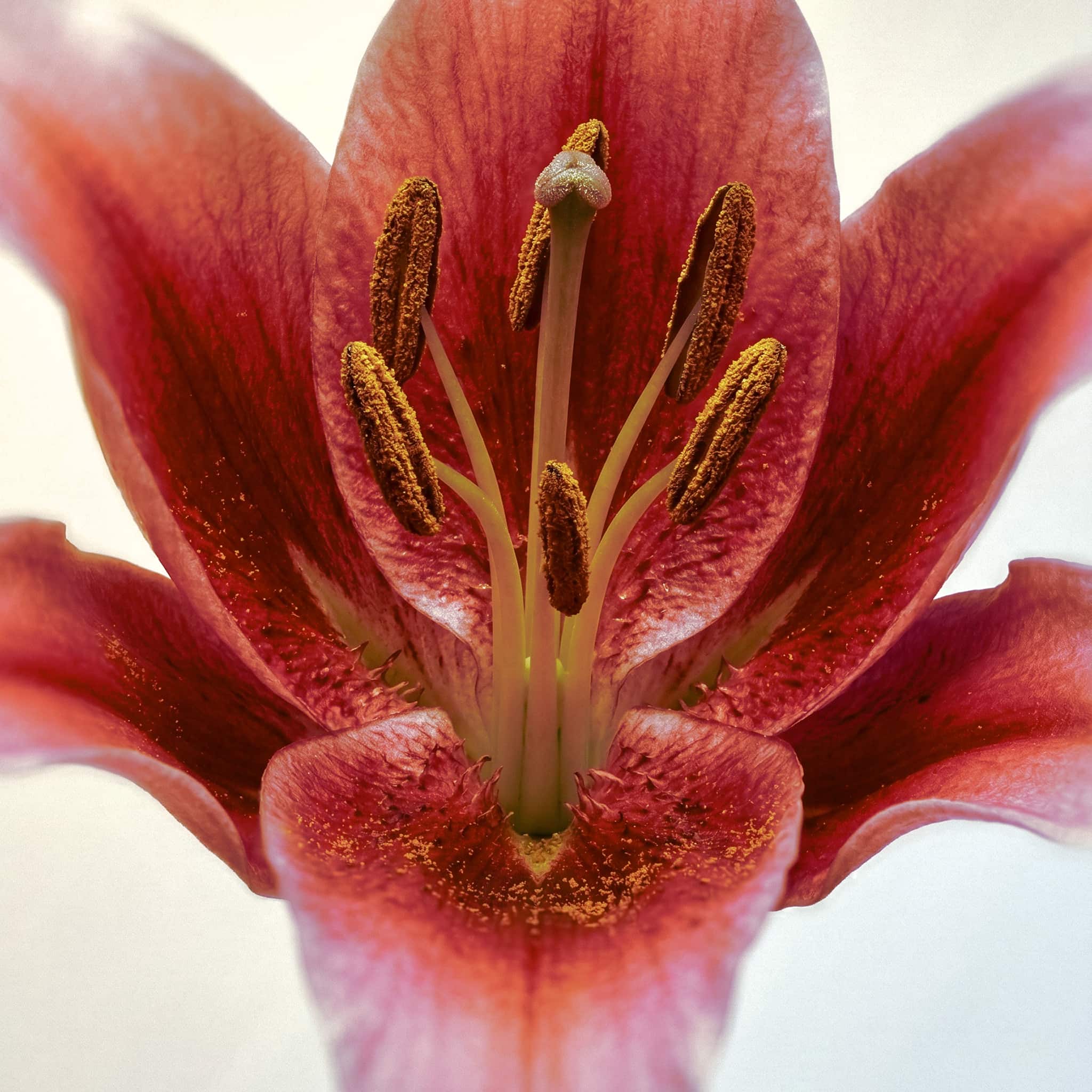 Before
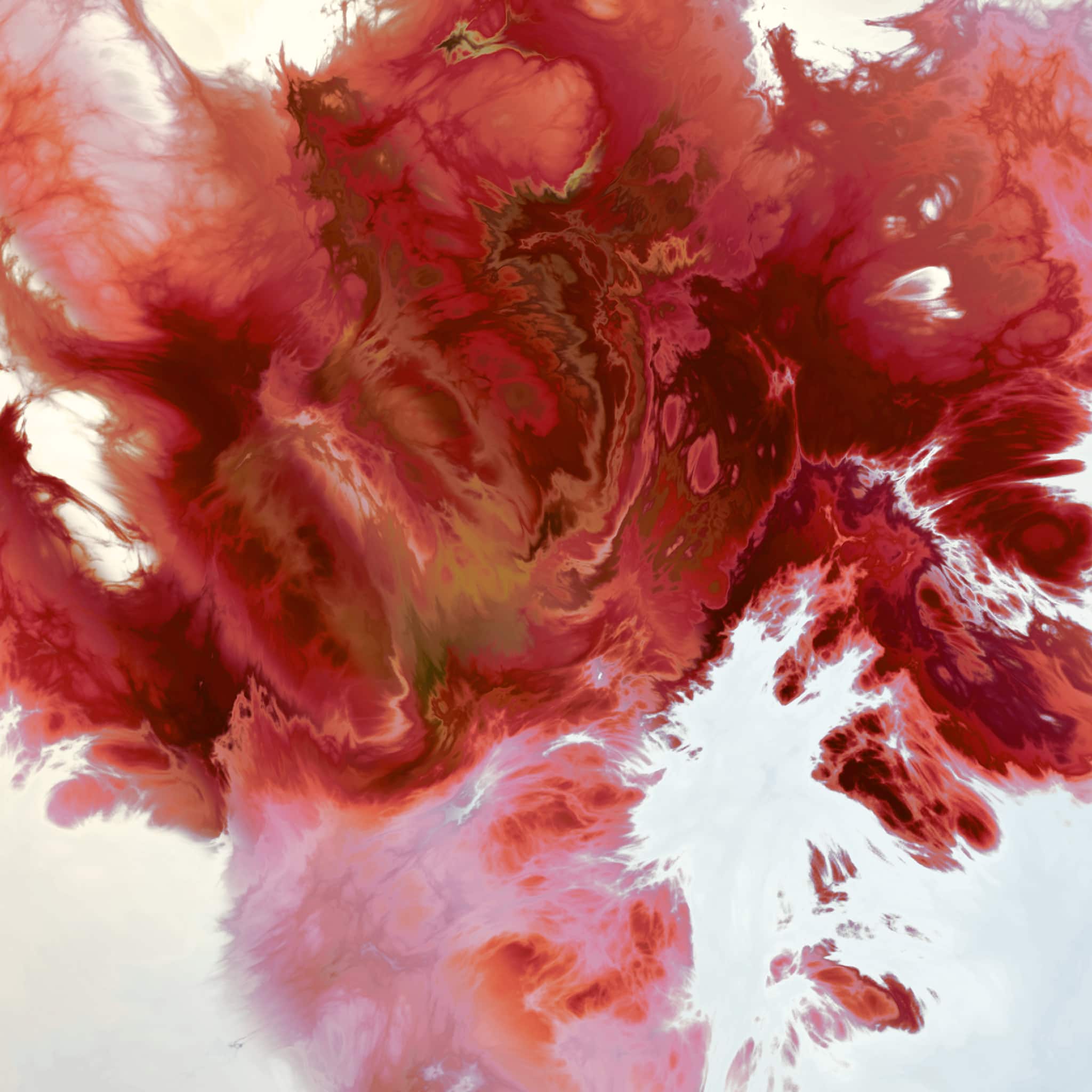 After
After
Ideas for using the effect
Fluid ripples and heat-wave warps
Use soft gradients and cloud textures to build flowing displacement with a natural, liquid feel.
Poster and collage distortion
Push graphic assets with hard-edged maps for torn, offset, and print-like misregistration looks.
Glitchy texture offsets
Drive distortion with noisy maps to create unstable, digital-style movement and interference.
Organic face and object warping
Paint custom maps to bend selected regions while keeping surrounding areas mostly stable.
Made with this effect
More inspiration on Instagram @effect_app


Use Texture Displacement in Photoshop, Figma or on your desktop
One account, the same effect everywhere.
In Photoshop
Apply it to a layer in Photoshop 2022 and later, on macOS or Windows. The plugin renders on your own GPU and hands the result back as pixels on a new layer.
get the Photoshop plugin →In Figma
Run it on images and frames without leaving the canvas. The Figma plugin is this same editor, pointed at whatever you have selected.
get the Figma plugin →On desktop
Install the macOS or Windows app when you want a window of its own, with your account and your presets already there.
download the desktop app →Frequently Asked Questions
What is Texture Displacement?
Texture Displacement shifts pixels based on a custom texture map, where map brightness controls the direction and strength of the warp.
What textures work best?
Grayscale textures are ideal because they provide clear displacement values, but colorful textures also work since the map is converted to luminance.
Can I control how the map fits the canvas?
Yes. You can apply the map with Fill, Stretch, or Tile modes, then refine the result with texture scale.
What does map curve and map blur do?
Map curve remaps the displacement response for softer or stronger transitions, and map blur smooths the map before displacement to reduce harsh edges.
Does it work on videos?
Yes. Texture Displacement runs in real time on both images and videos.
Can I stack it with other effects?
Absolutely. It combines well with grain, color grading, blur, and glow effects for richer stylized looks.
Is there a displacement map filter for Photoshop?
Photoshop's Displace wants the map saved as a separate .psd and shows you nothing until it runs. The Photoshop plugin takes the texture directly, with fit, scale, curve, blur and amount live, and bakes the warp onto a new layer.