
Apply Frame Drop to images and videos online
Create dropped-frame motion, stuttered playback, and frame hold looks for images and videos. Dial in low-FPS timing, irregular frame changes, and live opacity for anything from subtle judder to stop-motion style motion. Also known as: dropped frames effect, frame hold effect, stutter effect, low FPS effect
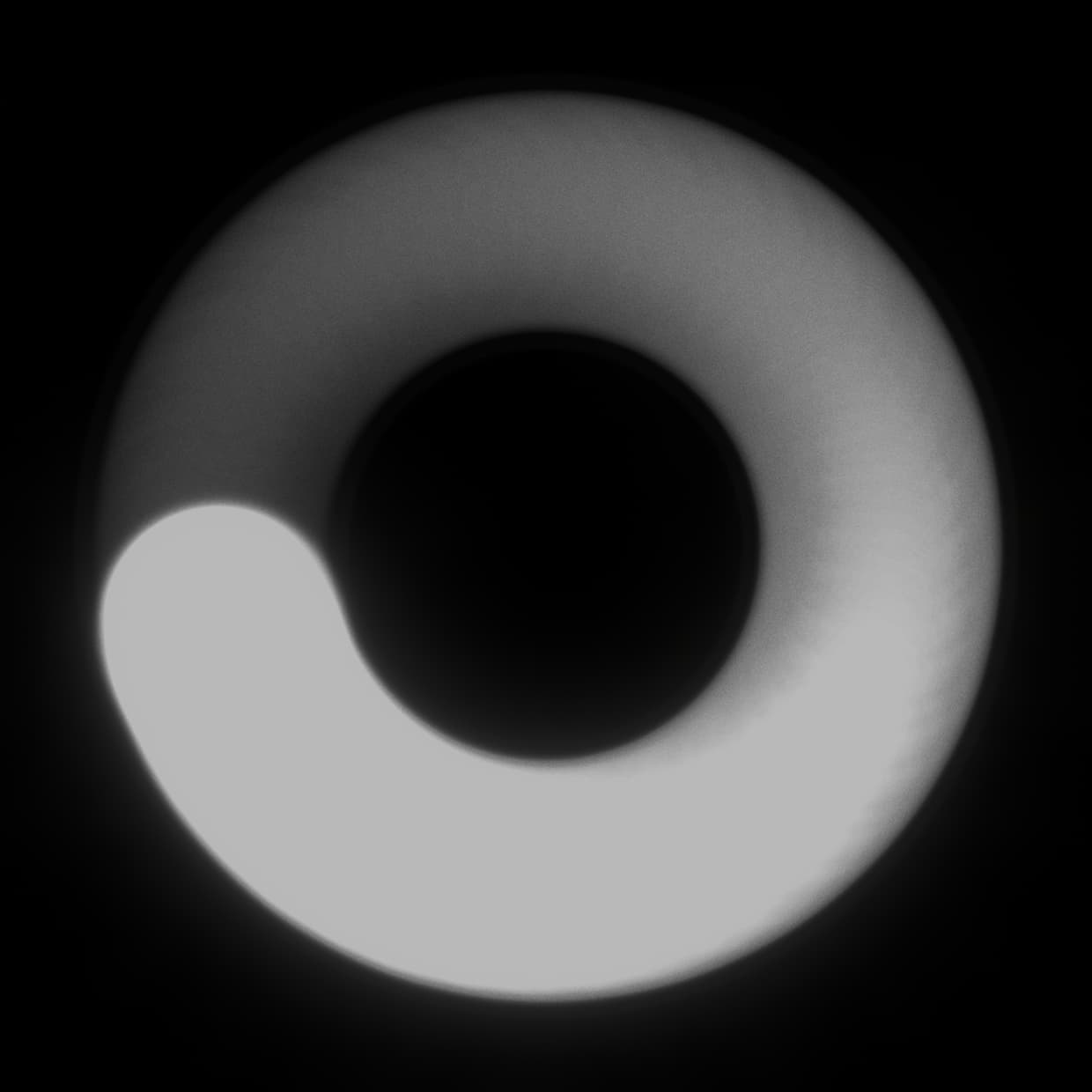 Before
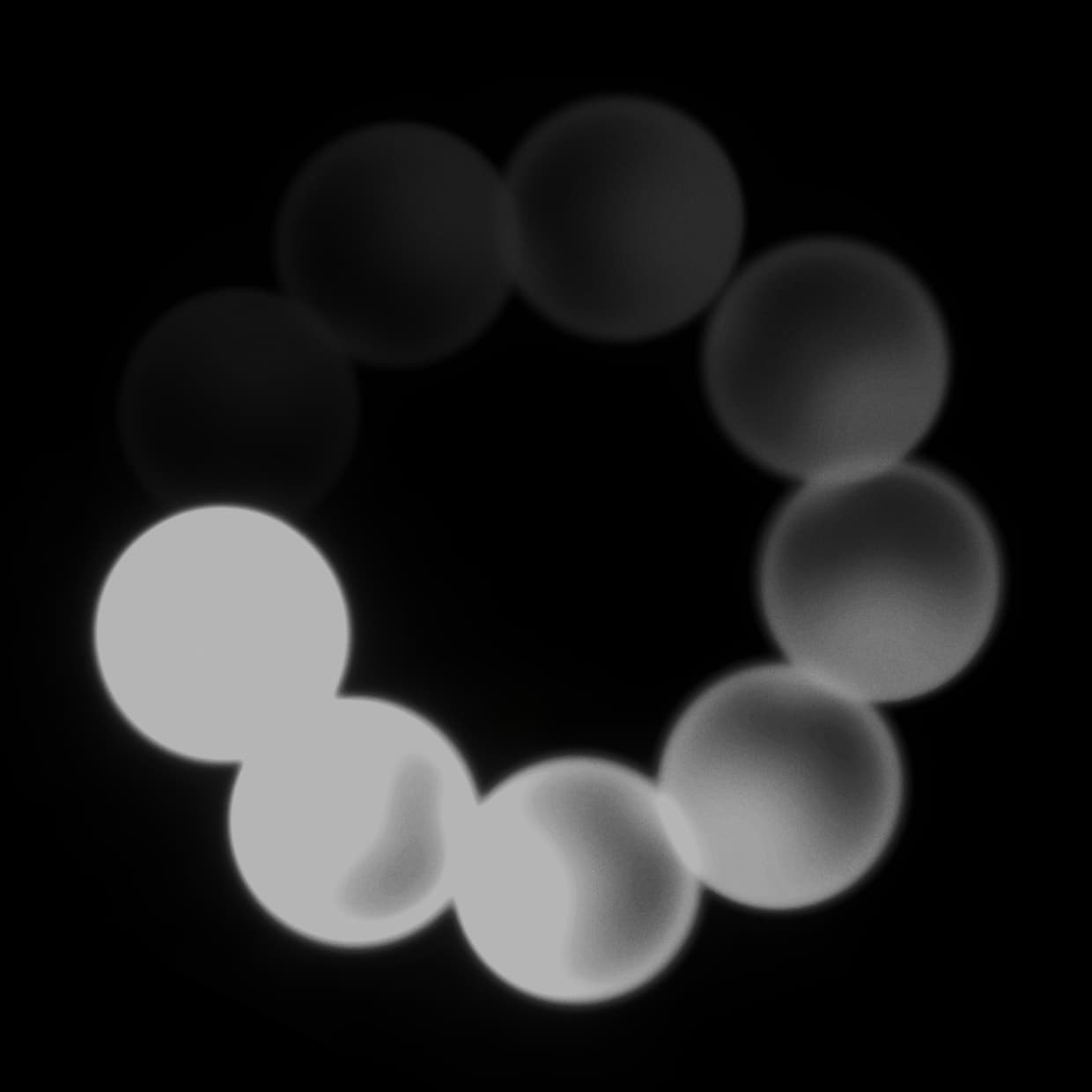 After
After
Ideas for using the effect
Low-FPS video style
Reduce motion to a lower frame rate for crunchy music videos, edits, loops, and social clips.
Stop-motion timing
Hold frames on twos, threes, or uneven intervals to mimic handmade animation and choppy capture.
Glitchy frame skips
Use irregular timing to make movement feel unstable, digital, or broken without adding heavy distortion.
Live bleed blends
Raise Opacity to mix live motion back into held frames for ghosted movement and softer frame transitions.
Made with this effect
More inspiration on Instagram @effect_app


Use Frame Drop in Photoshop, Figma or on your desktop
One account, the same effect everywhere.
In Photoshop
Apply it to a layer in Photoshop 2022 and later, on macOS or Windows. The plugin renders on your own GPU and hands the result back as pixels on a new layer.
get the Photoshop plugin →In Figma
Run it on images and frames without leaving the canvas. The Figma plugin is this same editor, pointed at whatever you have selected.
get the Figma plugin →On desktop
Install the macOS or Windows app when you want a window of its own, with your account and your presets already there.
download the desktop app →Frequently Asked Questions
What is the Frame Drop effect?
Frame Drop holds frames and updates them at a controlled rate, creating a low-FPS, stuttered, or stop-motion look.
Does Frame Drop work on videos?
Yes. Frame Drop is designed for video and real-time playback. It can also freeze still images into a held-frame look.
What does Irregularity control?
Irregularity varies the timing between held frames, so playback feels less mechanically even and more like real dropped frames.
What does Opacity do?
Opacity mixes the live source back into the held frame. Low values keep a hard frame hold; higher values let live motion bleed through.
Can I combine Frame Drop with other effects?
Yes. Frame Drop pairs well with VHS, glitch, motion blur, film grain, and color grading for stylized video edits.
Can I use Frame Drop in Photoshop?
Frame Drop is about timing — held frames, stutter, low-FPS playback — and a Photoshop layer is a single frame. The Photoshop plugin can only hand back that one frame, so this effect belongs in the browser or the desktop app.