
Apply Camera Shake to images and videos online
Add realistic handheld camera shake to images and videos with pan, tilt, rotation, zoom, pauses, and motion blur. Shape everything from subtle handheld drift to aggressive impact shake directly in your browser. Also known as: handheld camera effect, shake effect, cinematic shake, action camera shake
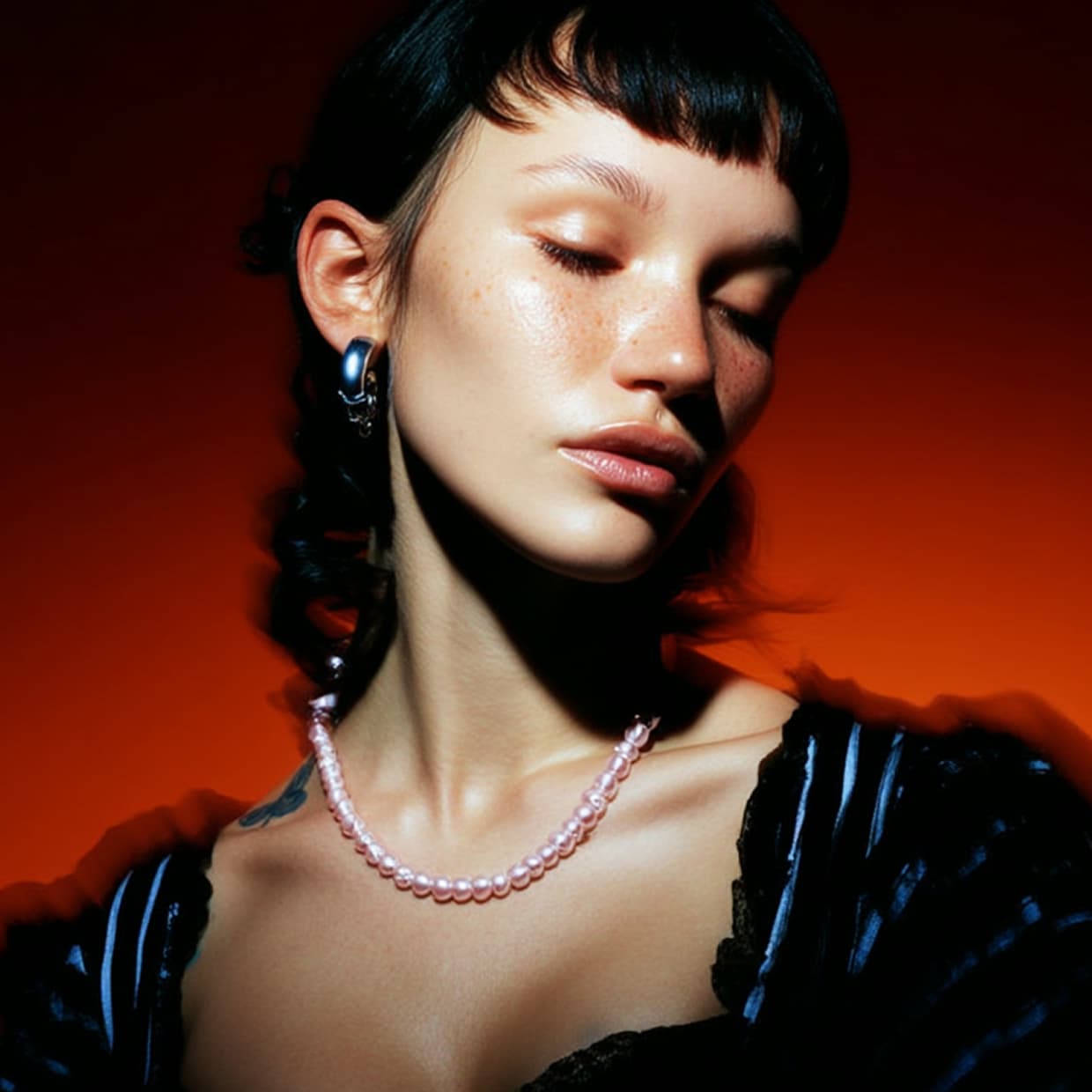 Before
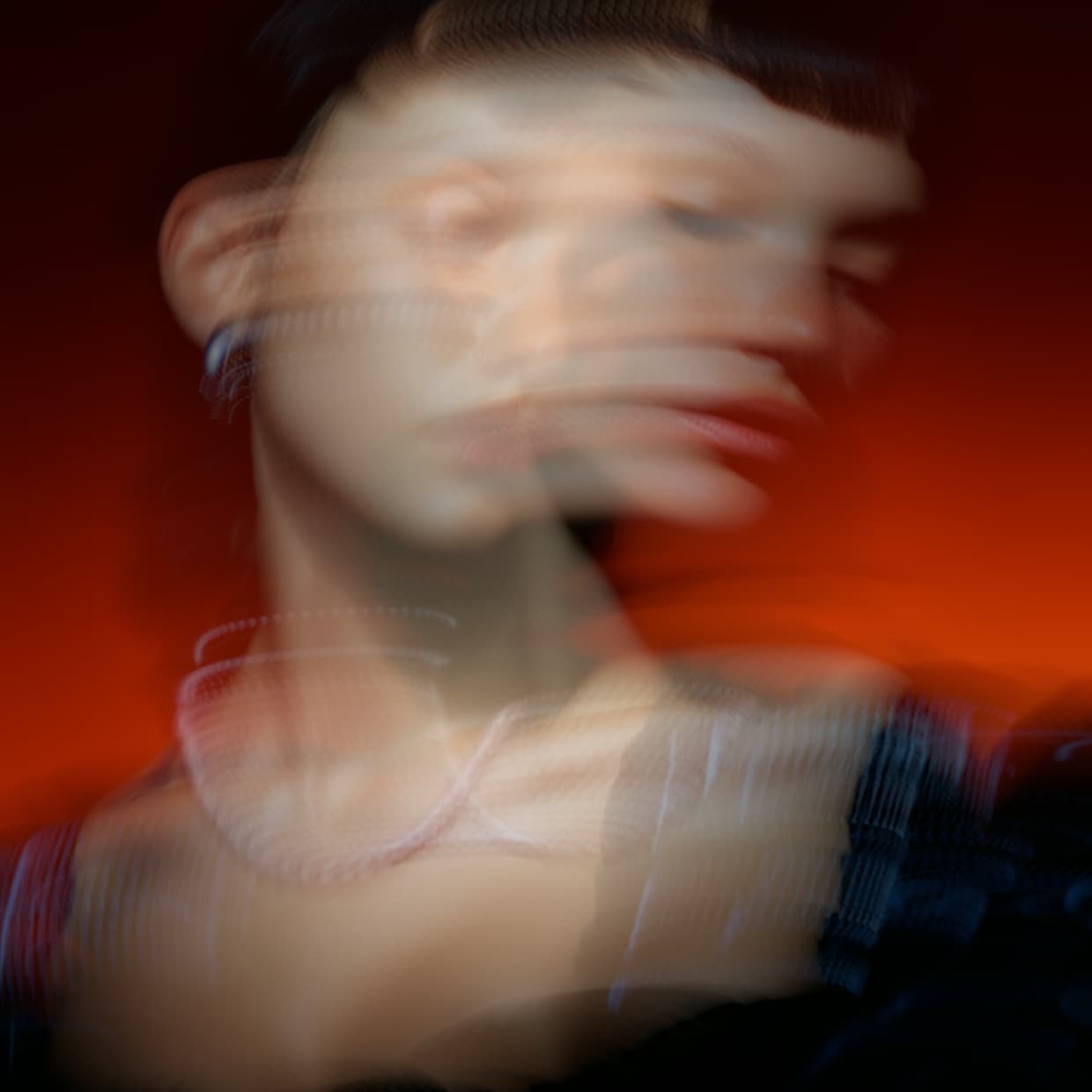 After
After
Ideas for using the effect
Handheld footage
Give static shots a natural handheld feel with controlled pan, tilt, and rotation.
Action impacts
Use stronger motion scale and blur for hits, drops, transitions, and high-energy edits.
Cinematic instability
Add uneven movement, pauses, and randomization for documentary, music video, or found-footage looks.
Zoom shake
Mix translation with outward zoom motion for pulsing, impact-driven camera moves.
Made with this effect
More inspiration on Instagram @effect_app


Use Camera Shake in Photoshop, Figma or on your desktop
One account, the same effect everywhere.
In Photoshop
Apply it to a layer in Photoshop 2022 and later, on macOS or Windows. The plugin renders on your own GPU and hands the result back as pixels on a new layer.
get the Photoshop plugin →In Figma
Run it on images and frames without leaving the canvas. The Figma plugin is this same editor, pointed at whatever you have selected.
get the Figma plugin →On desktop
Install the macOS or Windows app when you want a window of its own, with your account and your presets already there.
download the desktop app →Frequently Asked Questions
What is the Camera Shake effect?
Camera Shake simulates animated camera movement using pan, tilt, rotation, zoom, pauses, randomness, and integrated motion blur.
Does Camera Shake work on videos?
Yes. Camera Shake is built for video and animated previews, and it also works on still images when you want a moving camera feel.
What does Motion Scale control?
Motion Scale controls the overall strength of the shake. Higher values increase translation, rotation, and zoom movement together.
What does Motion Blur do?
Motion Blur samples the camera movement across a virtual shutter window, so blur follows the same pan, tilt, rotation, and zoom path as the shake.
Can I make the shake pause?
Yes. Pause Length, Pause Interval, and Pause Randomness control when the shake holds still and how regular those pauses feel.
Can I add camera shake in Photoshop?
Photoshop's own Shake Reduction removes handheld motion rather than adding it. Camera Shake is built out of movement across frames, so the Photoshop plugin bakes a single shaken frame with its pan, tilt and motion blur, while the moving version belongs in the browser or the desktop app.