Apply Hue Curves to images and videos online
Target specific colors with hue-based curve controls for precise creative grading. Shift hues, boost saturation, or reshape luminance by color range directly in your browser.
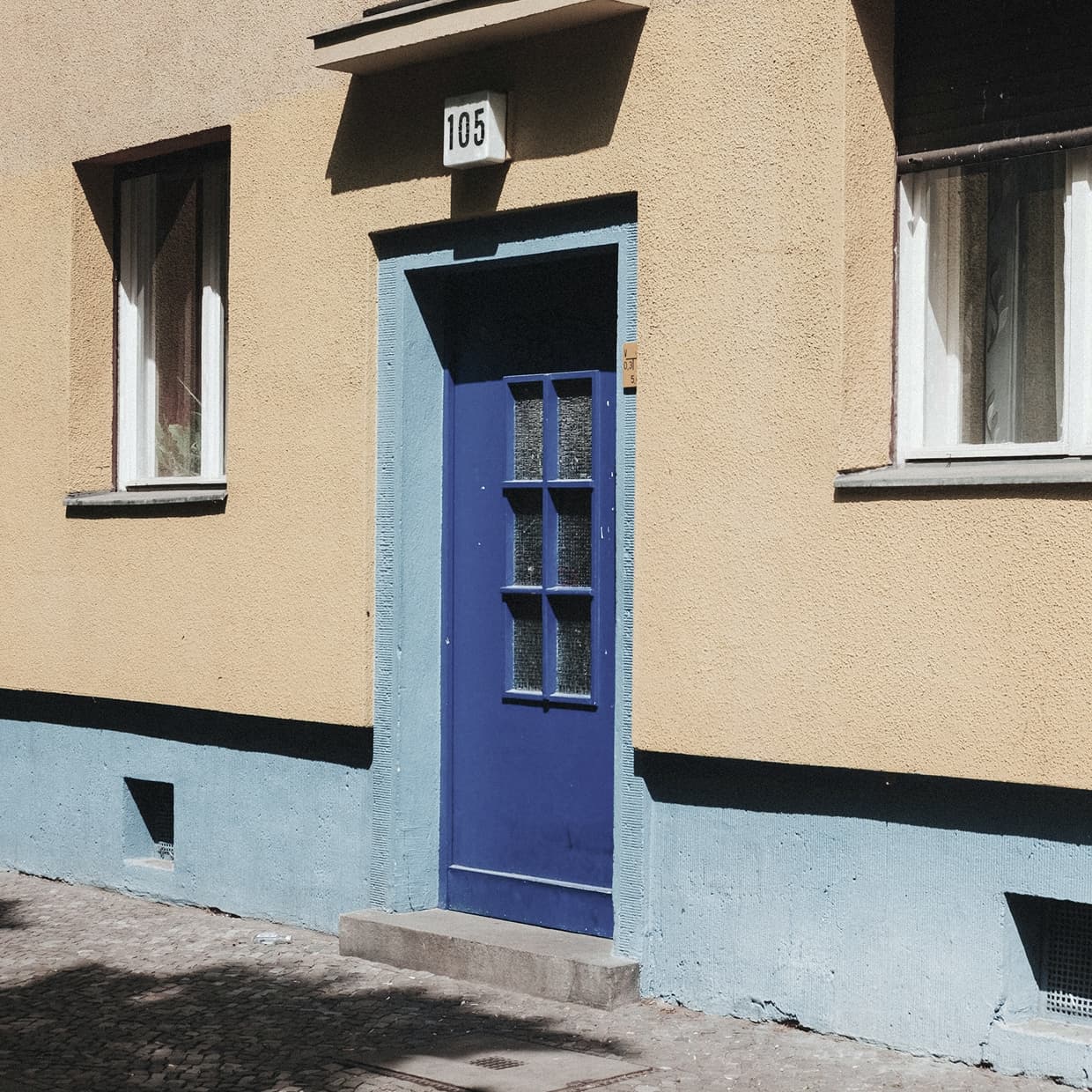 Before
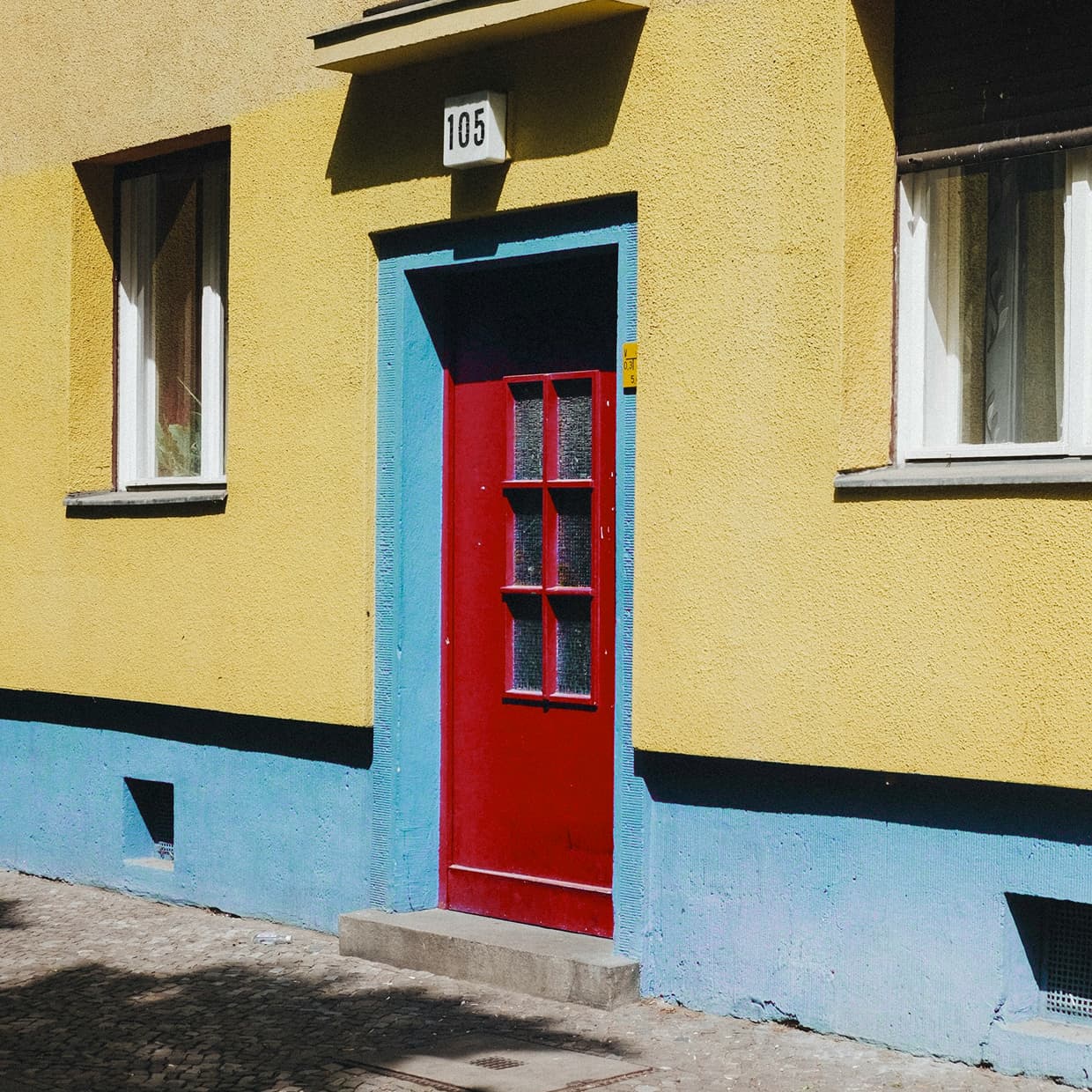 After
After
Ideas for using the effect
Selective color correction
Refine a single color family without affecting the full image, from skin tones to skies and foliage.
Creative hue remapping
Use Hue vs Hue to turn one color range into another while keeping neighboring colors smooth.
Saturation shaping
Boost muted tones or pull back distracting colors with Hue vs Saturation control.
Luminance balancing
Brighten or darken selected hue ranges with Hue vs Luminance for cleaner color separation.
Made with this effect
More inspiration on Instagram @effect_app


Use Hue Curves in Photoshop, Figma or on your desktop
One account, the same effect everywhere.
In Photoshop
Apply it to a layer in Photoshop 2022 and later, on macOS or Windows. The plugin renders on your own GPU and hands the result back as pixels on a new layer.
get the Photoshop plugin →In Figma
Run it on images and frames without leaving the canvas. The Figma plugin is this same editor, pointed at whatever you have selected.
get the Figma plugin →On desktop
Install the macOS or Windows app when you want a window of its own, with your account and your presets already there.
download the desktop app →Frequently Asked Questions
What does Hue Curves do?
Hue Curves lets you adjust hue, saturation, and luminance based on the original color hue in an image or video.
How is Hue Curves different from regular Curves?
Regular Curves remap brightness or RGB channels, while Hue Curves target color ranges such as reds, greens, blues, and skin tones.
What are Hue vs Hue, Hue vs Saturation, and Hue vs Luminance?
Hue vs Hue shifts selected colors, Hue vs Saturation changes color intensity, and Hue vs Luminance changes brightness for selected hue ranges.
Does Hue Curves work on videos?
Yes. Hue Curves runs in real time on both images and videos.
Can I combine Hue Curves with other effects?
Absolutely. Hue Curves pairs well with Curves, Film Grain, Halation, Bloom, and Classic Film LUTs for polished color grades.
Are there hue vs hue curves in Photoshop?
Photoshop stops at the HSL sliders in Camera Raw — hue curves are a color-grading tool from the video world. The Photoshop plugin brings Hue vs Hue, Hue vs Saturation and Hue vs Luminance onto a Photoshop layer in 2024 and later.