
Apply Vignette to images and videos online
Draw the eye to the center of the frame by darkening or tinting its edges. Pick a border shape, place it anywhere, and dial in the falloff — in real time, on images and video.
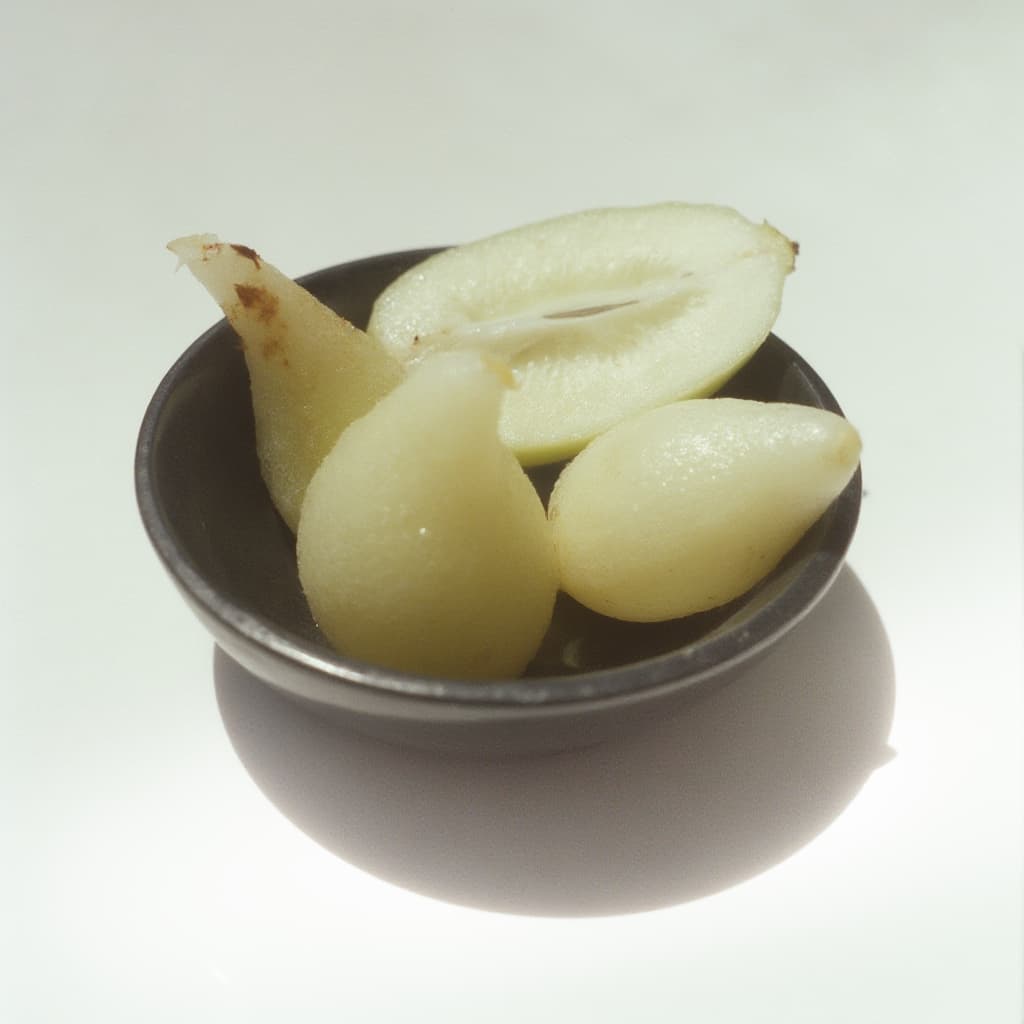 Before
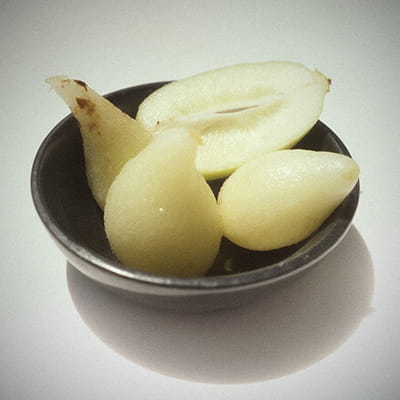 After
After
Ideas for using the effect
Focus attention on the subject
Pull light out of the corners so the viewer's eye lands on the middle of the frame — the oldest trick in portrait and product photography.
Shaped masks, not just ovals
Switch the border to a triangle, diamond, rectangle, hexagon, or octagon to frame a shot like a viewfinder, a porthole, or a title card.
Tinted edges instead of black
Set any color for the falloff. Warm amber reads as lamplight, deep blue as night, white as an overexposed print edge.
Analog and lo-fi looks
A soft dark border is what a cheap lens does on its own. Stack it with <a href="/effects/film-grain">film grain</a> or <a href="/effects/halation">halation</a> for a convincing analog frame.
Made with this effect
More inspiration on Instagram @effect_app


Use Vignette in Photoshop, Figma or on your desktop
One account, the same effect everywhere.
In Photoshop
Apply it to a layer in Photoshop 2022 and later, on macOS or Windows. The plugin renders on your own GPU and hands the result back as pixels on a new layer.
get the Photoshop plugin →In Figma
Run it on images and frames without leaving the canvas. The Figma plugin is this same editor, pointed at whatever you have selected.
get the Figma plugin →On desktop
Install the macOS or Windows app when you want a window of its own, with your account and your presets already there.
download the desktop app →Frequently Asked Questions
What is a vignette effect?
A vignette darkens or tints the edges of an image so the center stands out. It happens naturally in real lenses, and it is added on purpose in photography, film, and design to guide where the viewer looks.
What border shapes are available?
Six: oval, triangle, diamond, rectangle, hexagon, and octagon. Each one can be resized, rotated, stretched along one axis, and moved anywhere in the frame, so the vignette does not have to sit dead center.
Can I make a vignette that is not black?
Yes. The falloff takes any color, and ten blend modes — including add, screen, multiply, overlay, and soft light — control how it mixes with the image underneath.
How do I avoid banding in the gradient?
Dithering is on by default. Smooth vignettes are exactly where 8-bit banding shows up as visible rings, and the dither breaks those rings up. Leave it on unless you want the stepped look.
Does it work on video?
Yes. The vignette renders in real time on both images and video, and it runs on your device — nothing is uploaded.
What pairs well with a vignette?
It is a finishing touch, so it goes last. Color grading sets the mood first, bloom or halation handles the highlights, and the vignette closes the frame.
How do I add a vignette in Photoshop?
Camera Raw's Post Crop Vignetting gives you one oval and an amount. The Photoshop plugin applies a vignette to a layer with six border shapes, a custom color and ten blend modes, and without the banding a hand-made gradient usually brings.