
Apply Text to images and videos online
Add editable text to images and videos. Type, position, rotate, and style typography with fill, stroke, opacity, and blend modes in real time, no Photoshop required.
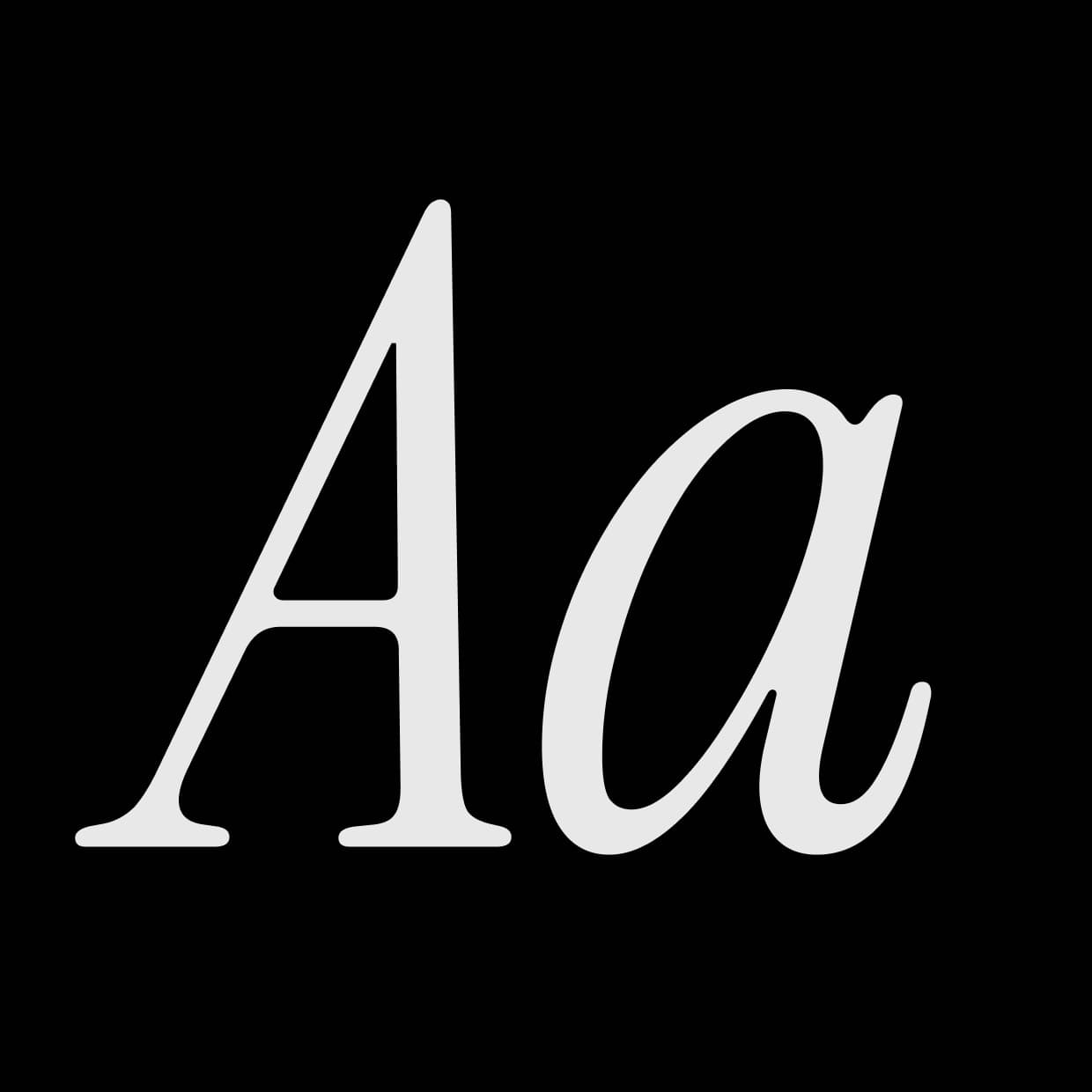 Before
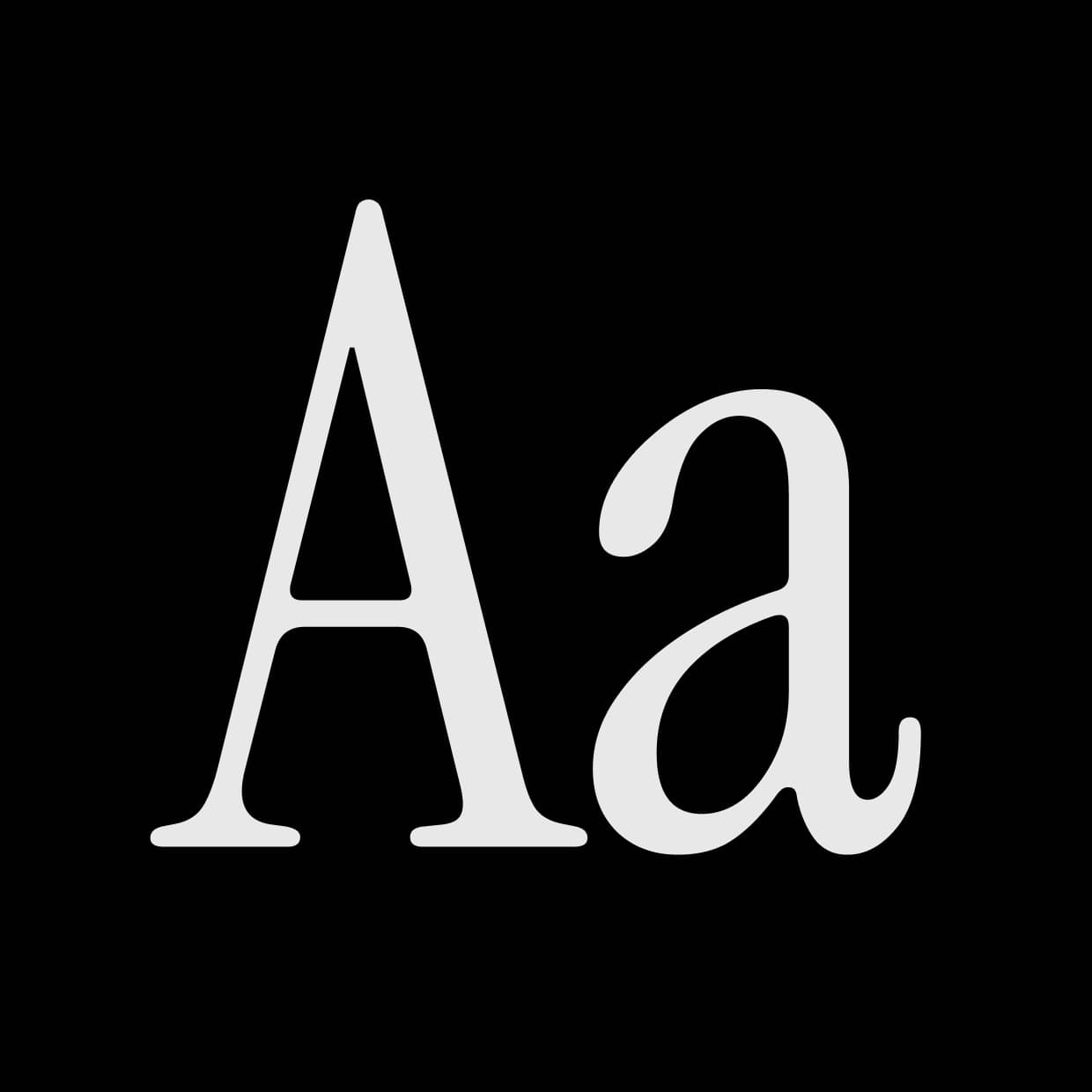 After
After
Ideas for using the effect
Titles and captions
Layer headlines, subtitles, or captions over photos and video with full font, size, and alignment control.
Posters and editorial
Build poster layouts, magazine covers, and editorial compositions with stroke outlines and rotation.
Stylized typography
Push letter spacing, line height, and color to create display type, logo lockups, and graphic statements.
Mixed-media overlays
Combine text with paper texture, ink bleed, grain, and color grading for analog collage looks.
Made with this effect
More inspiration on Instagram @effect_app


Use Text in Photoshop, Figma or on your desktop
One account, the same effect everywhere.
In Photoshop
Apply it to a layer in Photoshop 2022 and later, on macOS or Windows. The plugin renders on your own GPU and hands the result back as pixels on a new layer.
get the Photoshop plugin →In Figma
Run it on images and frames without leaving the canvas. The Figma plugin is this same editor, pointed at whatever you have selected.
get the Figma plugin →On desktop
Install the macOS or Windows app when you want a window of its own, with your account and your presets already there.
download the desktop app →Frequently Asked Questions
What is the Text effect?
Text lets you type and style editable text directly on the canvas, with font, size, alignment, position, rotation, color, stroke, opacity, and blend mode controls.
Can I move and rotate the text?
Yes. Use the X/Y position to place the text box, and the Rotation control to spin it around its center. Dragging the position never re-rasters, so text can move freely, even off-canvas.
Can I outline the text?
Yes. Use Stroke Width and Stroke Color to add an outline. Fill and stroke are blended per glyph, so you can mix a colored fill with a contrasting outline.
Which blend modes are available?
Normal, Darken, Multiply, Color burn, Linear burn, Lighten, Screen, Color dodge, Linear dodge (add), Overlay, Soft light, Hard light, Vivid light, Linear light, Pin light, Hard mix, Difference, Exclusion, Subtract, Divide, Hue, Saturation, Color, and Luminosity — the full Photoshop blend mode set.
Does Text work on videos?
Yes. Text renders in real time on both images and videos, so type stays sharp and editable as the footage plays.
Do I need Photoshop for this effect?
No. Text runs directly in your browser, so you can add and style typography with no Photoshop. Photoshop has its own type tool, of course — the Photoshop plugin carries this one so the same text, font and blend mode travel with a preset.
Can I combine Text with other effects?
Absolutely. It pairs well with paper texture, ink bleed, noise, color grading, blur, and layer mix effects.