
Apply Ink Bleed to images and videos online
Add realistic ink bleed to images and videos. Create spread, soft feathering, and distressed print texture in real time with no Photoshop required, with control over direction, intensity, noise, grain, and custom mask shaping.
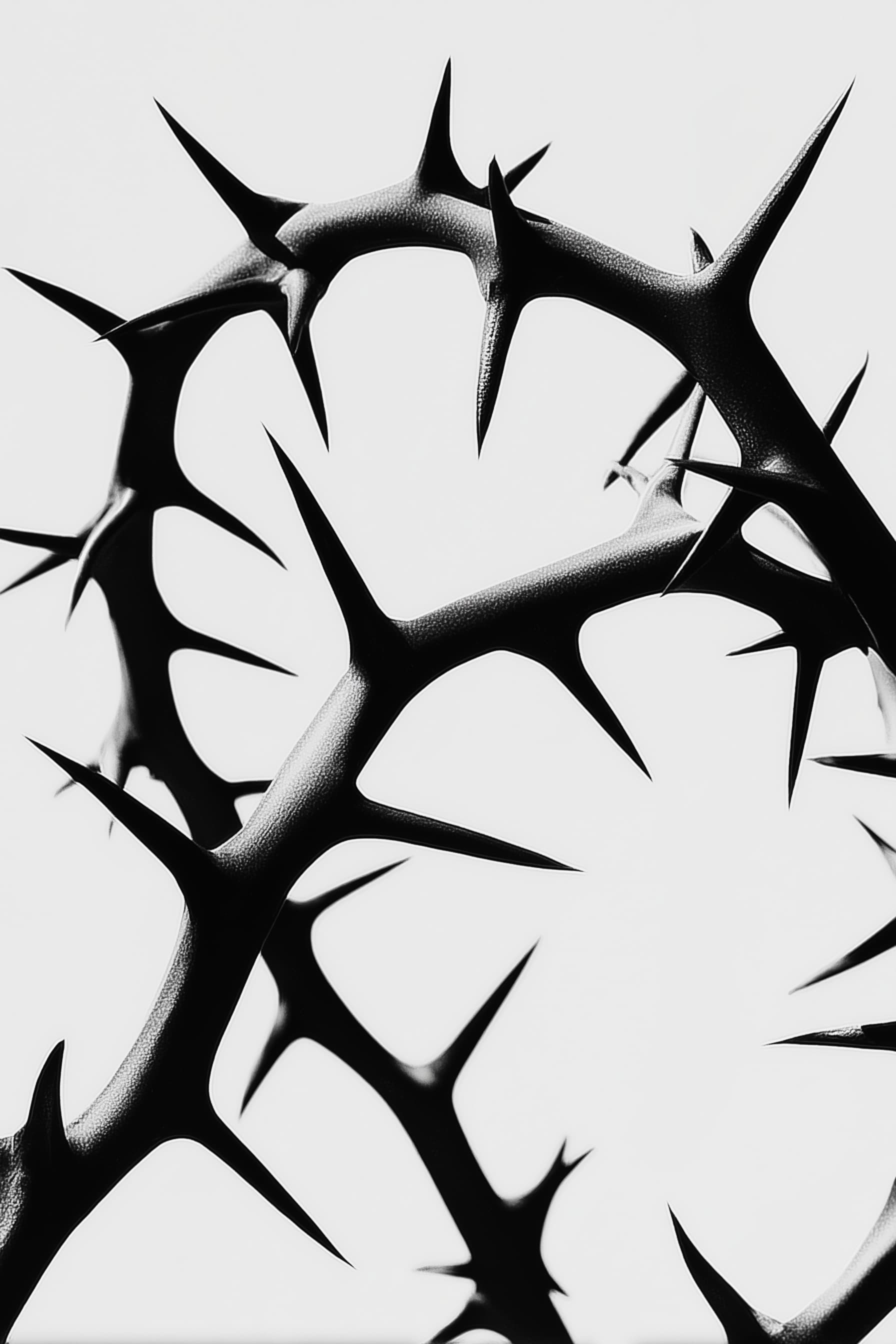 Before
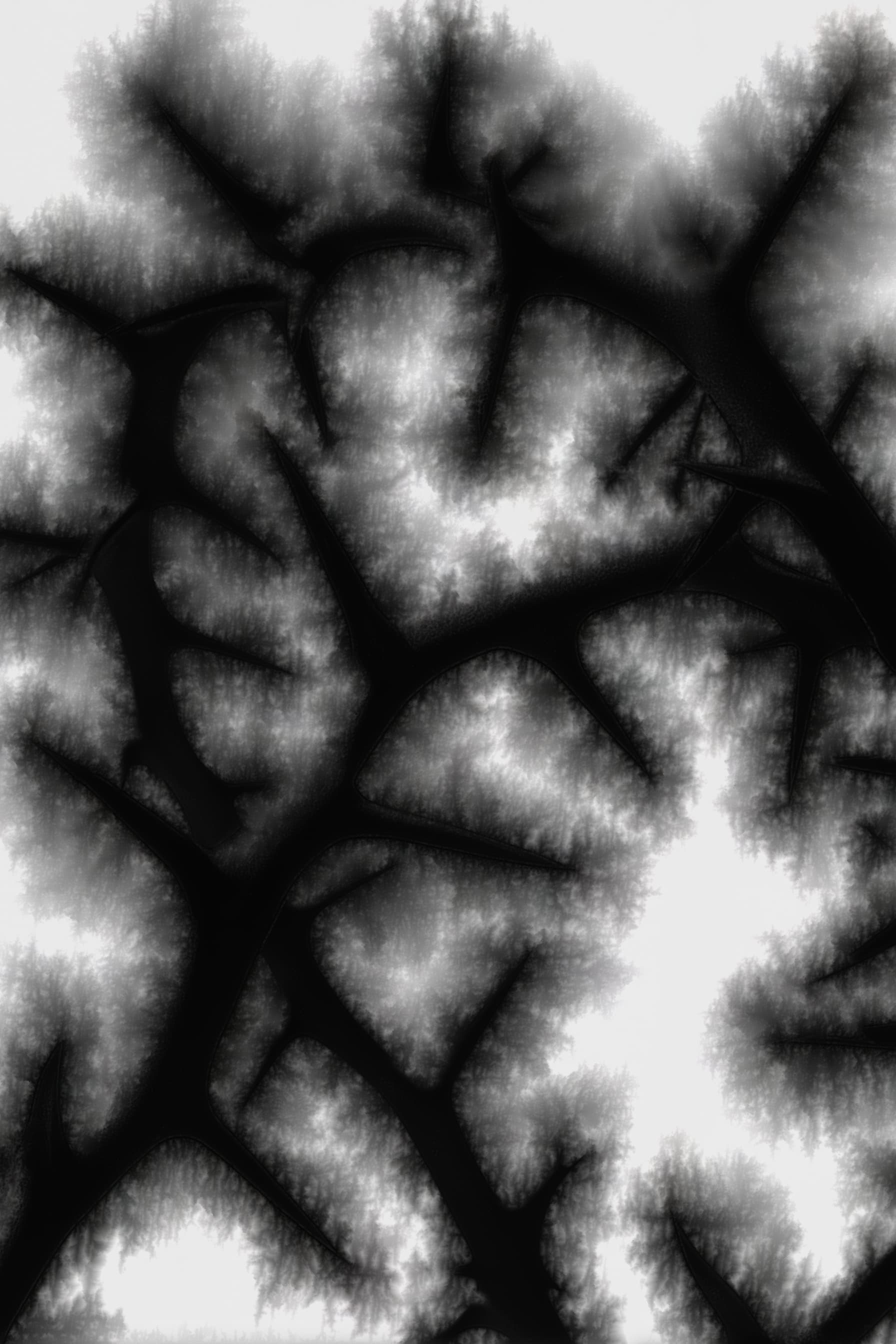 After
After
Ideas for using the effect
Distressed print edges
Simulate worn print boundaries where ink spreads beyond clean lines.
Destressed ink style
Build a raw, destressed ink look with uneven saturation and subtle bleed artifacts.
Custom spread masks
Use a custom mask texture to control exactly where ink spreads
Editorial and poster texture
Add analog character to typography, layouts, and graphic compositions.
Made with this effect
More inspiration on Instagram @effect_app


Use Ink Bleed in Photoshop, Figma or on your desktop
One account, the same effect everywhere.
In Photoshop
Apply it to a layer in Photoshop 2022 and later, on macOS or Windows. The plugin renders on your own GPU and hands the result back as pixels on a new layer.
get the Photoshop plugin →In Figma
Run it on images and frames without leaving the canvas. The Figma plugin is this same editor, pointed at whatever you have selected.
get the Figma plugin →On desktop
Install the macOS or Windows app when you want a window of its own, with your account and your presets already there.
download the desktop app →Frequently Asked Questions
What is the Ink Bleed effect?
Ink Bleed simulates how real ink spreads into paper fibers, creating soft edges and imperfect print texture.
Can I create a distressed or destressed ink look?
Yes. You can dial the settings from subtle bleed to strong distressed and destressed ink styles.
Can I control where the ink spreads?
Yes. Upload a custom spread mask and adjust mask contrast (curve control) plus mask strength to target bleed zones.
Which controls are available?
You can tune spread, decay, intensity, direction, noise size, grain, grain size, custom mask, mask contrast (curve control), mask strength, show mask, and ink reset (sec).
Do I need Photoshop for this effect?
No. Ink Bleed runs directly in your browser, so you can create the look with no Photoshop. If Photoshop is where you already work, the Photoshop plugin applies the same effect to a layer there.
Does Ink Bleed work on videos?
Yes. The effect processes both images and videos in real time.
Can I combine Ink Bleed with other effects?
Absolutely. It pairs well with paper texture, noise, color grading, blur, and layer mix effects.