
Apply Color grading to images and videos online
Grade like a colorist with color wheels and zonal exposure. Push tints, balance stops, and shape saturation across black, shadow, light, highlight, and specular zones.
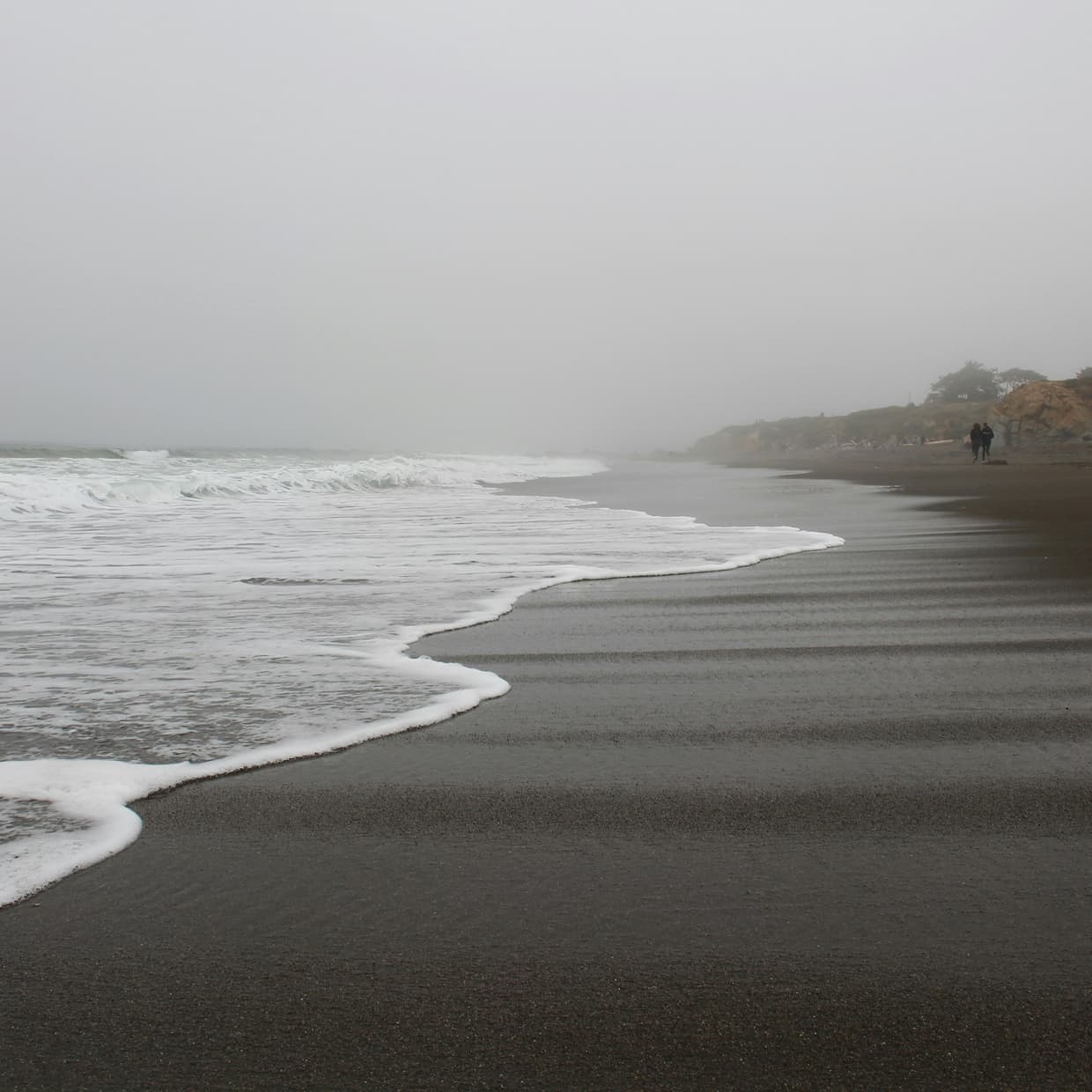 Before
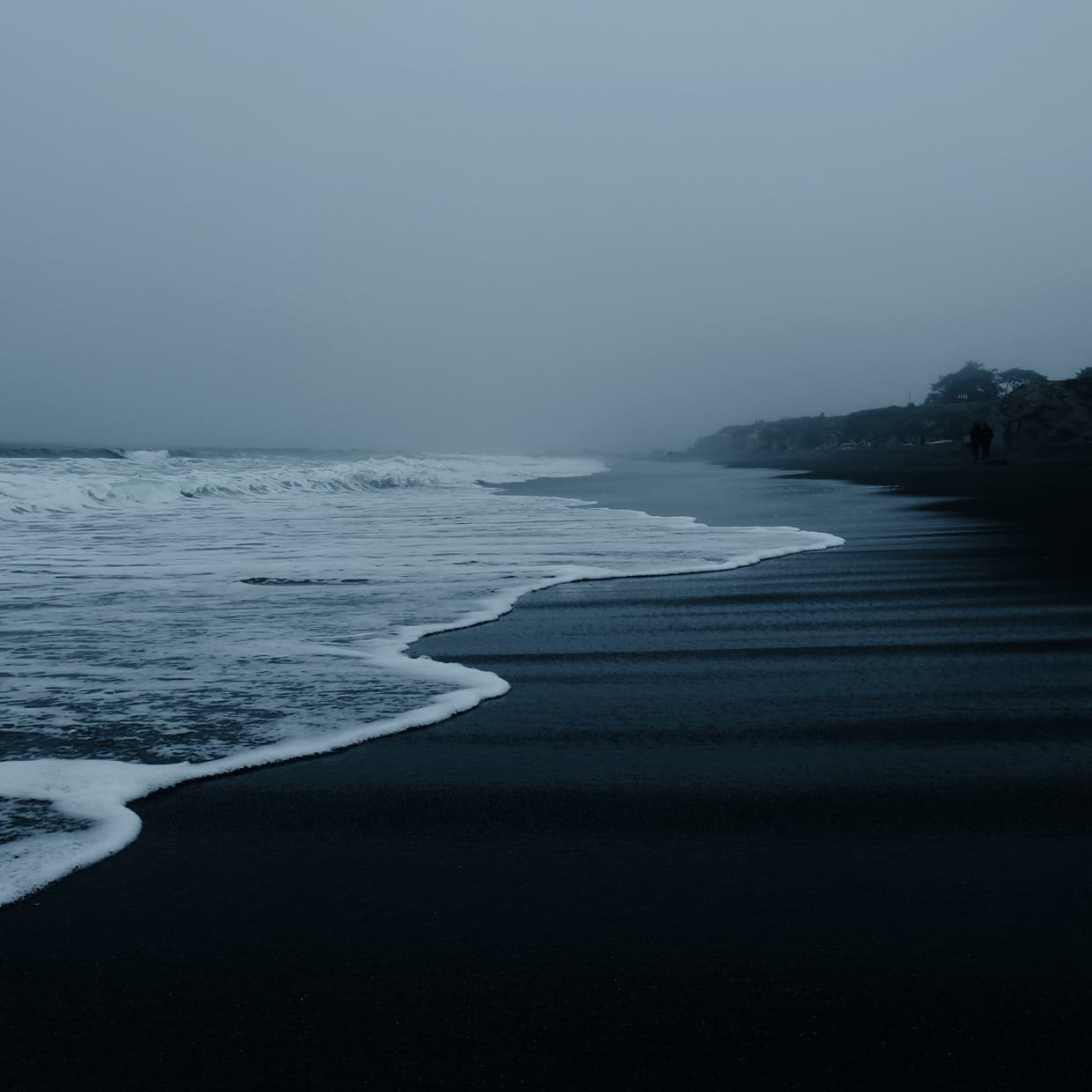 After
After
Ideas for using the effect
Zonal exposure
Lift shadows, recover highlights, or crush blacks with photometric stops weighted across five tonal zones for natural, photographically correct corrections.
Oklab color wheels
Drag the wheels to dial in tints per zone. Tints live in Oklab a/b space, so hue shifts never accidentally rebalance exposure.
Per-zone saturation
Desaturate shadows for moody contrast, boost highlights for glow, or neutralize speculars — each zone keeps its own saturation control.
Show zones overlay
Toggle the zone overlay to see exactly where black, shadow, light, highlight, and specular fall across your image before you commit a grade.
Made with this effect
More inspiration on Instagram @effect_app


Use Color grading in Photoshop, Figma or on your desktop
One account, the same effect everywhere.
In Photoshop
Apply it to a layer in Photoshop 2022 and later, on macOS or Windows. The plugin renders on your own GPU and hands the result back as pixels on a new layer.
get the Photoshop plugin →In Figma
Run it on images and frames without leaving the canvas. The Figma plugin is this same editor, pointed at whatever you have selected.
get the Figma plugin →On desktop
Install the macOS or Windows app when you want a window of its own, with your account and your presets already there.
download the desktop app →Frequently Asked Questions
What does the Color grading effect do?
Color grading applies color wheels with zonal exposure and saturation, letting you balance and tint footage across five tonal ranges.
How do the color wheels work?
Each wheel pushes the Oklab a/b plane for its zone, so dragging the dot shifts hue and saturation without changing lightness. The outer ring marks full chroma.
What are the zones?
Black, Shadow, Light, Highlight, and Specular. Partitioned in log2 space around mid-gray so all-neutral settings are a guaranteed no-op.
Can I adjust where each zone starts and ends?
Yes. The Zones group exposes pivots between each zone plus a falloff control for softer or harder transitions.
Does it work on videos?
Yes. Color grading runs in real time on both images and videos.
Can I combine Color grading with other effects?
Absolutely. Pair it with Curves, Film Grain, or Halation for polished cinematic looks.
Can I color grade like Resolve inside Photoshop?
Photoshop gives you Color Balance and the Camera Raw sliders; zonal wheels are a video-tool idea. The Photoshop plugin brings the shadow, midtone and highlight wheels with Oklab tint onto a Photoshop layer, and the same grade travels back to the browser as a preset.