
Apply Film Grain Overlay to images and videos online
Add realistic film grain online using scanned analog film textures from classic photo stocks. Choose Kodak, Fuji, Ilford, Agfa, and Rollei grain patterns, then shape how the texture appears in shadows, midtones, and highlights. Also known as: film grain overlay, analog grain texture, cinematic noise, vintage photo grain
 Before
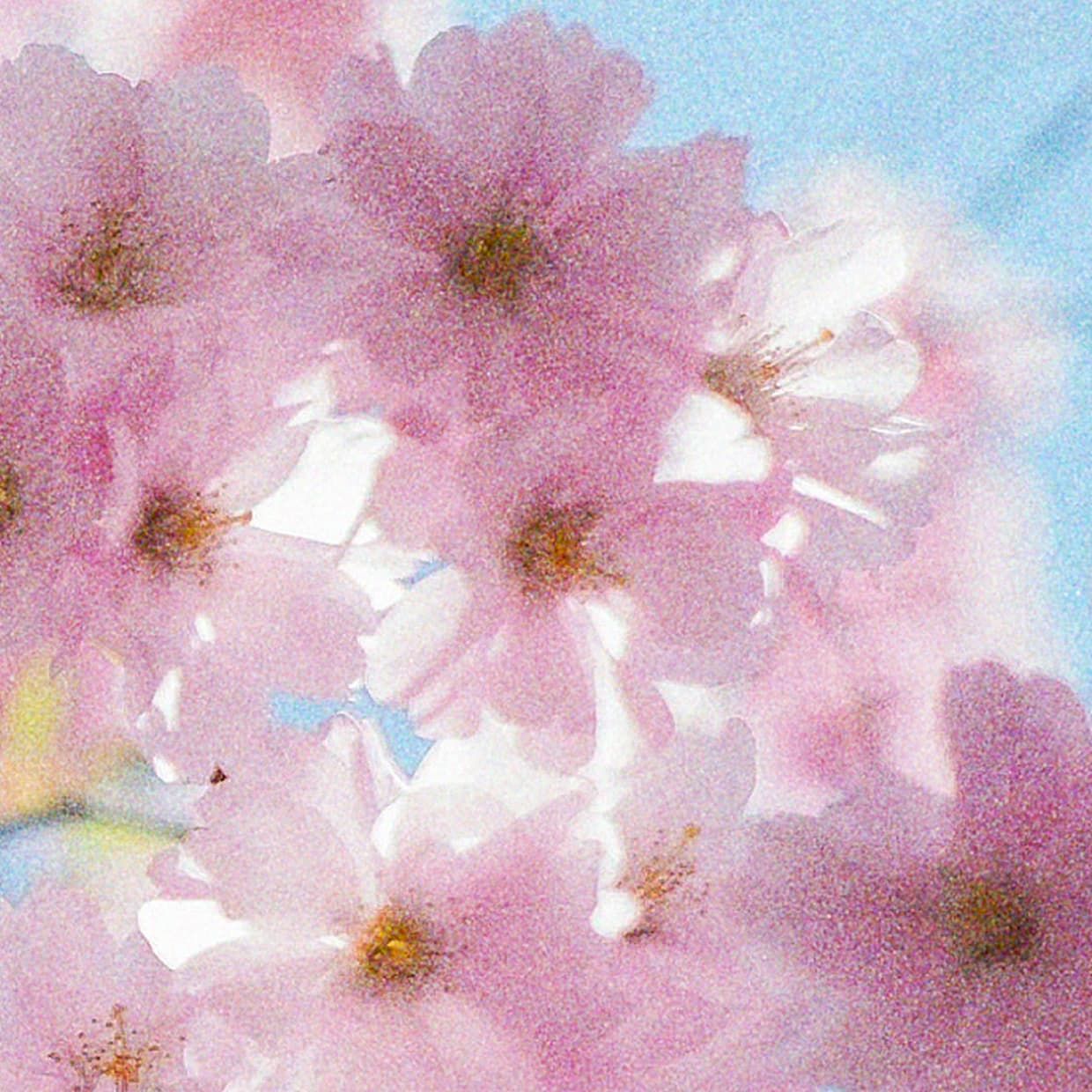 After
After
Ideas for using the effect
Cinematic digital cleanup
Add subtle grain to clean digital footage so it feels less synthetic, more tactile, and closer to scanned film.
Vintage photo texture
Use real film stock grain to give modern photos the surface character of analog prints, disposable cameras, and old family albums.
Black and white film looks
Choose Ilford HP5, Ilford Delta 3200, Kodak T-Max 3200, or Kodak Tri-X 400 for classic monochrome grain with strong photographic character.
Soft portrait grain
Use Kodak Portra 800, Fuji Pro 160S, or Fuji Pro 400H for gentle color grain that adds texture without making skin look harsh.
High-speed gritty texture
Push Ilford Delta 3200, Kodak T-Max 3200, or coarse Agfa stocks for rough low-light grain, street photography, punk visuals, and editorial grit.
Video grain overlay
Animate the grain with Frame Interval to simulate moving film texture on video, music clips, titles, and motion graphics.
Tonal grain control
Target grain separately in shadows, midtones, and highlights to keep bright areas clean, roughen dark areas, or build balanced all-over texture.
Made with this effect
More inspiration on Instagram @effect_app


Use Film Grain Overlay in Photoshop, Figma or on your desktop
One account, the same effect everywhere.
In Photoshop
Apply it to a layer in Photoshop 2022 and later, on macOS or Windows. The plugin renders on your own GPU and hands the result back as pixels on a new layer.
get the Photoshop plugin →In Figma
Run it on images and frames without leaving the canvas. The Figma plugin is this same editor, pointed at whatever you have selected.
get the Figma plugin →On desktop
Install the macOS or Windows app when you want a window of its own, with your account and your presets already there.
download the desktop app →Frequently Asked Questions
What is film grain?
Film grain is the visible texture created by light-sensitive particles in photographic film. In digital editing, a film grain overlay recreates that analog texture so photos and videos feel more organic, cinematic, and less digitally flat.
Is this real scanned film grain?
Yes. Film Grain uses image-based grain textures from analog film stocks instead of only procedural noise. That gives the result more natural variation than a generic noise filter.
Which film stocks are included?
The effect includes Agfa APX 400, Agfa HDC 100, Agfa HDC 400, Fuji Pro 160S, Fuji Pro 400H, Fuji Provia 100F, Fuji Superia 200, Fuji Superia Reala 100, Ilford Delta 3200, Ilford HP5 400, Ilford Kentmere 400, Ilford XP2 400, Kodak Ektachrome E100, Kodak Portra 800, Kodak T-Max 3200, Kodak Tri-X 400, and Rollei R3 200.
What is the difference between film grain and noise?
Digital noise is usually random sensor or compression noise. Film grain has an organic structure tied to film stock, exposure, and emulsion. This effect is designed for analog texture, not accidental digital artifacts.
Can I add film grain to video?
Yes. Film Grain works on both images and video. Use Frame Interval to keep the texture static or make it change over time for animated grain.
How do the Shadows, Midtones, and Highlights controls work?
They control where grain appears based on image brightness. Increase Shadows for darker texture, Midtones for natural photographic grain, or Highlights when you want the grain to stay visible in bright areas.
Which grain is best for a cinematic look?
Kodak Portra 800, Fuji Pro 400H, Kodak Ektachrome E100, and Fuji Provia 100F are good choices for polished cinematic color work. Kodak Tri-X 400 and Ilford HP5 400 are strong options for black and white film looks.
Which grain is best for a gritty look?
Ilford Delta 3200, Kodak T-Max 3200, Agfa APX 400, and Rollei R3 200 create rougher texture that works well for low-light scenes, street photography, posters, and distressed editorial visuals.
Can I use this instead of a noise generator?
Yes, when you want realistic analog grain. Use Noise Generator for abstract texture or randomized patterns; use Film Grain when you want scanned film-stock character.
Can I combine film grain with other film effects?
Yes. Film grain works especially well alongside film halation for cinematic highlight glow, vintage film or classic film LUTs for complete analog emulation, and black & white film for monochrome grain looks.
Can I use this film grain overlay online without editing software?
Yes. This effect runs directly in the browser, so you can add film grain to photos or videos without Photoshop, Premiere, DaVinci Resolve, or plugin installation.
Is there a film grain plugin for Photoshop?
Photoshop's Add Noise and the Grain filter give you speckle, not scanned stock. The Photoshop plugin applies these film grain profiles to a layer in Photoshop 2024 and later, with size, strength and color under control.