
Apply Paper texture to images and videos online
Apply a realistic paper texture to images and videos. Give your visuals a printed, scanned, or mixed-media look with natural grain and analog imperfections.
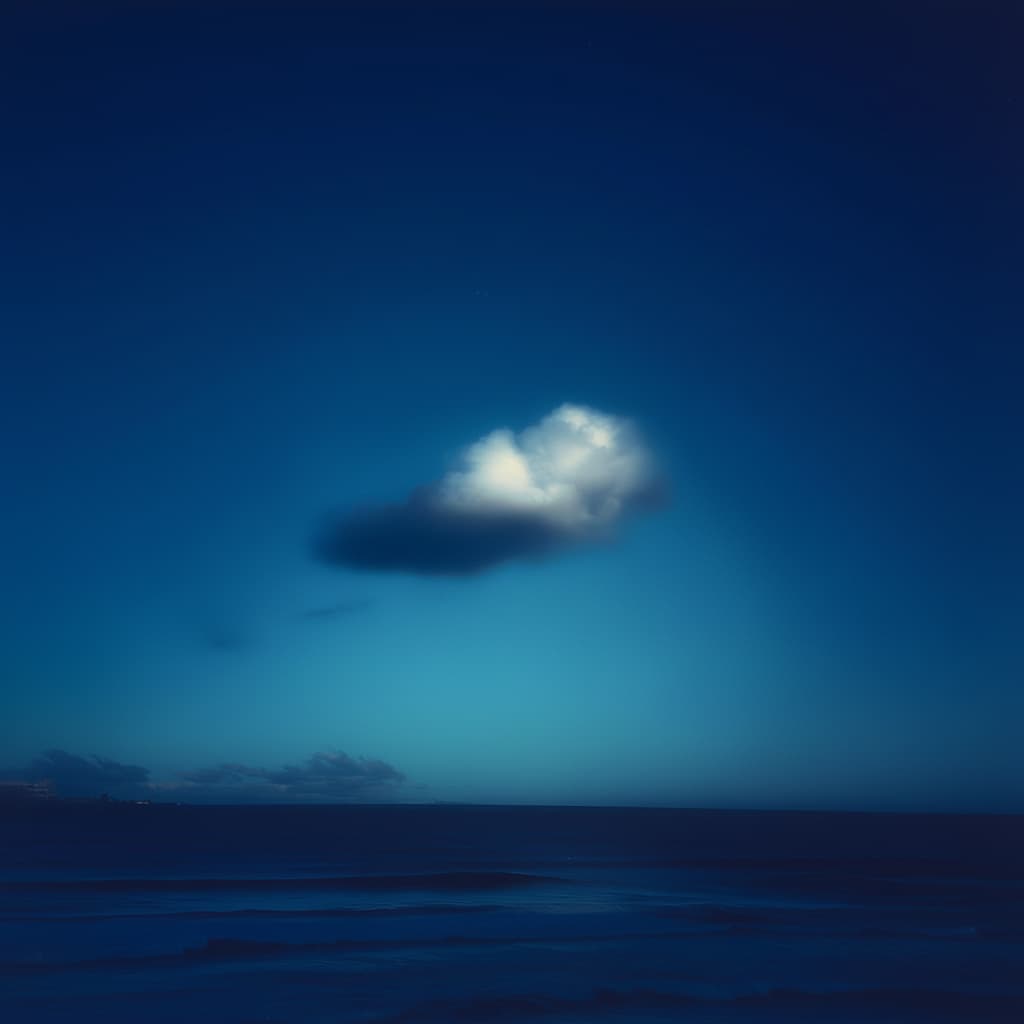 Before
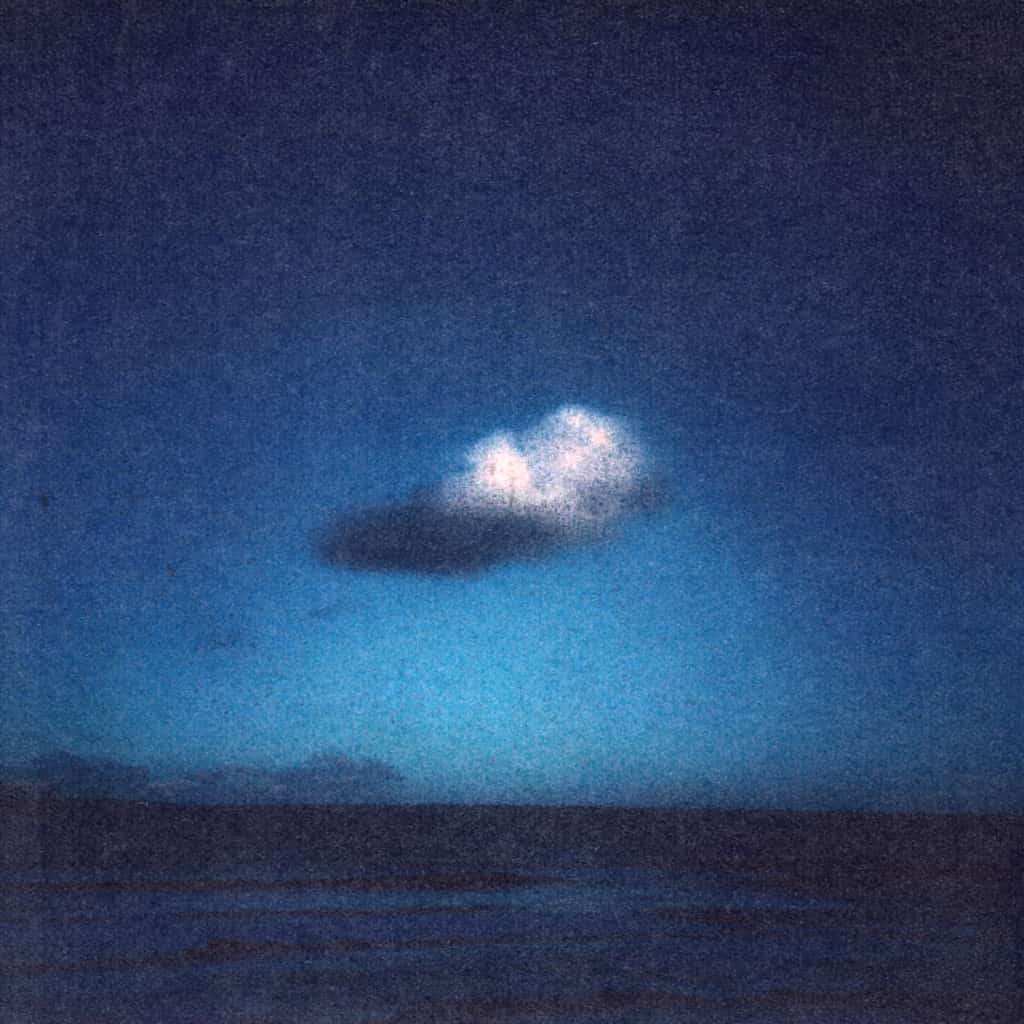 After
After
Ideas for using the effect
Vintage print look
Make photos feel like they were printed on paper and scanned back in.
Editorial and zine design
Add texture to layouts, posters, and typography for an editorial aesthetic.
Mixed-media visuals
Combine digital images with paper texture for collage and handmade styles.
Subtle film grain alternative
Use paper texture as a softer, more organic alternative to classic noise or grain.
Made with this effect
More inspiration on Instagram @effect_app


Use Paper texture in Photoshop, Figma or on your desktop
One account, the same effect everywhere.
In Photoshop
Apply it to a layer in Photoshop 2022 and later, on macOS or Windows. The plugin renders on your own GPU and hands the result back as pixels on a new layer.
get the Photoshop plugin →In Figma
Run it on images and frames without leaving the canvas. The Figma plugin is this same editor, pointed at whatever you have selected.
get the Figma plugin →On desktop
Install the macOS or Windows app when you want a window of its own, with your account and your presets already there.
download the desktop app →Frequently Asked Questions
What is the paper texture effect?
Paper texture overlays subtle grain, fibers, and imperfections that simulate real paper or scanned prints.
Is this effect subtle or strong?
Both. You can keep it very light for texture depth or push it harder for a rough, handmade look.
Does paper texture work on videos?
Yes. Paper texture can be applied to videos in real time, adding organic motion to the grain.
What styles does it work best for?
Vintage, editorial, collage, zines, posters, and analog-inspired visuals.
Can I combine paper texture with other effects?
Absolutely. It works especially well with blur, color grading, noise, and emboss effects.
Is there a paper texture filter for Photoshop?
The usual route is a stock scan dropped on a Multiply layer, one texture forever. The Photoshop plugin generates fibers, grain and paper imperfections on a layer in Photoshop 2024 and later, with the amount adjustable.