
Apply Layer Mix to images and videos online
Blend custom textures over images and videos using Photoshop-like layer mixing. Create film dirt, cracked paint, paper textures, ink bleed, and collage-style visuals directly in your browser.
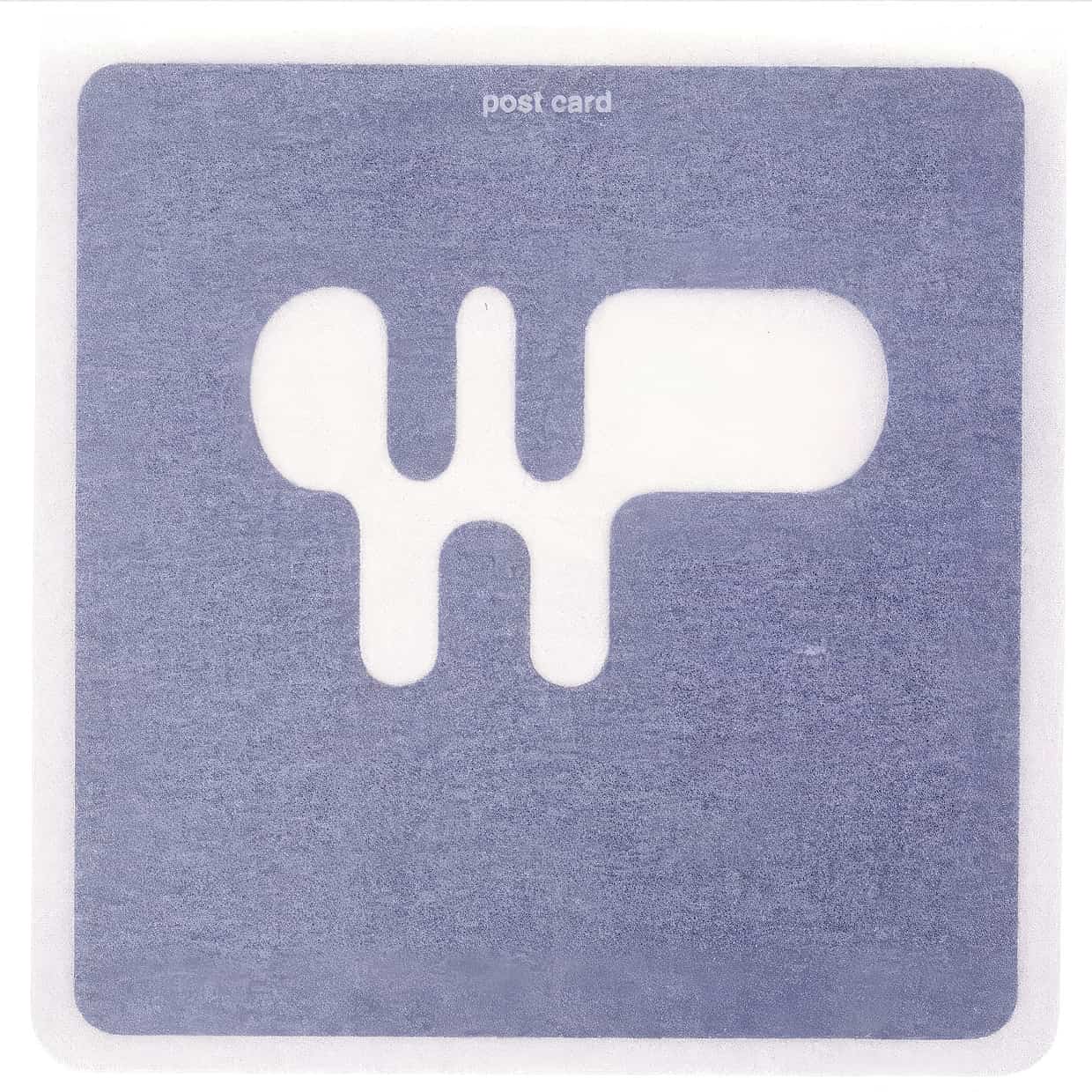 Before
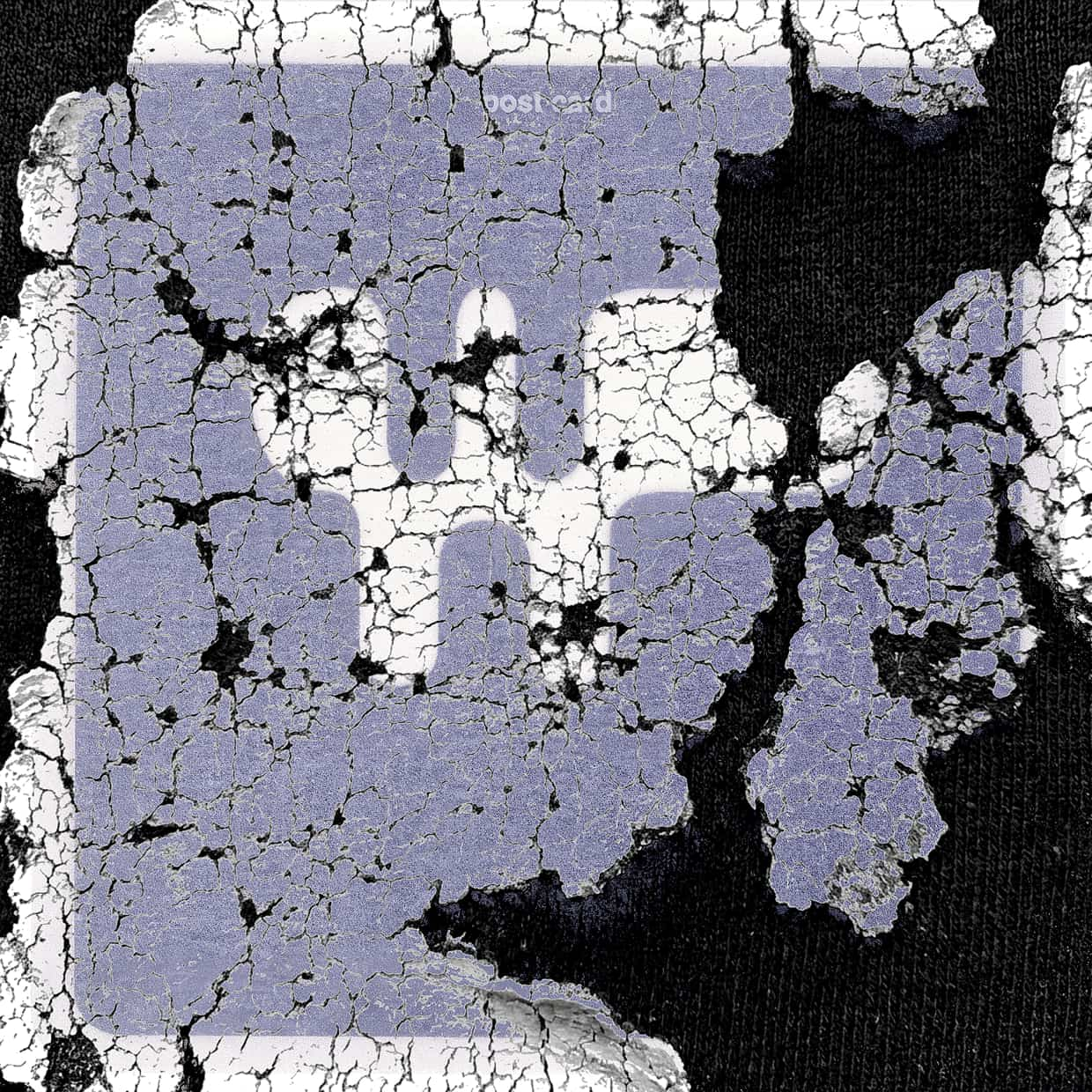 After
After
Ideas for using the effect
Film dirt and dust overlays
Add realistic dust, scratches, and film imperfections to photos and videos.
Grunge and paper textures
Blend cracked paint, paper grain, and rough textures for analog or distressed looks.
Ink bleed and print effects
Simulate ink spreading, print artifacts, and imperfect reproduction.
Collage and mixed-media visuals
Combine multiple layers to create experimental compositions and graphic designs.
Made with this effect
More inspiration on Instagram @effect_app


Use Layer Mix in Photoshop, Figma or on your desktop
One account, the same effect everywhere.
In Photoshop
Apply it to a layer in Photoshop 2022 and later, on macOS or Windows. The plugin renders on your own GPU and hands the result back as pixels on a new layer.
get the Photoshop plugin →In Figma
Run it on images and frames without leaving the canvas. The Figma plugin is this same editor, pointed at whatever you have selected.
get the Figma plugin →On desktop
Install the macOS or Windows app when you want a window of its own, with your account and your presets already there.
download the desktop app →Frequently Asked Questions
What is Layer Mix?
Layer Mix blends a texture or secondary image over your media based on brightness values, similar to Photoshop blend techniques.
How does the blending work?
You choose which image drives the blend and set a lightness cutoff to reveal highlights, midtones, or shadows.
Can I use my own textures?
Yes. You can upload custom textures like paper scans, film dirt, ink, or noise patterns.
Does it work on videos?
Yes. Layer Mix works in real time on both images and videos.
Can I combine it with other effects?
Absolutely. It pairs especially well with blur, grain, color grading, and distortion effects.
How is this different from Photoshop blend modes?
Photoshop blends two layers you already have; Layer Mix carries the texture and the brightness targeting with it. The Photoshop plugin applies the mixed result to a layer in Photoshop 2024 and later, texture included, so the look moves between the browser, Figma and Photoshop unchanged.