
Apply ASCII to images and videos online
Convert images and videos into ASCII art. Turn pixels into characters and create retro, terminal-style, or generative visuals directly in your browser.
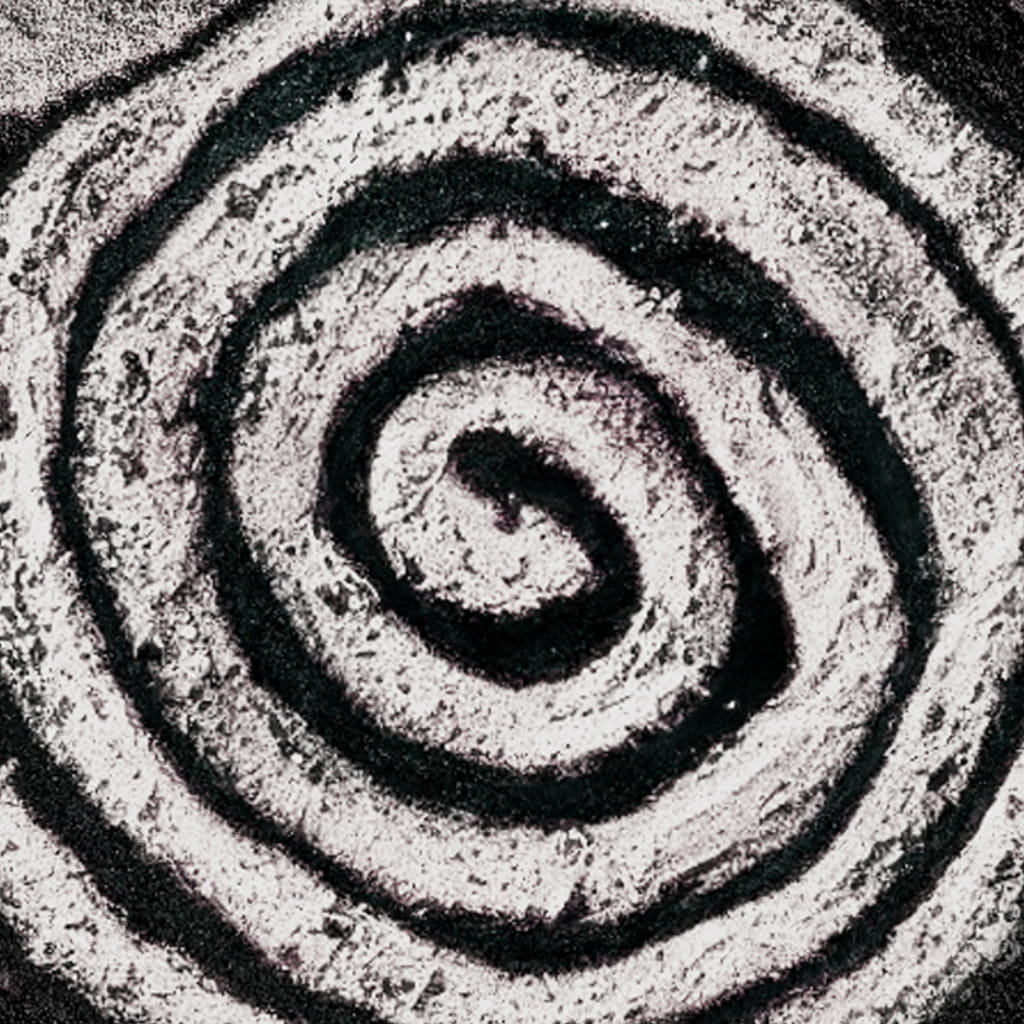 Before
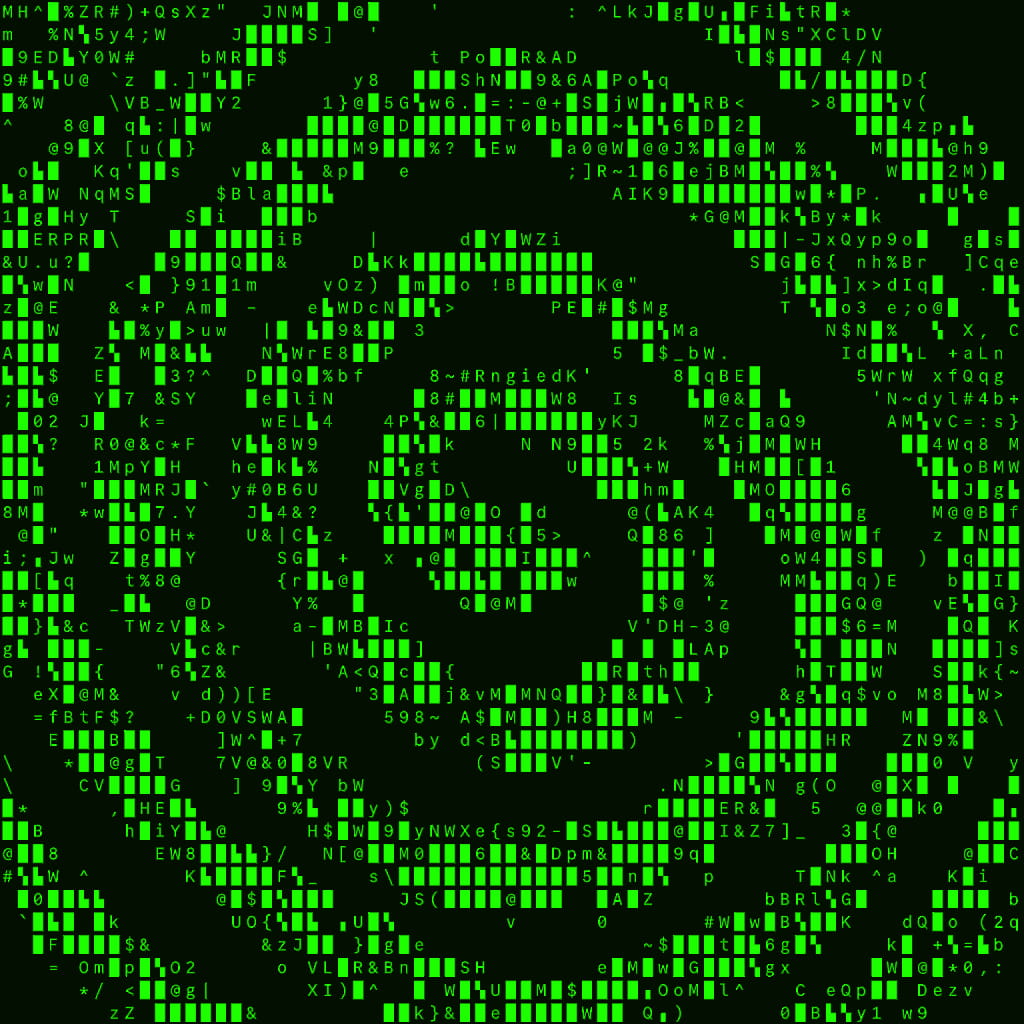 After
After
Ideas for using the effect
Retro computer aesthetics
Recreate the look of old terminals, BBS systems, and early computer graphics using classic ASCII characters.
Generative typography visuals
Transform photos and videos into living text-based compositions with customizable character sets.
Cyberpunk and hacker visuals
Create command-line, matrix-style, or glitchy text visuals for motion design and video edits.
Artistic posters and covers
Use ASCII art as a stylistic choice for album covers, posters, editorial layouts, and experimental design.
Made with this effect
More inspiration on Instagram @effect_app


Use ASCII in Photoshop, Figma or on your desktop
One account, the same effect everywhere.
In Photoshop
Apply it to a layer in Photoshop 2022 and later, on macOS or Windows. The plugin renders on your own GPU and hands the result back as pixels on a new layer.
get the Photoshop plugin →In Figma
Run it on images and frames without leaving the canvas. The Figma plugin is this same editor, pointed at whatever you have selected.
get the Figma plugin →On desktop
Install the macOS or Windows app when you want a window of its own, with your account and your presets already there.
download the desktop app →Frequently Asked Questions
What is the ASCII effect?
ASCII converts images or videos into text-based visuals using characters instead of pixels.
Can I choose which characters are used?
Yes. You can select from different character sets to control detail, style, and visual density.
Does it support color?
Yes. ASCII can preserve color information or render monochrome text depending on your settings.
Can I use ASCII on videos?
Absolutely. The ASCII effect works in real time on both images and videos.
Can I combine ASCII with other effects?
Yes. ASCII pairs especially well with Glitch, CRT Screen, Noise Generator, and color grading for cyberpunk or terminal aesthetics.
Is there an ASCII effect for Photoshop?
Photoshop has no ASCII filter; the usual answer is an external converter and a screenshot. The Photoshop plugin turns a layer into characters inside Photoshop 2024 and later, with the character set, density and color under control.