
Apply Texture Blur to images and videos online
Drive a bokeh-style blur with a custom texture map. Use depth-like masks to control focus, shape blur falloff, and build soft, cinematic diffusion.
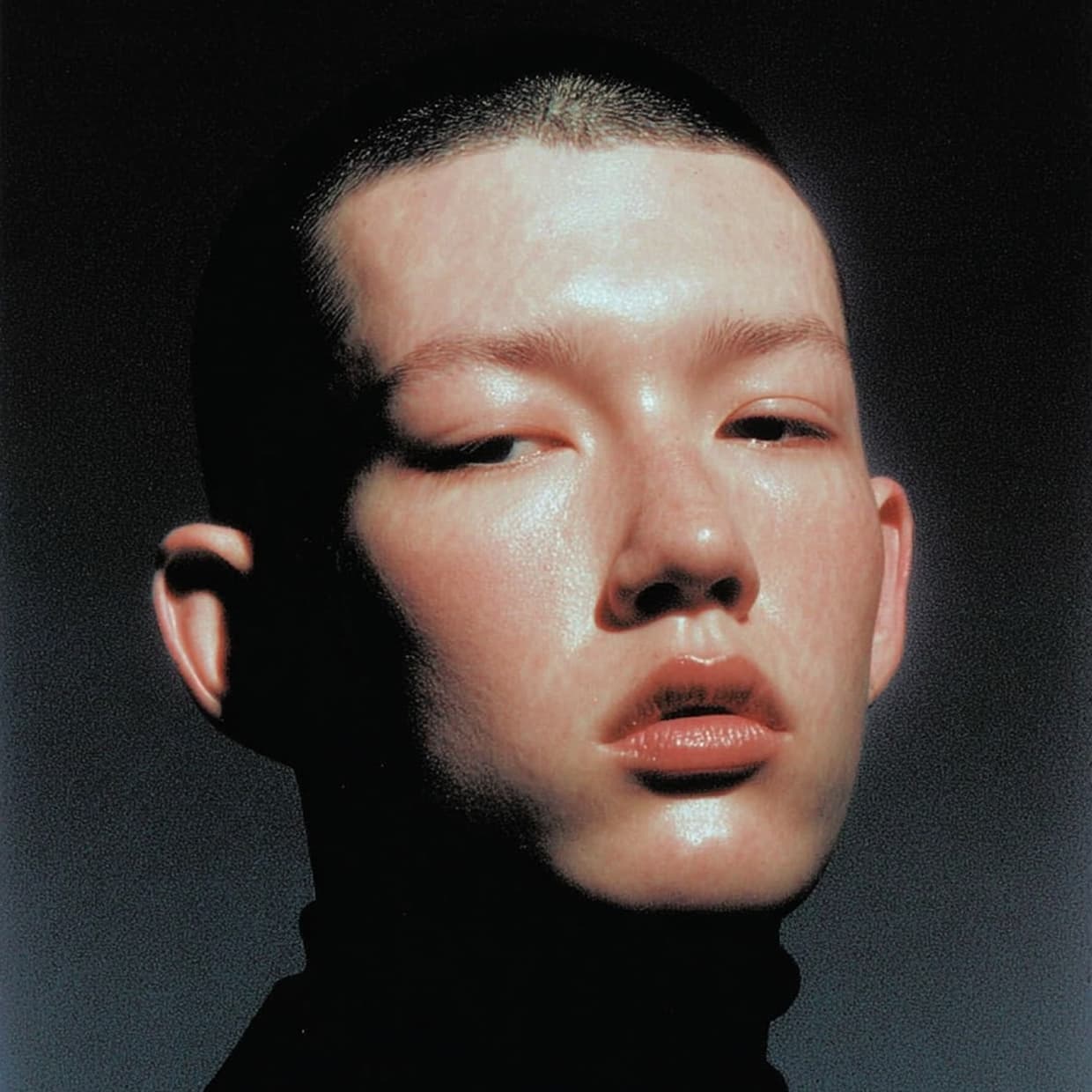 Before
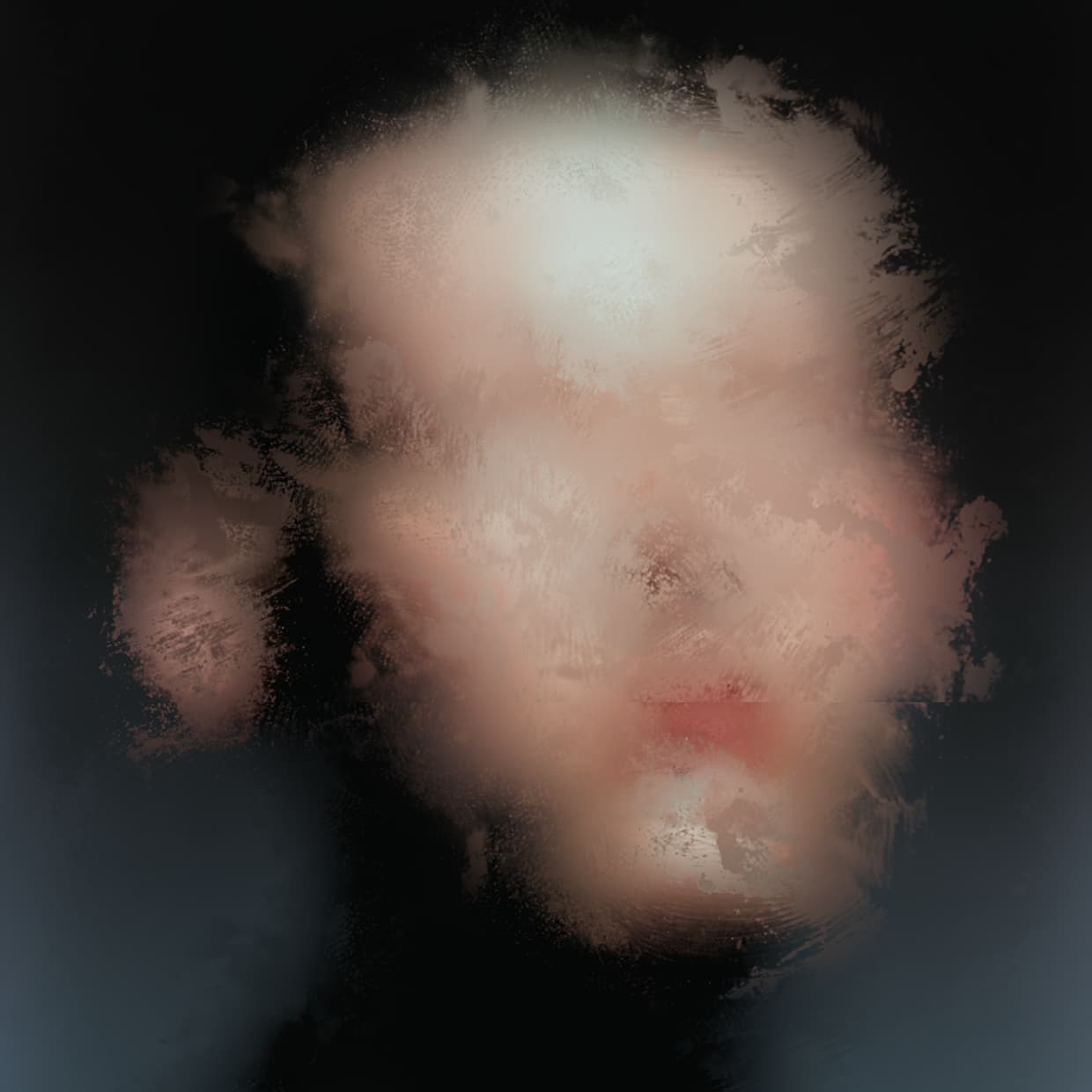 After
After
Ideas for using the effect
Depth-driven focus
Use a grayscale map to keep subjects sharp while blurring backgrounds.
Dreamy diffusion
Push highlights and soften midtones for a glow-like, ethereal look.
Texture-guided blur
Use paper scans, paint, or noise to create organic blur patterns.
Tilt-shift style
Paint a focus band to simulate miniature or diorama looks.
Made with this effect
More inspiration on Instagram @effect_app


Use Texture Blur in Photoshop, Figma or on your desktop
One account, the same effect everywhere.
In Photoshop
Apply it to a layer in Photoshop 2022 and later, on macOS or Windows. The plugin renders on your own GPU and hands the result back as pixels on a new layer.
get the Photoshop plugin →In Figma
Run it on images and frames without leaving the canvas. The Figma plugin is this same editor, pointed at whatever you have selected.
get the Figma plugin →On desktop
Install the macOS or Windows app when you want a window of its own, with your account and your presets already there.
download the desktop app →Frequently Asked Questions
What is Texture Blur?
Texture Blur is a bokeh blur that uses a custom texture map to control how much each pixel is blurred.
What kind of texture should I use?
Grayscale maps work best. Dark areas stay sharper, bright areas blur more. You can also use paper scans or noise for stylized blur.
Can I adjust how the map is applied?
Yes. You can scale, tile, or stretch the texture and reshape it with a curve for more control.
Does it work on videos?
Yes. Texture Blur runs in real time on both images and videos.
Can I combine it with other effects?
Absolutely. It pairs well with color grading, grain, vignette, and distortion effects.
Can I blur with a depth map in Photoshop?
Photoshop's Lens Blur reads a depth channel, but building and attaching that channel is a detour every time. The Photoshop plugin takes the texture straight from the panel and drives the bokeh with it on the layer.