























Open. Play. Export.

Apply 40+ effects to images and videos. Pro quality in your browser without installations or long waits.

Pro effects in a few clicks

Get the perfect look with live updating controls and no waiting time.

Built by creators,
for creators

Private by design

Everything runs locally in your browser. Your files stay on your machine. NDA safe.

Art-directed

We cut the noise and keep what shapes the look. Enough range to explore, never buried in menus.

Always improving

We ship new effects and improvements often. Fresh tools without installs.

Small team

We're a small independent team that listens and ships fast.

Made with Effect.app

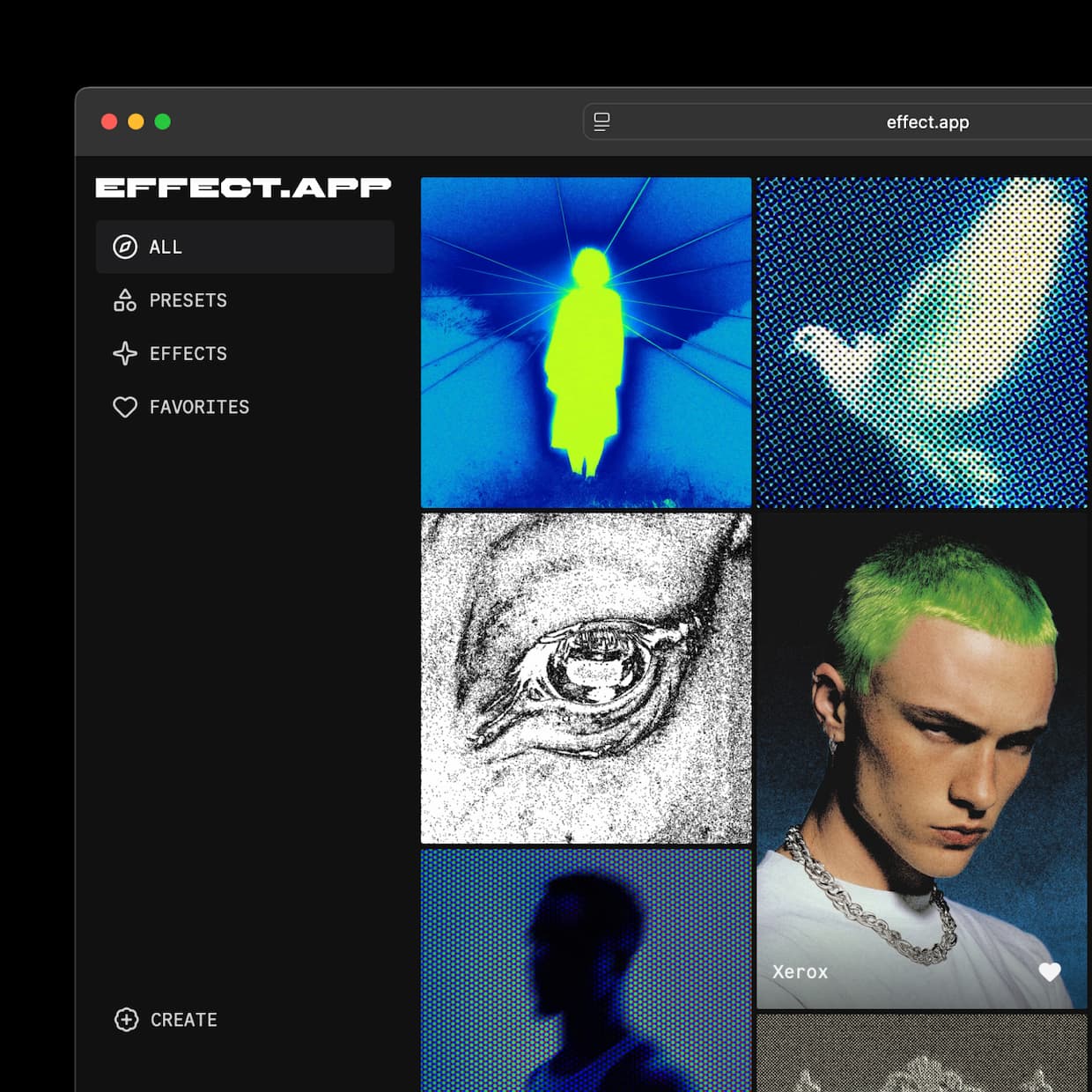
See what people are creating. More inspiration on Instagram @effect_app.

See more

What people are saying

From freelancers, agencies, and in-house teams

Start creating for free

Test out the app with no strings attached. No registration or credit card information is required.

Monthly Yearly -10%

Free

$ 0

Non-commercial use. Explore the core toolkit to test ideas and share quick drafts.

Launch app
  • Version history
  • Export up to 1080p
  • Export up to 10s video
  • Figma plugin

Pro

$ 12
/month billed monthly

Commercial license with full features. High-resolution exports, longer clips, and work without watermarks.

  • No watermarks
  • Animated videos from still images
  • 4k resolution export
  • 120s video export
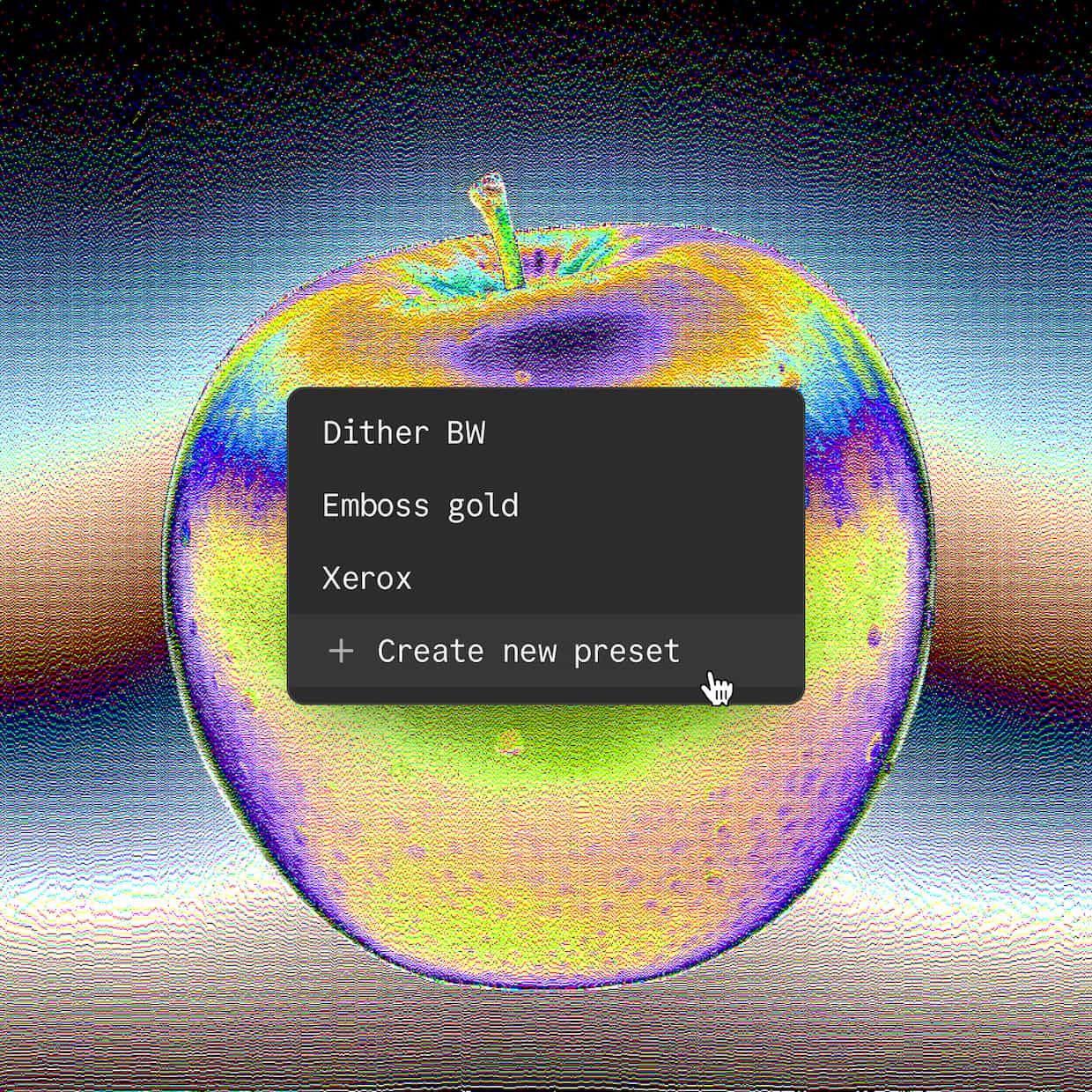
  • Save & share up to 10 custom presets

Enterprise

Custom price

For teams with specific needs. Custom licensing, integrations, and priority support.

Contact us
  • Everything in Pro
  • Custom integrations
  • Priority support
  • Volume licensing

Frequently Asked Questions

Can I export an animation or looped video instead of a PNG?

This depends on your plan. With the Pro plan, you can export 10-second loops of any animated effect, even if you upload a still image. With the free plan, you need to upload a video to export an animation. Still images export only as PNGs.

Why does my exported video stop at 10 seconds?

Free plan exports are limited to the first 10 seconds. Pro plan exports support up to 120 seconds.

Why does my exported video have a different frame rate than I set?

Effect.app records effects in real time, so the final frame rate depends on your computer's and browser's performance during export. For example, if your machine runs the effect at 20 FPS, the exported video will also be 20 FPS, even if you select 60 FPS. To achieve more consistent results, we recommend setting the FPS to 24 or 30 until non-real-time export becomes available.

What export formats are supported?

Effect.app supports three export formats: MP4, WebM, and PNG sequence for lossless, frame-by-frame export. However, Firefox does not support MP4 export; therefore, in Firefox, you can only export to WebM or PNG sequence. Supported target frame rates are 24, 30, and 60 FPS.

My Mac cannot play the exported MP4 file. What should I do?

Some versions of QuickTime do not fully support MP4 codecs. Try opening the file in VLC or a modern browser, such as Chrome or Safari. If you need to use QuickTime, convert the MP4 file to an MOV file using a tool like HandBrake.

How do I remove the watermark?

Watermarks are automatically removed in the Pro plan.

Can I export in 4K?

The Pro plan supports 4K export. However, the target resolution cannot exceed that of the input file. For example, if you upload a 1080p video, the maximum export resolution will be 1080p.