
Apply Blob Tracker to images and videos online
Track blobs in images and videos. Detect bright or keyed regions, then draw boxes, centers, captions, and connecting paths in real time.
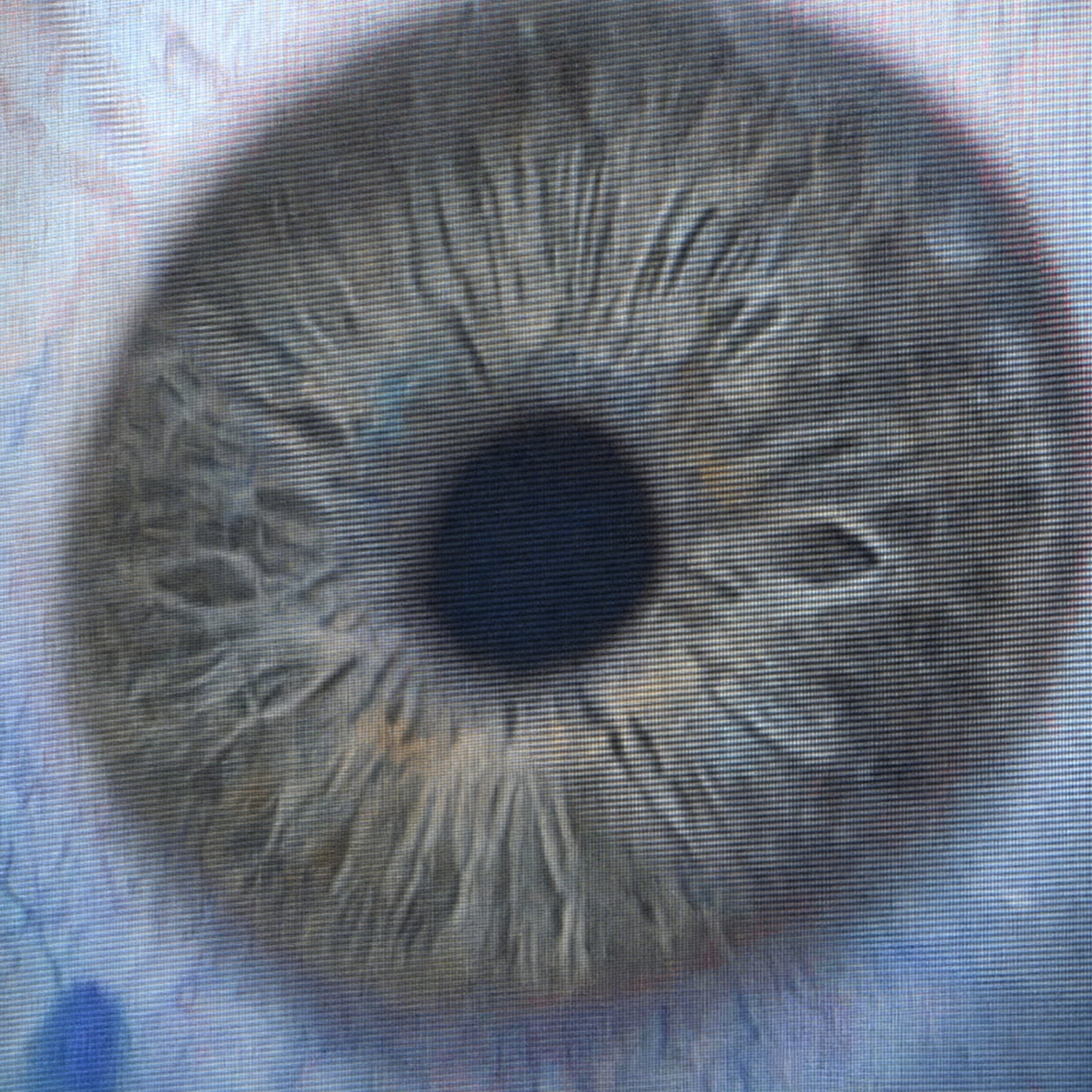 Before
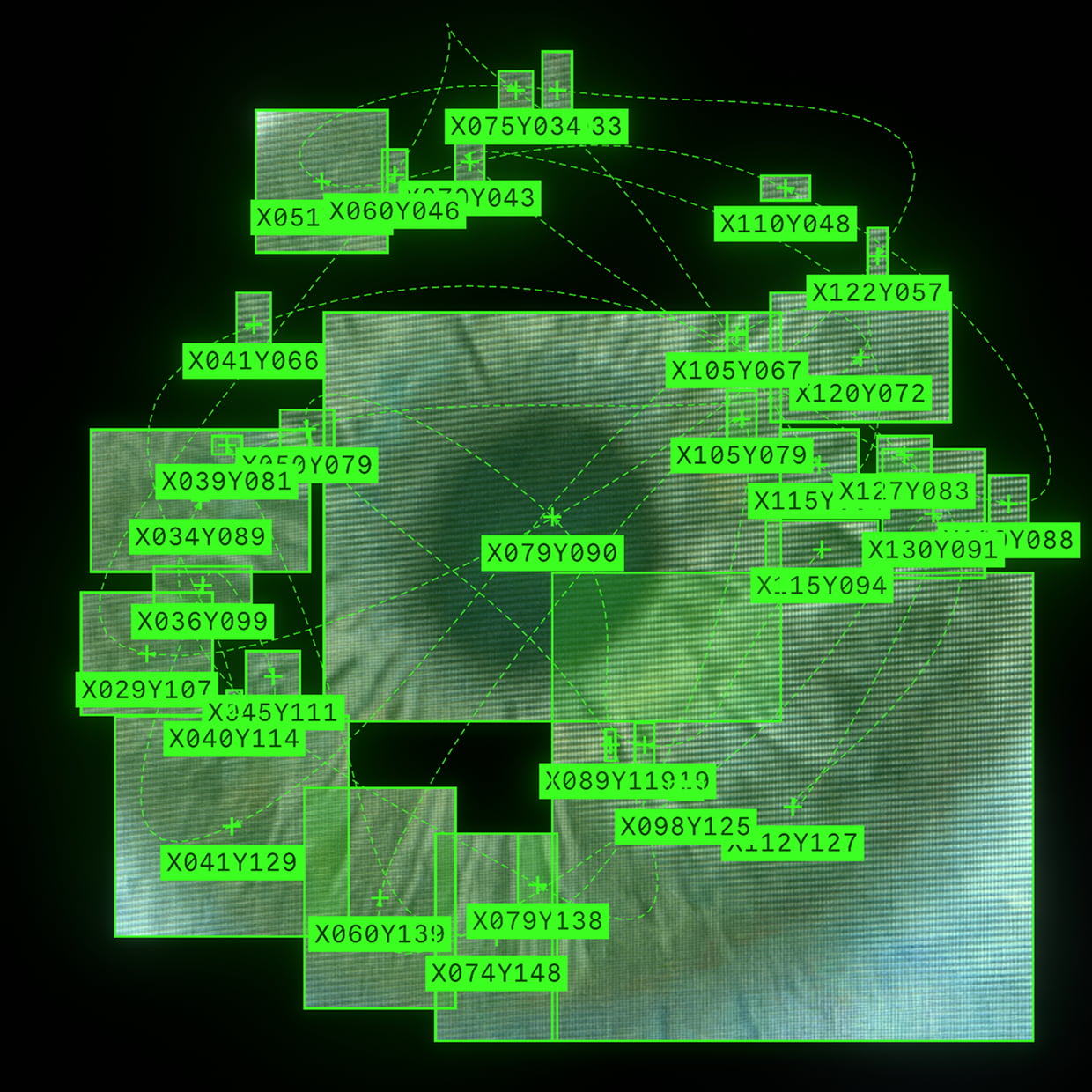 After
After
Ideas for using the effect
Motion tracking overlays
Add detection boxes and center markers to moving subjects for a technical tracking look.
Experimental surveillance style
Create computer vision, scanner, or monitoring visuals with captions and colored targets.
Key color detection
Track regions that match a chosen key color, then tune threshold and persistence for cleaner results.
Connected path graphics
Link detected blobs with straight, arched, or smooth lines for motion maps and generative diagrams.
Made with this effect
More inspiration on Instagram @effect_app


Use Blob Tracker in Photoshop, Figma or on your desktop
One account, the same effect everywhere.
In Photoshop
Apply it to a layer in Photoshop 2022 and later, on macOS or Windows. The plugin renders on your own GPU and hands the result back as pixels on a new layer.
get the Photoshop plugin →In Figma
Run it on images and frames without leaving the canvas. The Figma plugin is this same editor, pointed at whatever you have selected.
get the Figma plugin →On desktop
Install the macOS or Windows app when you want a window of its own, with your account and your presets already there.
download the desktop app →Frequently Asked Questions
What is the Blob Tracker effect?
Blob Tracker detects connected regions in an image or video and draws tracking overlays around them.
What can it track?
It can track bright or keyed regions, depending on the selected key color, threshold, and persistence settings.
Which overlays are available?
You can draw full boxes, corner boxes, circles, center markers, captions, and connecting lines.
Can I customize the tracking style?
Yes. Adjust box color, palette, blend mode, thickness, opacity, fill, caption placement, line type, and line style.
Does Blob Tracker work on videos?
Yes. Blob Tracker processes video in real time and keeps track IDs stable across frames.
Can I preview the detection mask?
Yes. Enable debug mask to see the mask that the blob tracker uses for detection.
Can I use Blob Tracker in Photoshop?
The tracker draws its boxes, labels and paths from motion across frames, and a Photoshop layer is one frame. The Photoshop plugin annotates that single frame; tracking over time belongs in the browser or the desktop app.