Making the Nokia 3310 preset: retro dither in the browser
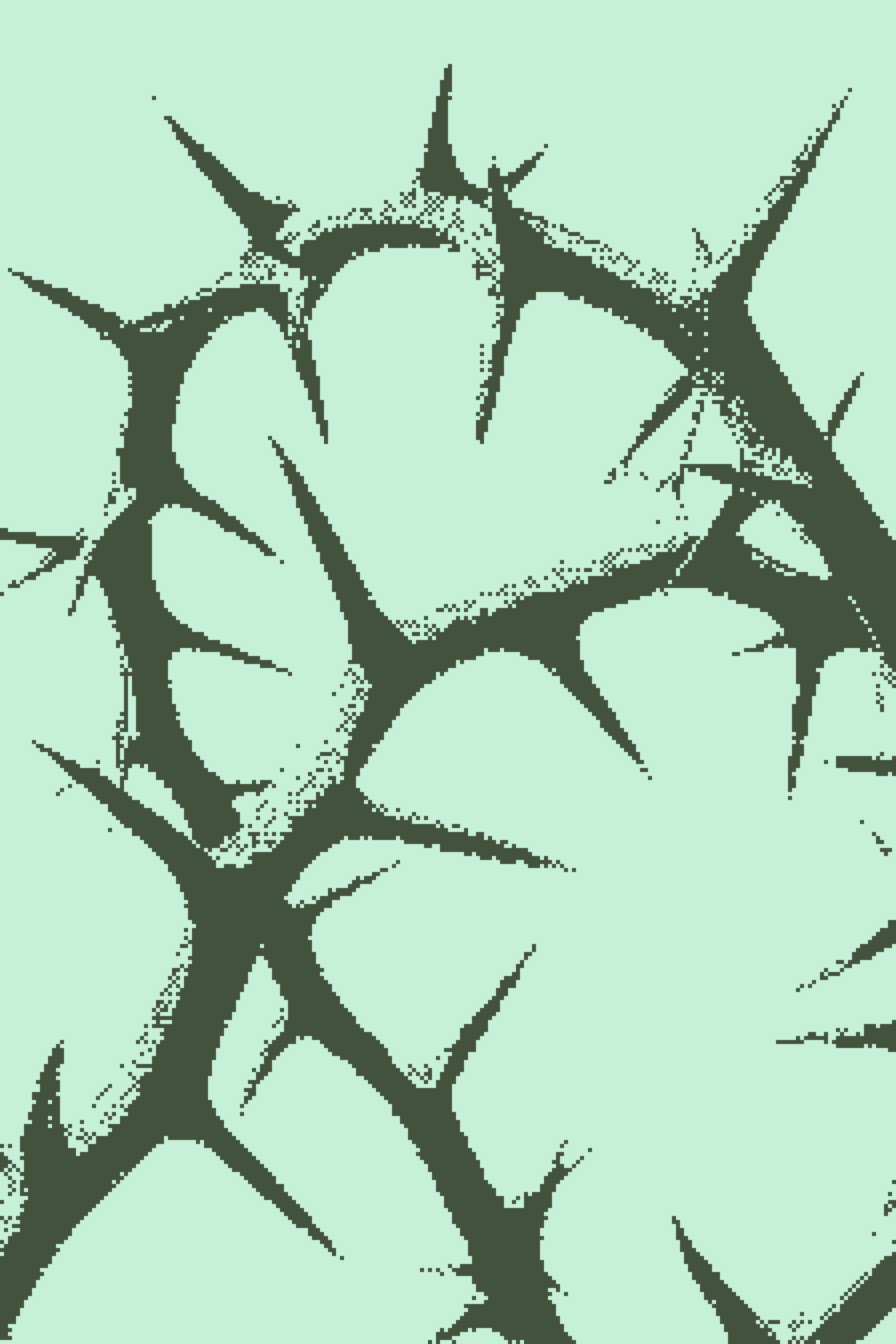
Nokia 3310 is a dither preset inspired by the classic Nokia screen: pixelated, two-color, properly vintage. It takes just a few steps to build, right in a browser tab. But there's one small catch that makes it work on any image.
Start with Monochrome
The catch is Monochrome. Apply it first - it turns the image black and white and gives you control over how the dithering will behave later.
The weights - red, green, and blue - are simple sliders. The lower the slider, the darker that color gets in monochrome. You decide which colors go dark and which stay bright.


Set the weights, switch the layer off for now, and add the main one.
Add Dither
Since the last update, Dither generates a palette automatically from the colors of the image. From there you control the color count, pattern type, gamma, and pixel step.
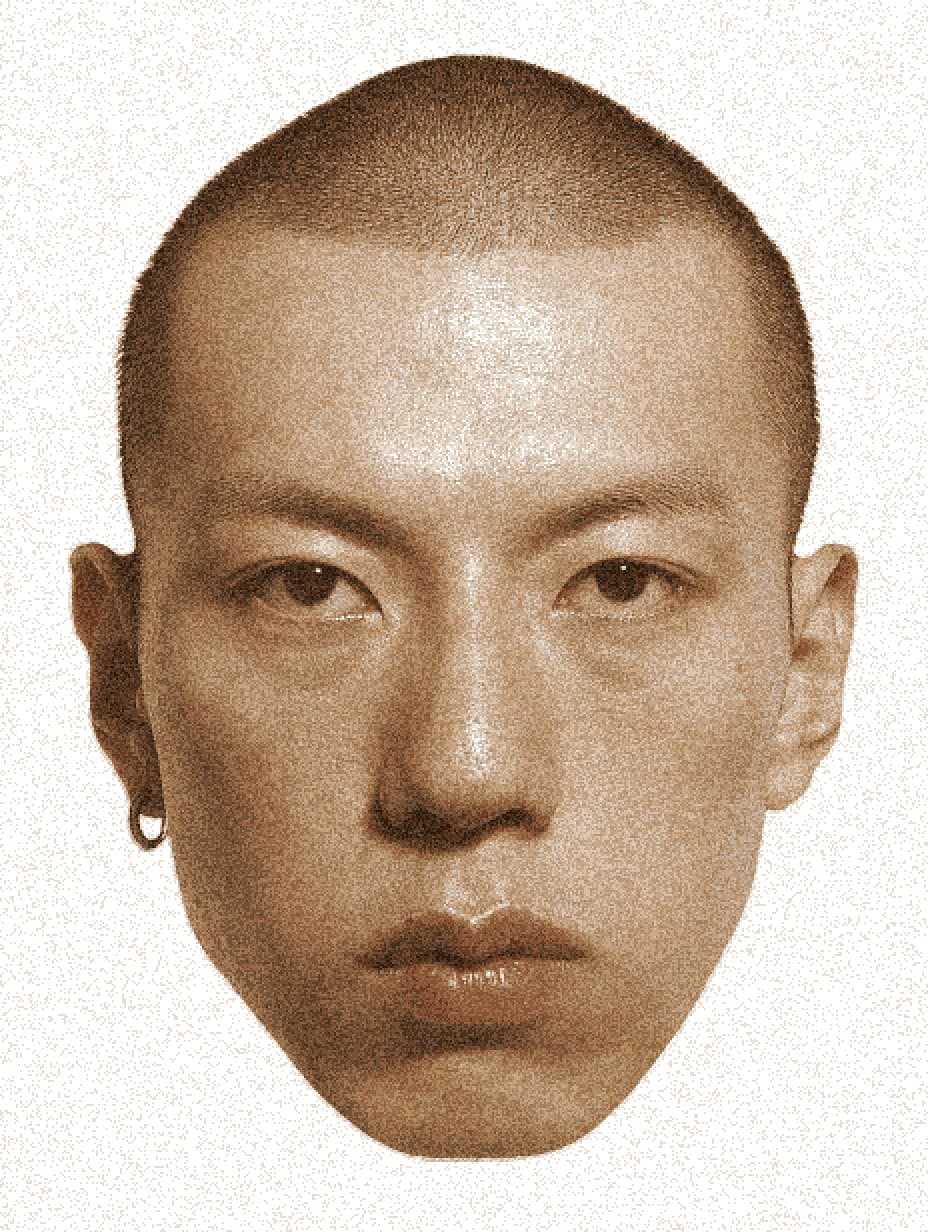
Crank up Pixel Step
Pixel step pixelates the image, and that's exactly what we need: the original Nokia screen had a tiny resolution. Crank this value up.
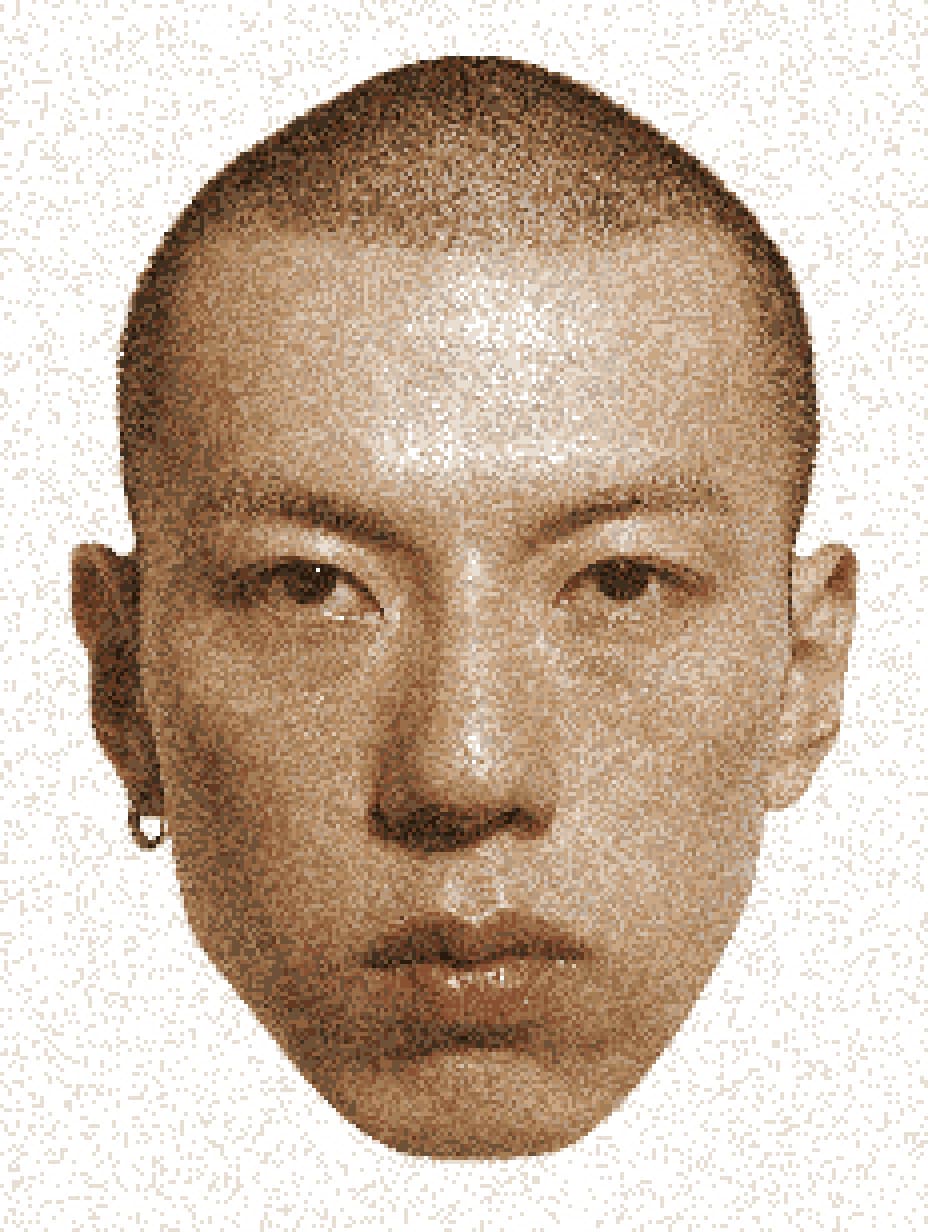
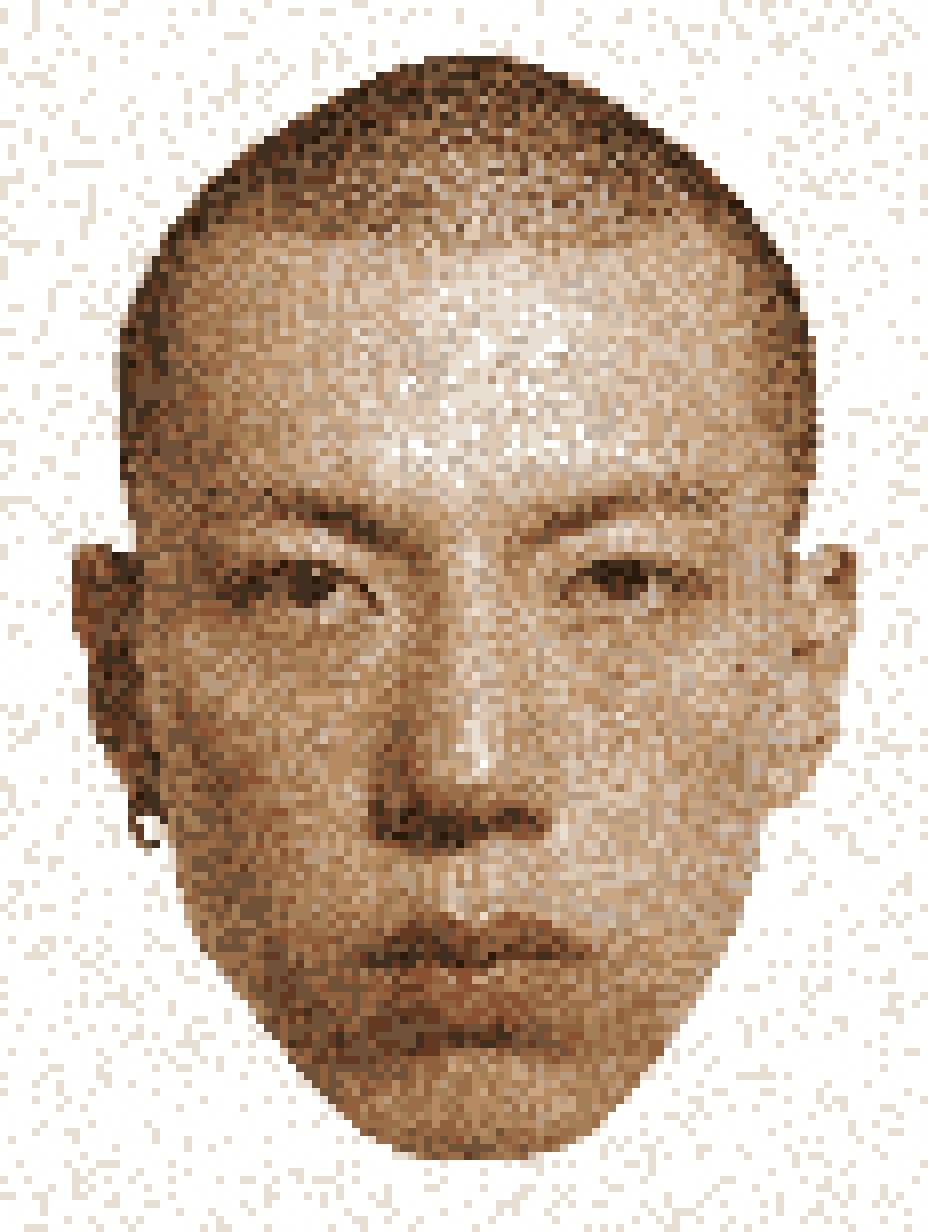
Play with Color Count
Bring the color count down to four and watch how the image changes.
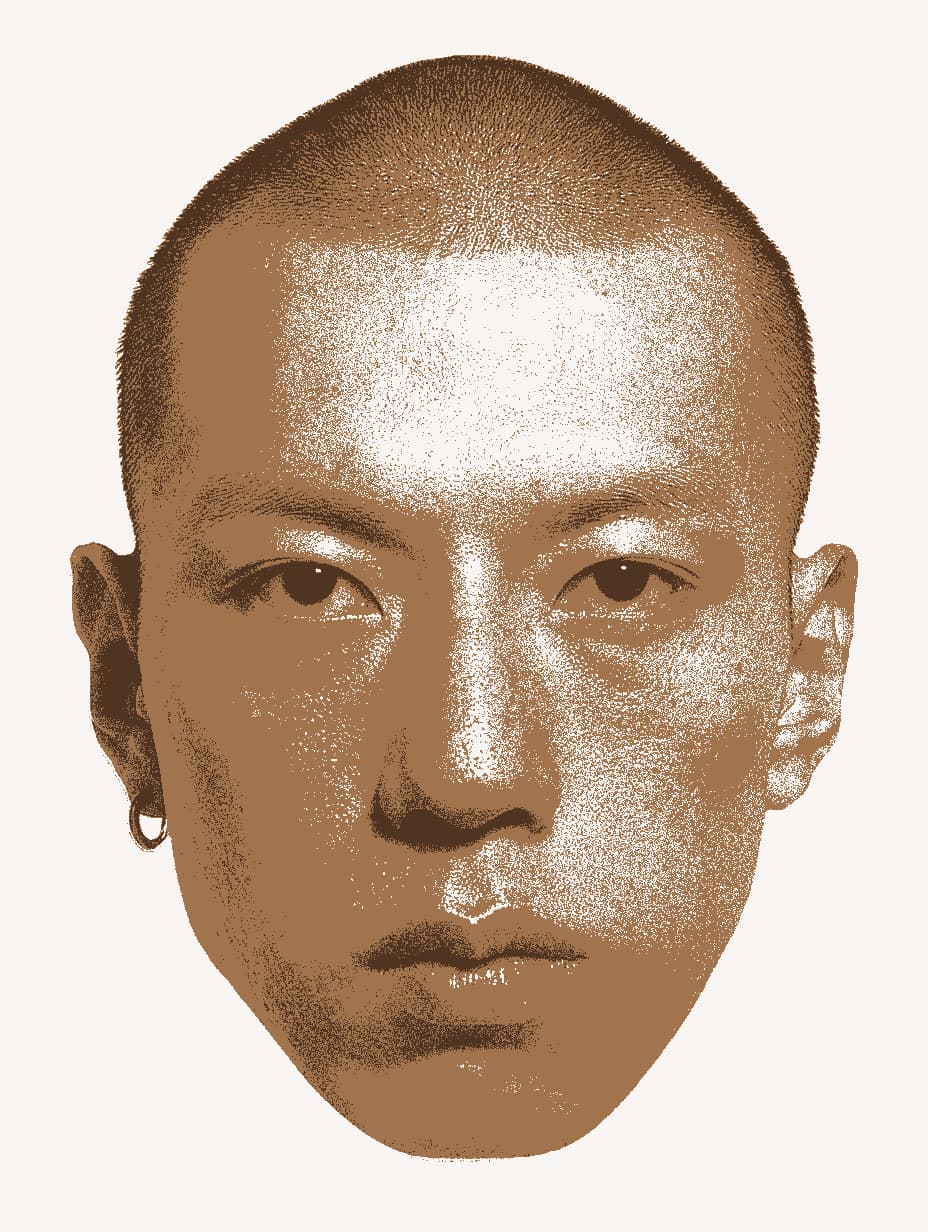
The swatches in the palette are editable, so colors can be swapped on the fly.
Try Different Patterns
A good moment to flip through pattern types. Here are a few that work well with this kind of dithering:
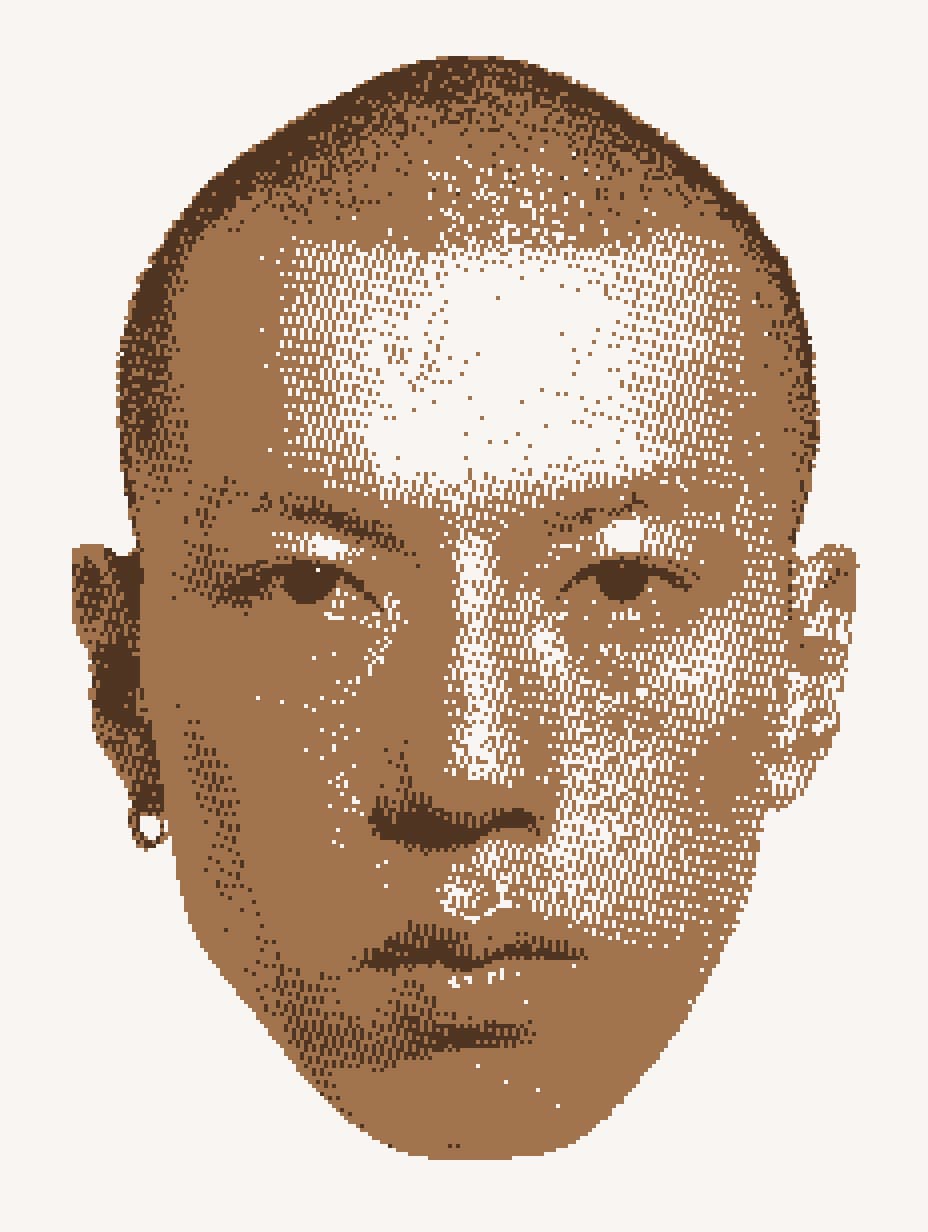
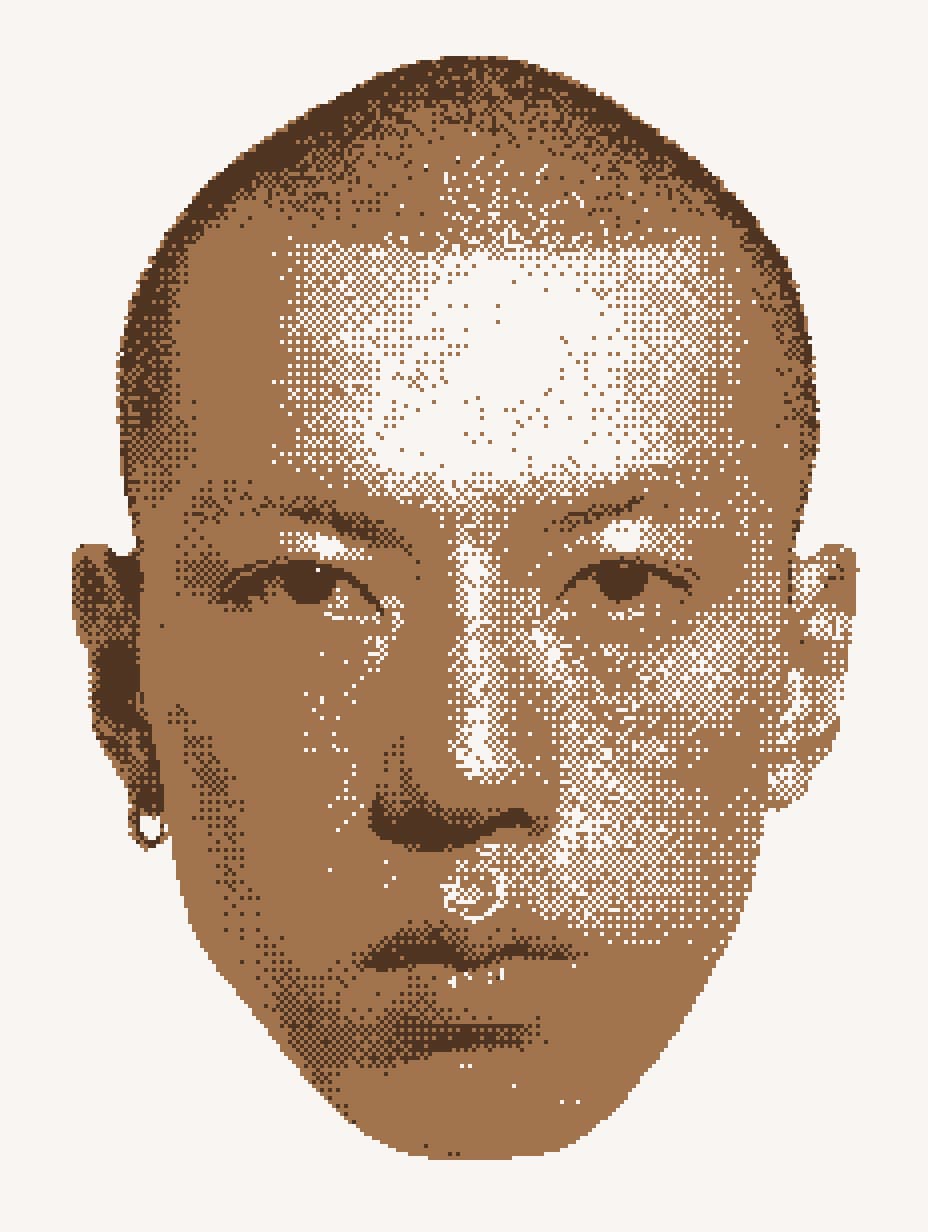
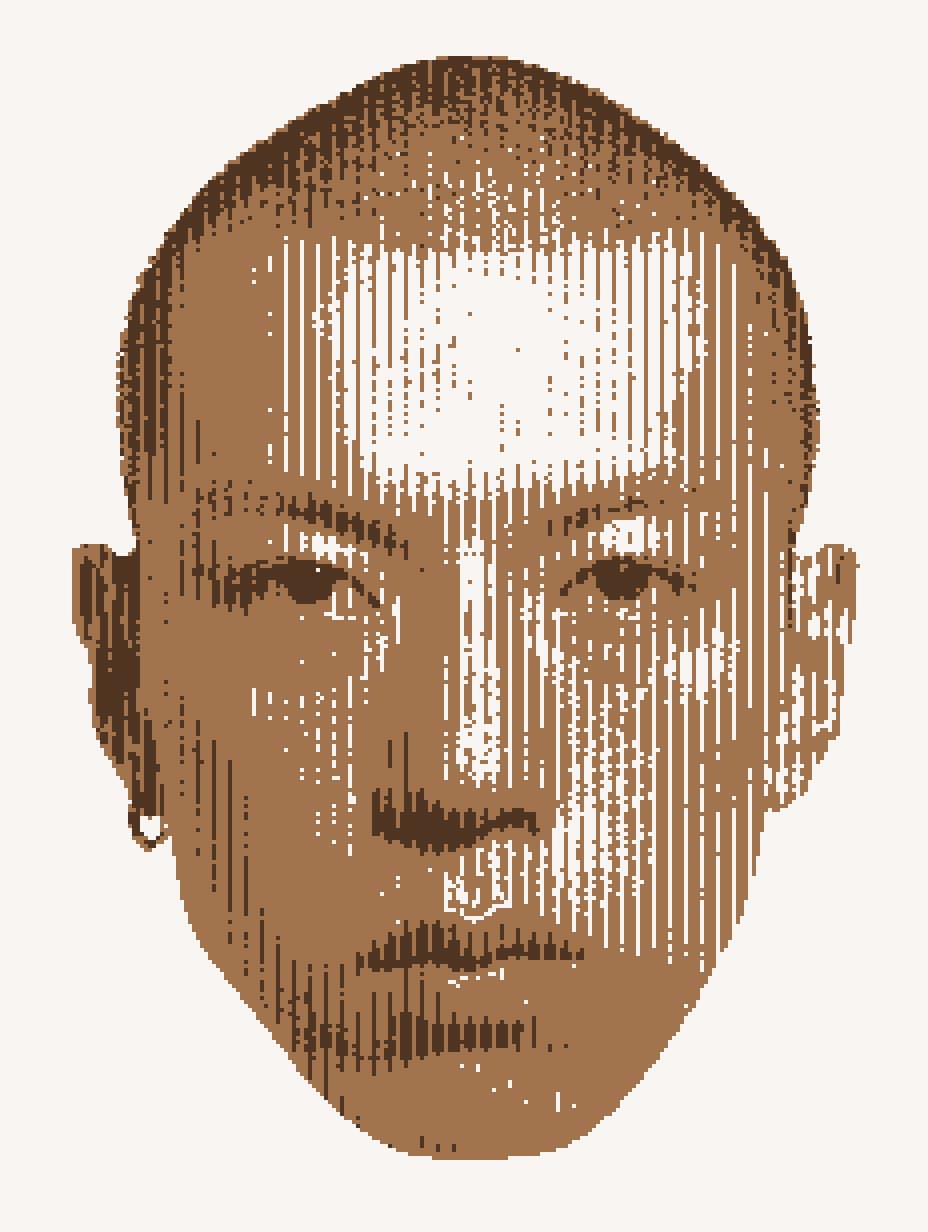
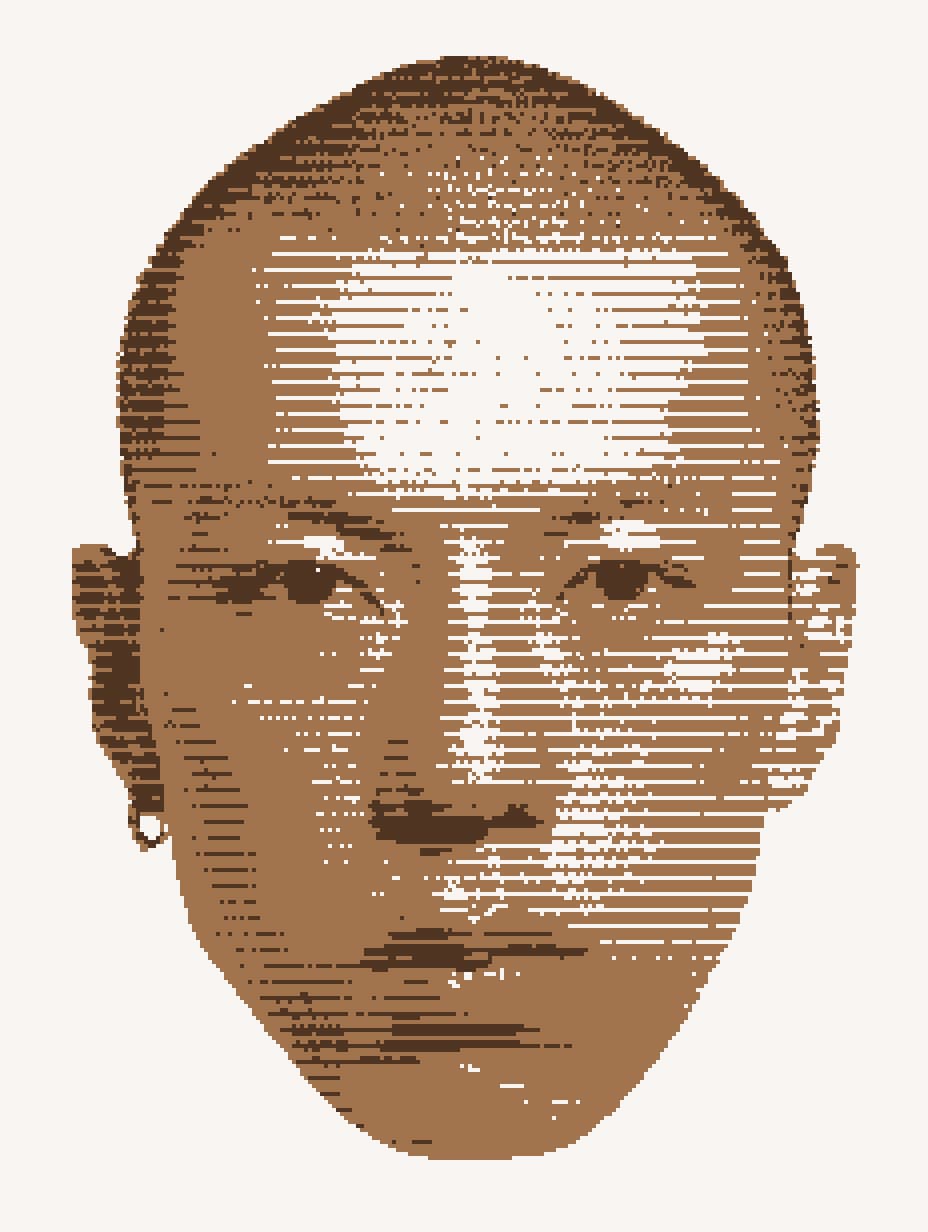
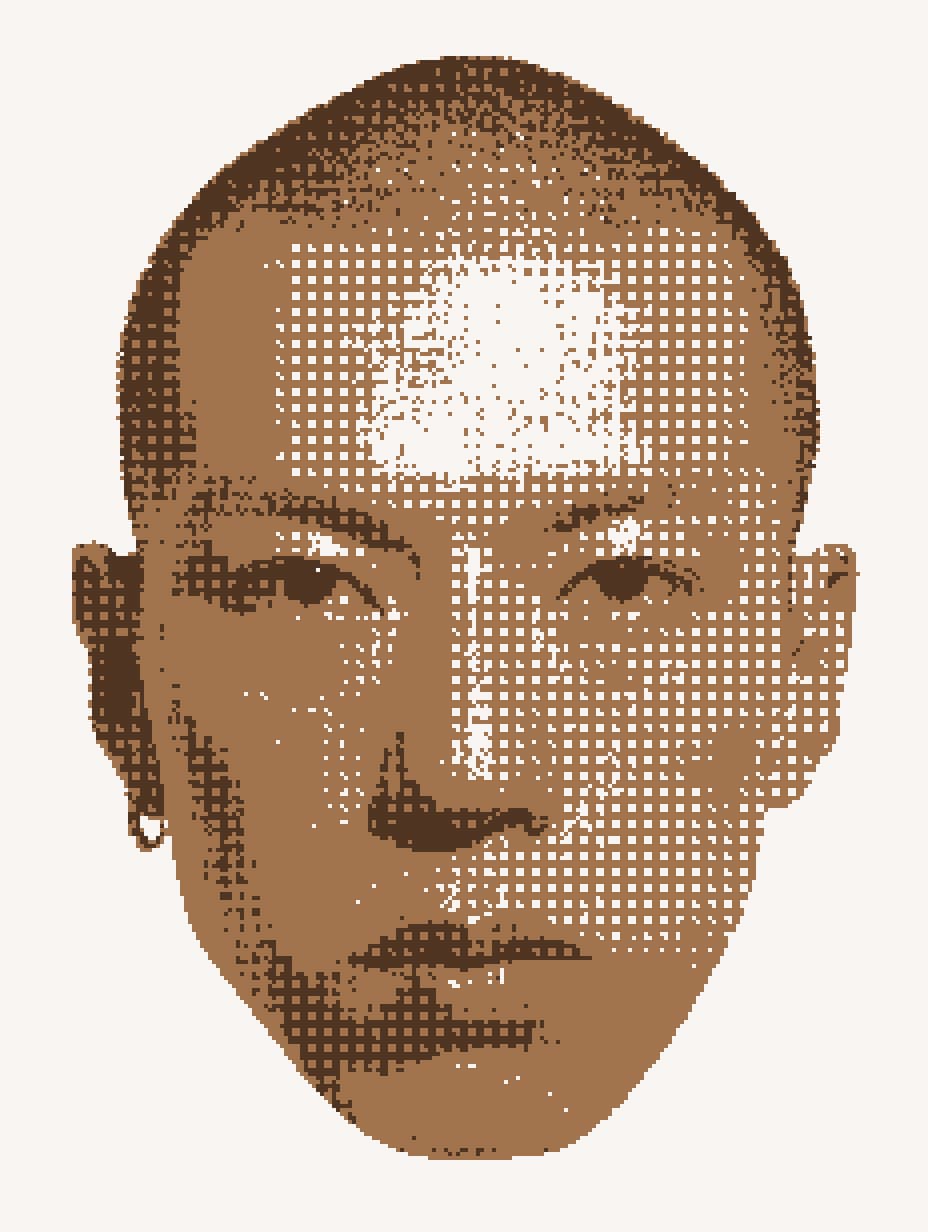
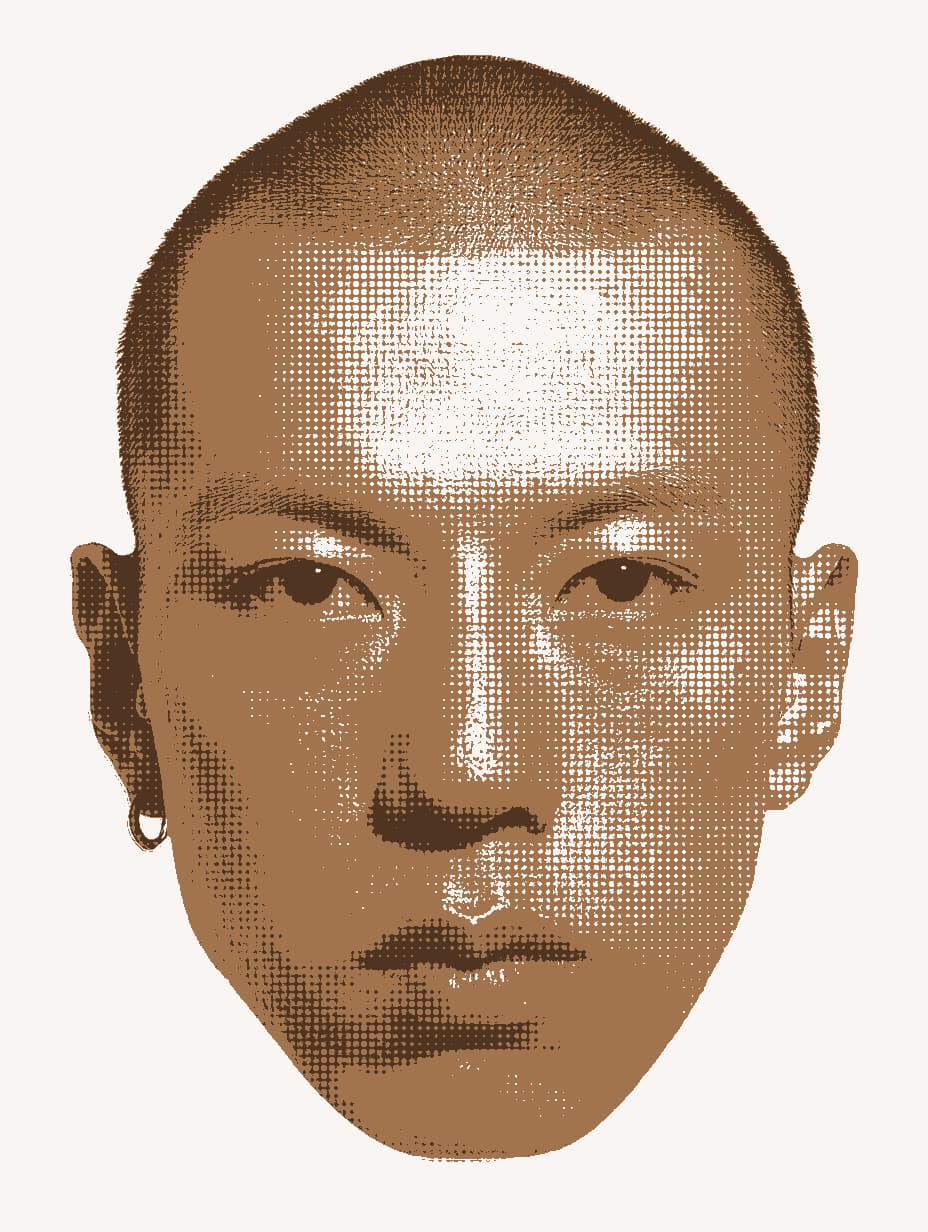
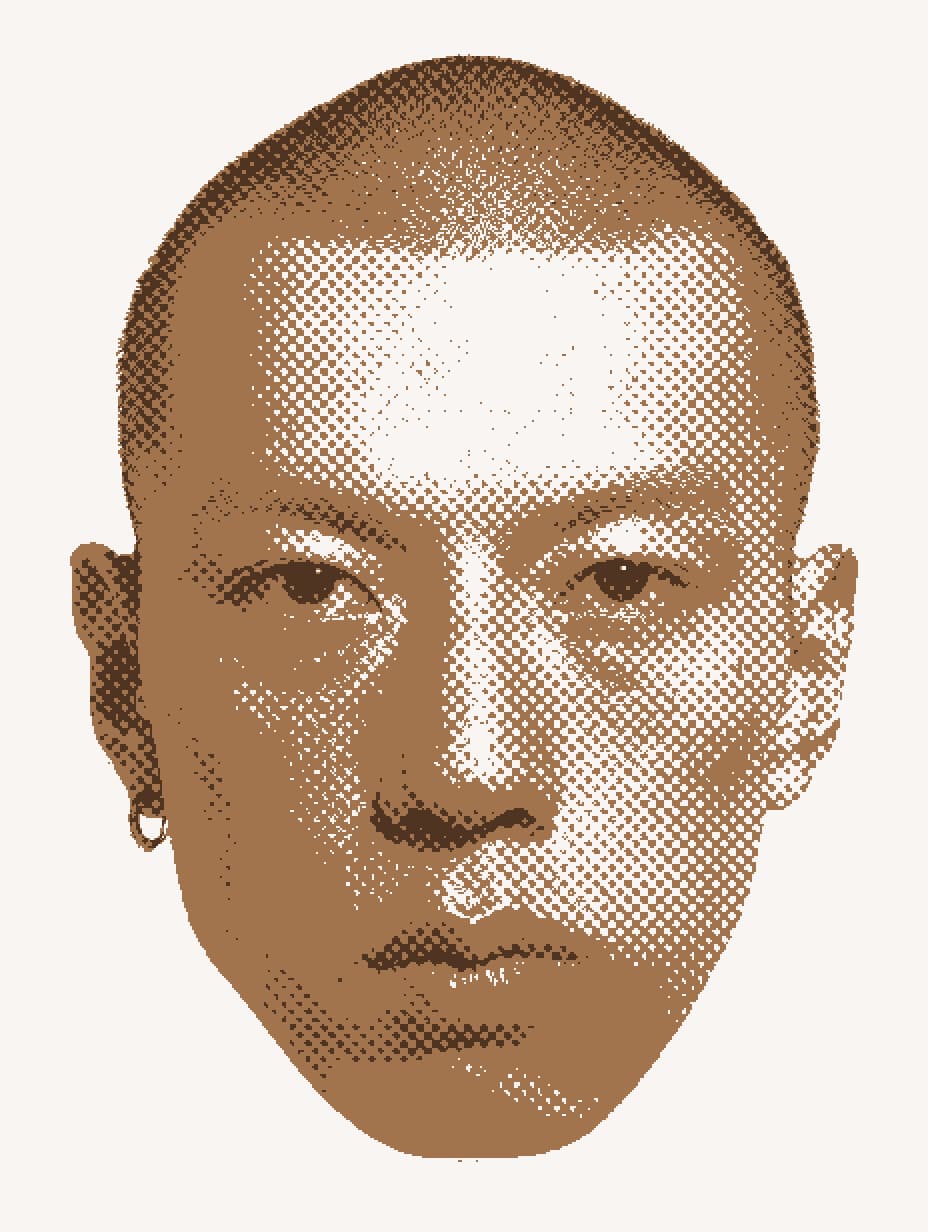
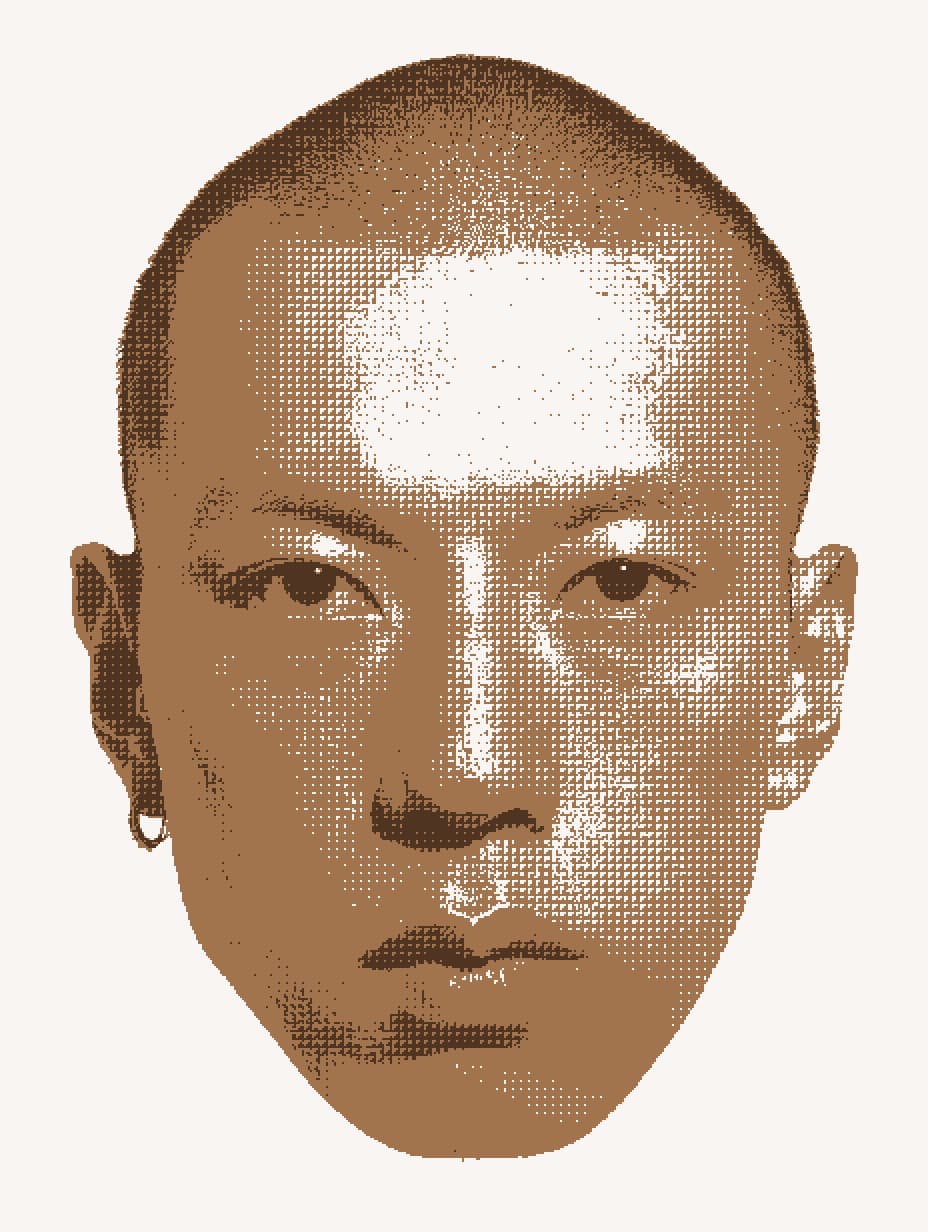
Match the Nokia Look
Pick the pattern that gets closest to the Nokia look. Reduce the color count to two and set the swatches to the exact colors grabbed from the Nokia 3310.
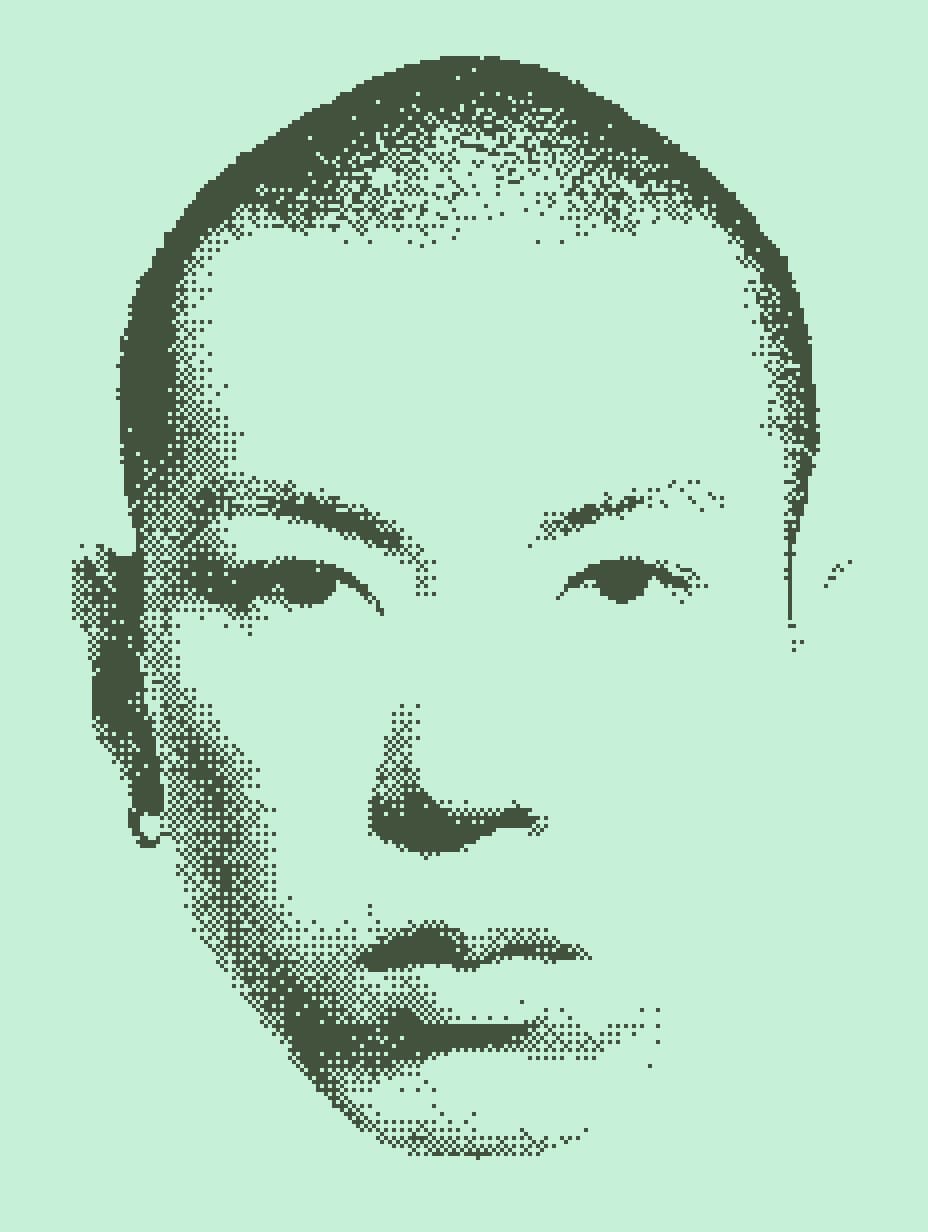
Pixel step still works from here: push it up for more lo-fi, pull it back for more detail.
Bring Monochrome Back
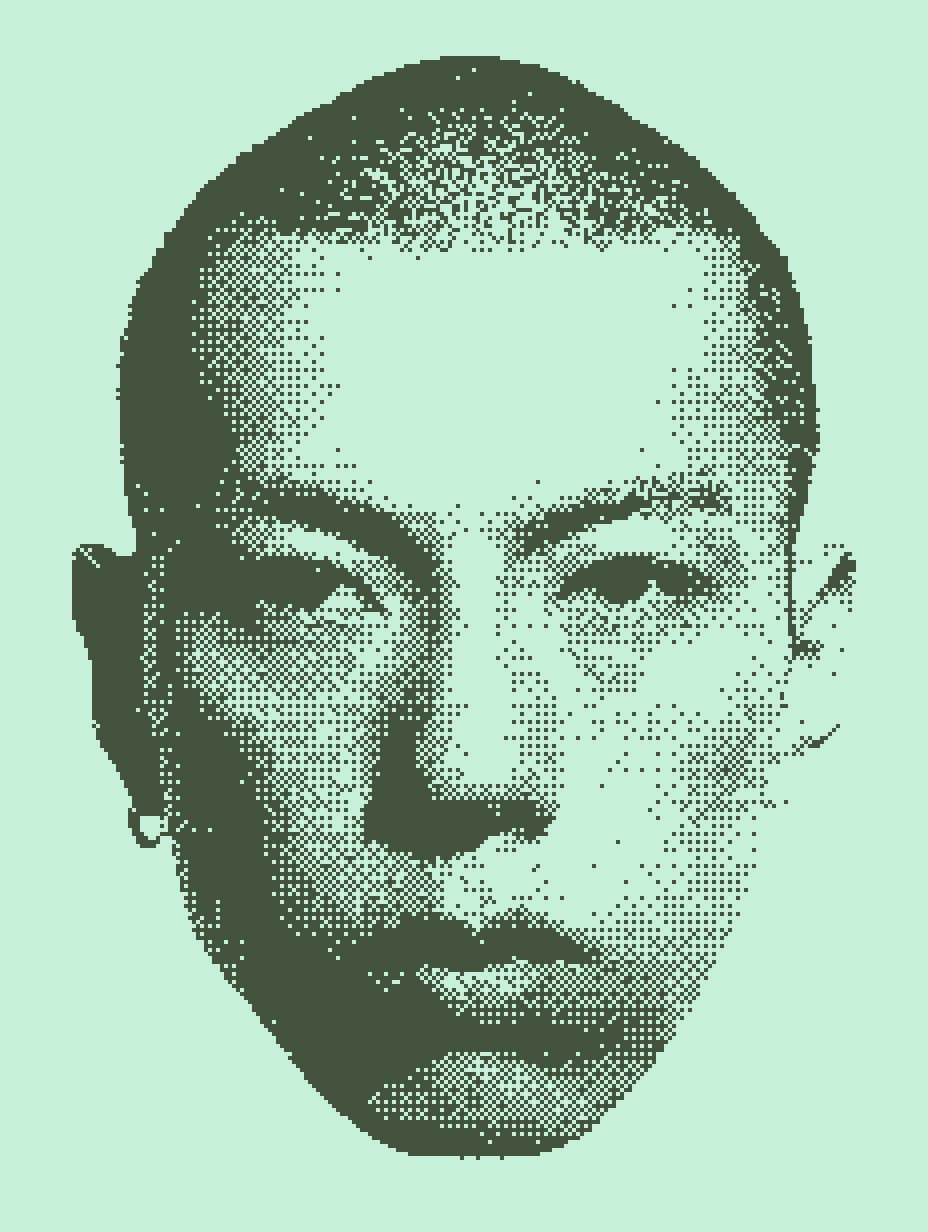
Now switch Monochrome back on - this is where the setup from the start pays off. When you reduce colors and pixelate, the image can lose details: shapes that were prominent when there was enough contrast and color gradation. You can tweak some of that with the gamma slider, but Monochrome works very well here, especially with the palette already fixed. The dither just finds the closest shades to the colors you selected, so moving the weights brings the shapes back.
It Works on Video Too
Everything in Effect.app runs in real time, so this preset applies to footage the same way it does to stills. Same layers, same controls.
A Starting Point
This preset is a starting point. Add more colors, change the palette type, stack effects under it or on top. Swap parameters, experiment, take your time.
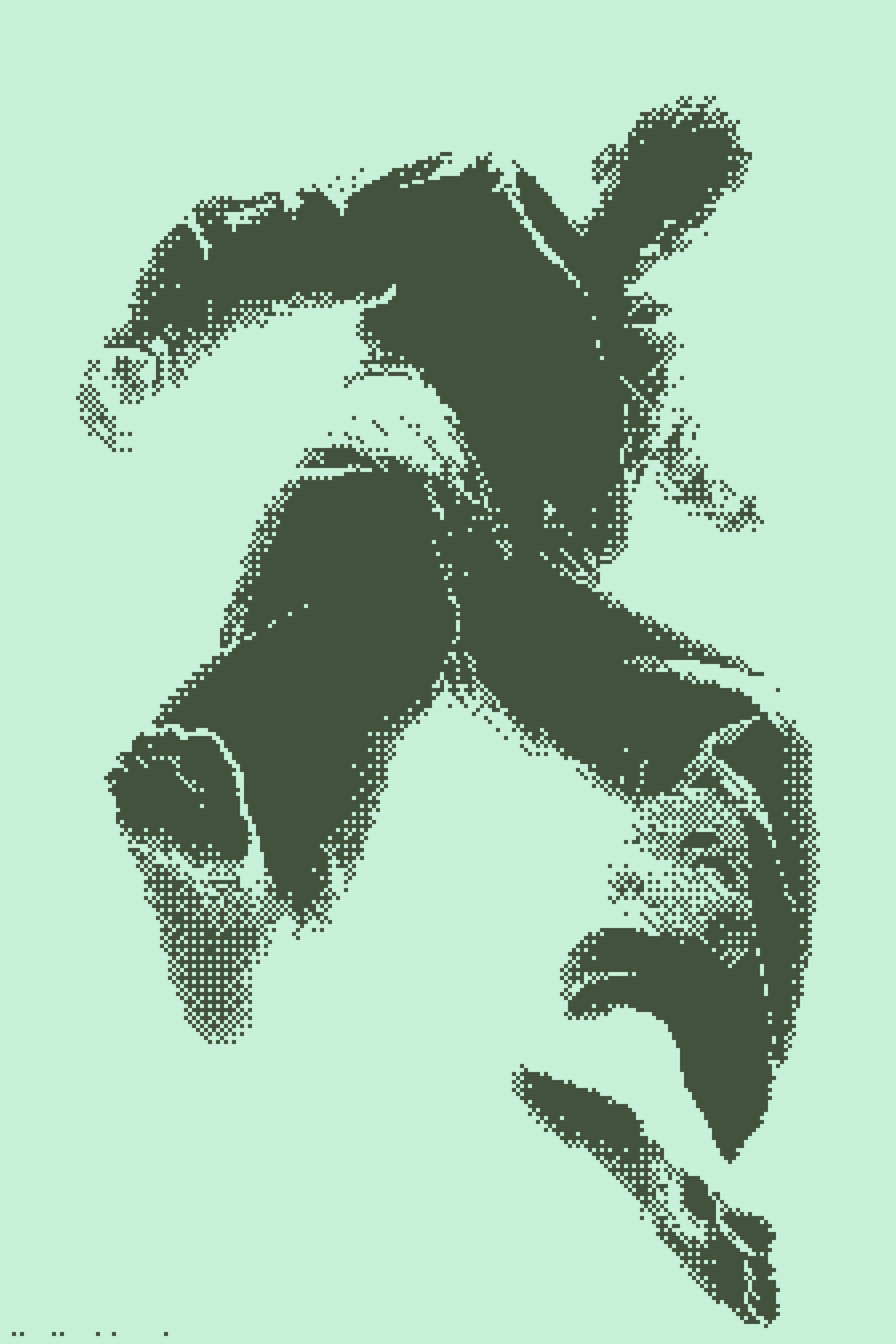
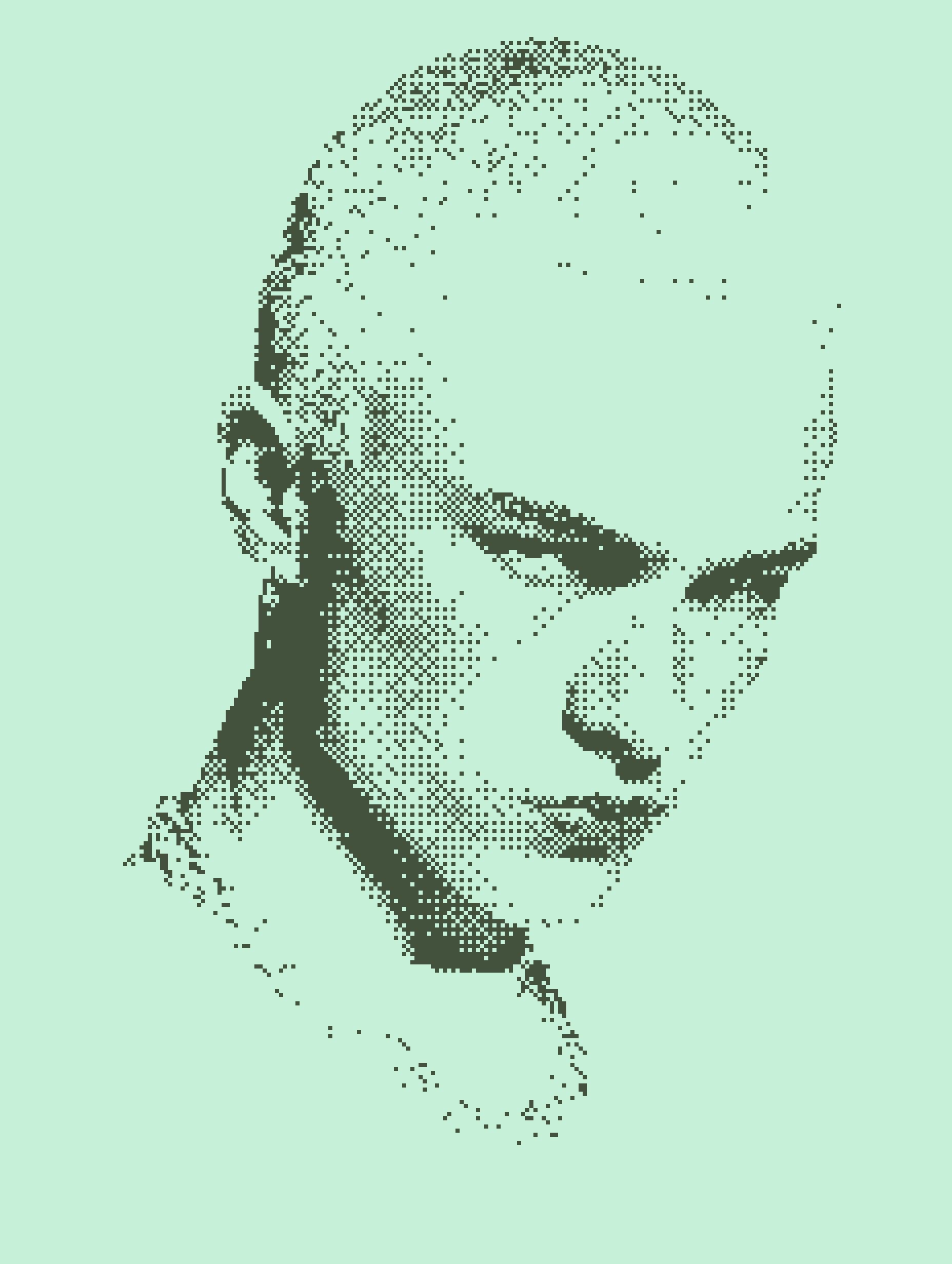
Try it yourself: open the Nokia 3310 preset.