Free
$ 0Non-commercial use. Explore the core toolkit to test ideas and share quick drafts.
Launch app- Version history
- Export up to 1080p
- Export up to 10s video
- Figma plugin
Pick two colors. Let the light do the rest. Shadows take on one hue, highlights take on another — turning any photo or video into a striking two-tone graphic.
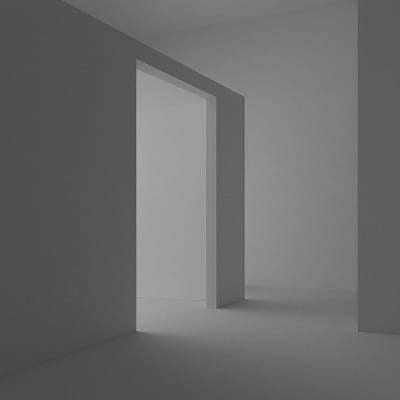 Before
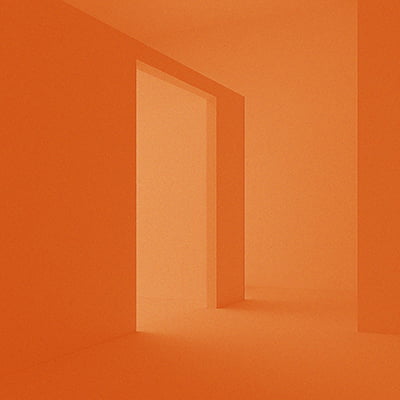 After
After
Apply your brand's two primary colors to photos for a consistent, on-brand visual style.
Recreate the look of classic two-color print techniques with bold, overlapping hues.
Use deep shadows paired with a warm or cool highlight to give portraits a cinematic, editorial feel.
Turn plain textures or gradients into vivid two-tone backgrounds for graphics and presentations.
More inspiration on Instagram @effect_app
Test out the app with no strings attached. No registration or credit card information is required.
Non-commercial use. Explore the core toolkit to test ideas and share quick drafts.
Launch appCommercial license with full features. High-resolution exports, longer clips, and work without watermarks.
For teams with specific needs. Custom licensing, integrations, and priority support.
Contact usIt maps the brightness of your image to two colors — dark areas take on the shadow color and bright areas take on the highlight color.
A tint shifts all pixels toward one color. Duotone uses two separate colors for shadows and highlights, giving you much more control over the final look.
Yes. All the structure and contrast of the original image remain — only the colors change.
Yes. Duotone works in real time on both images and videos.
Yes. Try layering it with grain, blur, or vignette for a more finished, polished result.